Introduction
If Claude Code has ever sat there with a spinning status line and no progress, you're not imagining it. Developers across macOS, Windows, and Linux have reported Claude Code freezing or hanging mid-session sometimes for a few seconds, sometimes for 20 minutes or more, with no error message and no obvious way out. It's frustrating because it looks identical to a crash, but the process is still technically "alive."
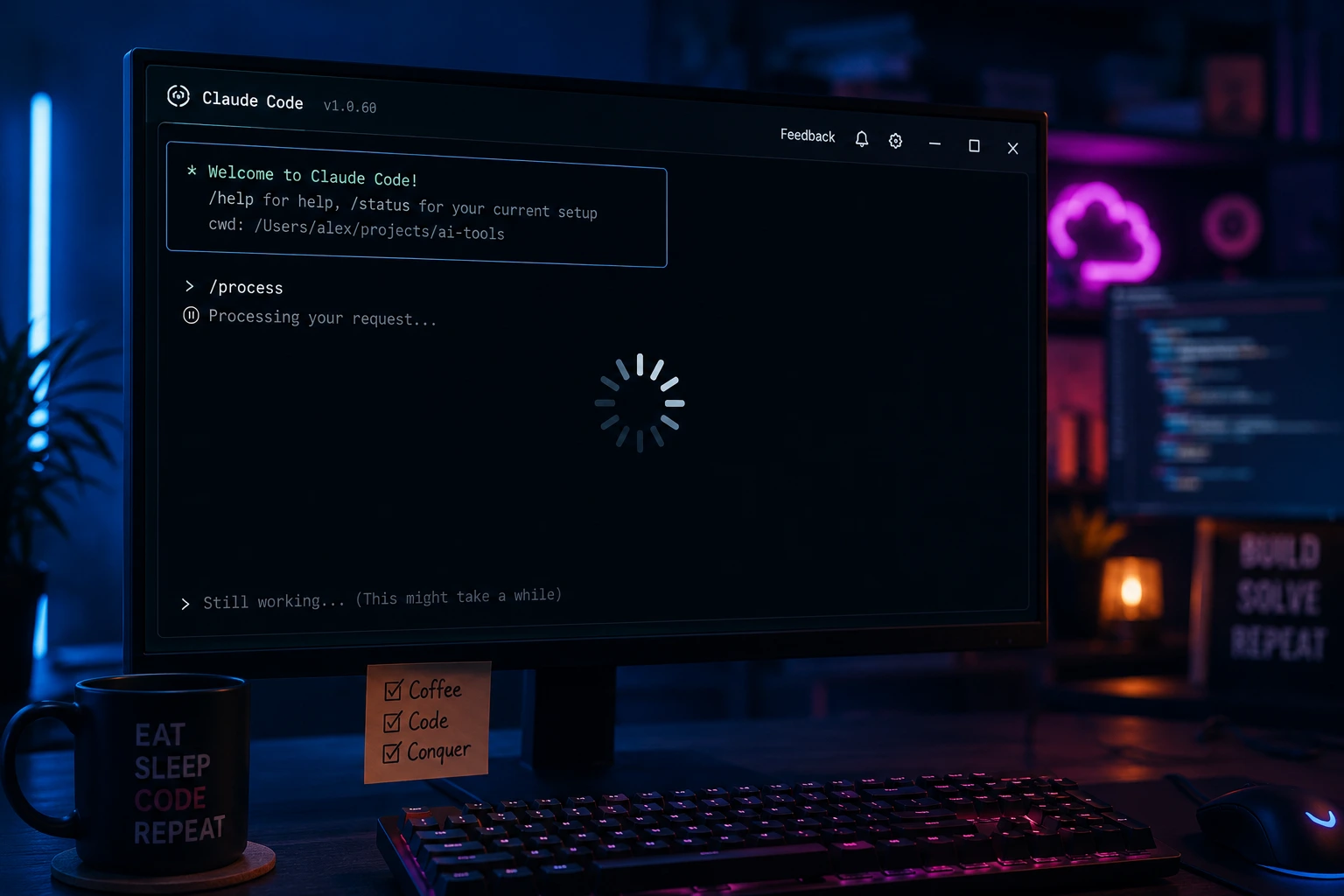
This matters because Claude Code is meant to be an agentic coding tool you can trust with real tasks code edits, terminal commands, multi-file refactors. When it stalls unpredictably, it breaks that trust and costs you time you didn't budget for.
This guide walks through why Claude Code freezes, how to tell a genuine hang from Claude simply "thinking," and the exact steps to recover a stuck session plus how to reduce how often it happens in the first place.
Quick Answer: Why Is Claude Code Frozen and What Should You Do First?
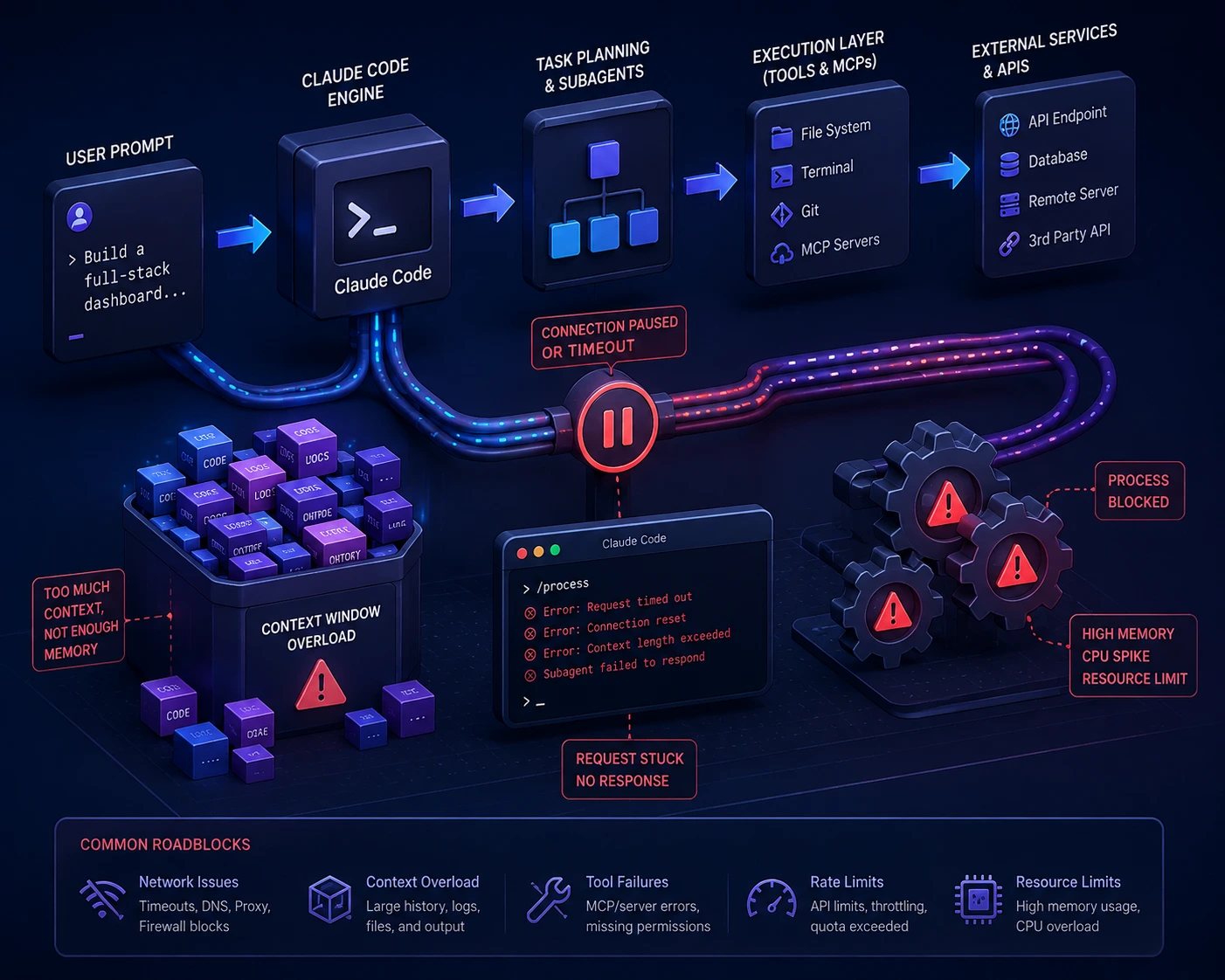
In most cases, a "frozen" Claude Code session is one of three things: a stalled network connection where the terminal is waiting on data that never arrives, a tool call stuck waiting on input (like a command that opened an interactive prompt or pager), or a startup hang caused by a slow-loading MCP server, hook, or plugin.
Before doing anything else, check whether the token count or timer in the status line is still moving. If it's genuinely stuck no token movement for 30+ seconds press Esc to cancel the current turn. If that does nothing, try Ctrl+C, then Ctrl+D. If the terminal itself is unresponsive, open a second terminal window and kill the process manually. None of this loses your work, since Claude Code saves sessions to disk and you can pick back up with claude --continue or claude --resume.
Main Causes of Claude Code Freezing or Hanging
1. Stalled Network Connection (Silent Streaming Failure)
This is the most common and most confusing cause. Claude Code streams responses over a persistent connection. If the upstream connection stalls mid-stream (due to network jitter, an unstable Wi-Fi connection, VPN interference, or issues with SSH/tmux multiplexed connections), the client can be left waiting indefinitely for data that never comes. The spinner keeps animating, but the token count and elapsed "thinking" time stop changing in any meaningful way, because nothing is actually happening.
Who it affects: Users on WSL2, tmux/SSH sessions, VPNs, or unstable networks.
How to identify it: Watch the status line for 20–30 seconds. If the token count never changes while the timer keeps ticking, the stream has stalled.
2. A Tool Call Waiting on Input It Will Never Get
Claude Code sometimes runs a terminal command on your behalf. If that command opens an interactive prompt, a pager (like less or git log without --no-pager), or starts a long-running dev server in the foreground, Claude Code's tool call will sit there waiting for input or for the process to exit and it never will on its own.
Who it affects: Anyone running commands that aren't scripted to be non-interactive.
How to identify it: The session hangs specifically after a bash/tool-use step, rather than during a plain text response.
3. Startup Hangs From MCP Servers, Hooks, or Plugins
If Claude Code hangs before you even see a prompt, the cause is almost always something loading in the background: an MCP server that never finishes initializing, a SessionStart hook that blocks execution, or a misbehaving plugin.
Who it affects: Users with custom configurations, multiple MCP servers, or custom hooks in .claude/settings.json or project config.
How to identify it: The hang happens immediately on launch, before any prompt is accepted.
4. Context Overload and Large Session History
Very long sessions with heavy tool usage, large file reads, or many turns accumulate context. As that context grows, response and rendering performance can degrade, which can look like freezing even when the underlying request is technically progressing normally.
Who it affects: Long-running sessions, large monorepos, or workflows with many chained tool calls.
How to identify it: Slowness builds up gradually across a session rather than appearing suddenly.
5. Anthropic-Side Capacity or Rate Limits
Sometimes what looks like a local freeze is actually the API being temporarily overloaded (returned as a 529 error) or you hitting a rate limit (429). Claude Code retries these automatically with backoff, so you may see delay before any error surfaces and during heavy usage periods, several users may hit this at once.
Who it affects: Anyone during high-traffic periods or after heavy API usage.
How to identify it: Multiple teammates report the same issue at the same time, or the delay resolves itself after a few minutes without any local changes.
6. Terminal Renderer or Input Handling Bugs
In some reported cases, the terminal UI itself stops accepting keyboard input Ctrl+C, Ctrl+D, and typing are all ignored even though the underlying process is still alive. This has been observed most often in long sessions with heavy tool call volume.
Who it affects: Long sessions with many tool calls (file reads, MCP interactions, API calls).
How to identify it: Nothing you type or press has any visible effect, and the only recovery is killing the process from another terminal.
7. Bash Commands Hanging on Windows and WSL
This is a distinct, well-documented category on its own. Developers on Windows report the Bash tool hanging indefinitely on ordinary commands like ls, find, or grep sometimes affecting every bash command, sometimes only after the first message in a session. Reported triggers include running Claude Code through WSL2 with a non-native shell path, project-level hooks that spawn shell subprocesses (common in Git Bash/MSYS2 setups, where the stdio pipe between Claude Code and the hook process can deadlock), and missing tools like cygpath on the system PATH.
Who it affects: Windows users running Claude Code through WSL2, Git Bash, or MSYS2, especially with custom hooks configured.
How to identify it: The hang happens specifically on Bash tool calls, while other tools (Read, Write, Edit, Grep) continue to work normally.
8. Bloated Session Logs Causing Crashes on Resume
Claude Code stores session history as JSONL files under ~/.claude/projects/. In long or tool-heavy sessions, these logs can grow unusually large in reported cases, into the multiple-gigabyte range which can make a session unloadable and cause a crash (on macOS this often surfaces as a trace trap error) specifically when running /resume.
Who it affects: Users with very long-running sessions, heavy subagent or tool-call usage, or large tool outputs that get logged in full.
How to identify it: The crash happens specifically on /resume or session startup, not mid-conversation, and the affected project's session file is unusually large.
Step-by-Step Solutions to Fix Claude Code Freezing
Step 1: Confirm It's Actually Frozen, Not Just Thinking
Watch the status line for 20–30 seconds. If the elapsed time is increasing but the token count is completely flat, treat it as a genuine stall rather than active reasoning.
Expected result: You'll know within half a minute whether to wait or intervene.
Step 2: Try the Gentle Exit First — Esc, Then Ctrl+C
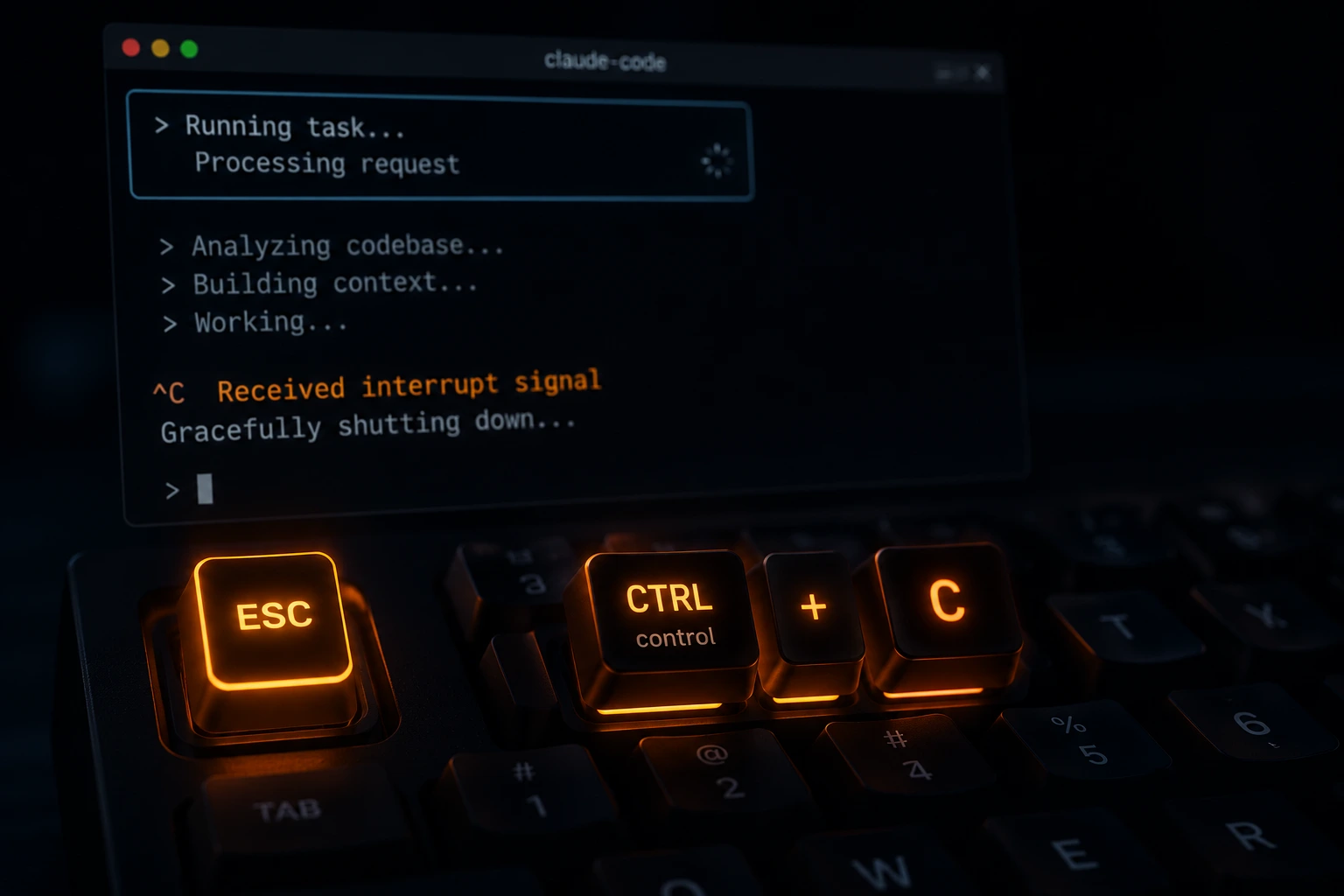
Press Esc to cancel the current turn. This is the least disruptive option and won't lose session state.
Esc
If that doesn't respond, use the hardcoded interrupt and exit keys, which work even if a custom keybinding is the actual problem:
Ctrl+C
Ctrl+D
Expected result: The current turn cancels and you regain control of the prompt.
Step 2b: Make Sure It's Not a Background Task or a tmux Key Collision
Before assuming a freeze, check two easy-to-miss possibilities. First, Ctrl+B sends the current task to the background in Claude Code — if you pressed it by accident, the tool call didn't hang, it just moved to the background and the prompt returns immediately. Run /tasks to see what's still running and pull it back if needed. Second, if you use tmux, its default prefix key is also Ctrl+B, so the first press is often swallowed by tmux; Claude Code will tell you to press it twice in that case.
Expected result: You correctly distinguish a background task or key collision from a genuine freeze before force-quitting anything.
Step 3: Force-Quit From a Second Terminal If Needed
If the terminal is completely unresponsive to keyboard input, open a new terminal window and kill the process:
bash
pkill -f claude
If it survives, force it:
bash
pkill -9 -f claude
Expected result: The stuck process terminates. Your session history is preserved on disk.
Warning: Only use -9 as a last resort — it doesn't give the process a chance to shut down cleanly.
Step 4: Resume Your Session Instead of Starting Over
Once the process is killed, relaunch and pick up where you left off rather than losing context:
bash
claude --continue
or, to choose from a list of recent sessions:
bash
claude --resume
Expected result: Your previous conversation and progress reload.
Step 5: Rule Out a Configuration Problem With Safe Mode
If freezing happens repeatedly or right at startup, isolate whether it's caused by your MCP servers, hooks, or plugins:
bash
claude --safe-mode
For an even more minimal test:
bash
claude --bare
Expected result: If Claude Code starts cleanly in safe mode but not normally, the cause is in your configuration, not Claude Code itself.
Step 6: Run the Built-In Diagnostic
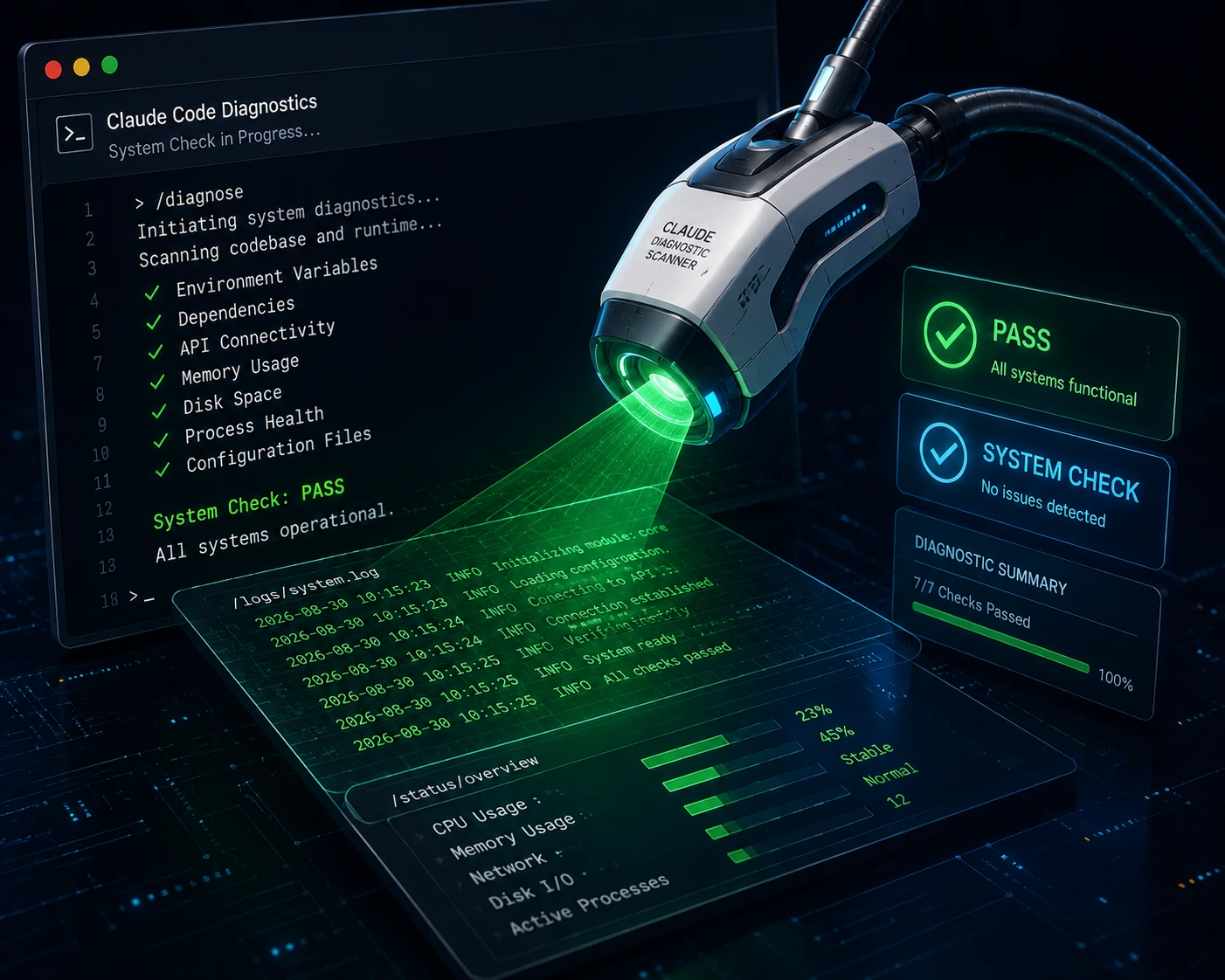
Claude Code includes a self-diagnostic command that checks installation, configuration, MCP connections, and context load:
/doctor
If a session won't start at all, run the same check from a plain terminal:
bash
claude doctor
For runtime-specific issues, use:
/debug
Expected result: You get a pass/warn/fail breakdown telling you exactly what's misconfigured, with guidance on fixing it.
Step 7: Check Anthropic's Status Page
Before assuming it's a local issue, especially if the freeze coincides with slowness reported by others, check Anthropic's status page for active incidents. If there's a known outage or capacity issue, waiting — rather than debugging your local setup — is the right move.
Expected result: You'll know whether the problem is on your end or Anthropic's before spending more time troubleshooting.
Step 8: Avoid Interactive Commands That Can Hang Tool Calls
If freezes consistently happen right after a tool call, the command itself may be waiting on input. Prefer non-interactive flags and avoid pagers:
bash
git --no-pager log
some-command --yes
Run long-lived processes (like dev servers) in the background instead of letting Claude Code wait on them in the foreground.
Expected result: Tool calls complete instead of hanging on unattended prompts.
Step 9: Trim Context in Long Sessions
For long or heavy sessions, compact the conversation before handing Claude Code a large task:
/compact
If you see an error like Autocompact is thrashing: the context refilled to the limit..., it means compaction succeeded but a file or tool output immediately refilled the context window several times in a row, so Claude Code stopped retrying automatically. Recover by asking Claude to read large files in smaller chunks, running /compact keep only the plan and the diff (or a similar focused instruction), moving heavy file work to a subagent, or running /clear if the earlier conversation is no longer needed.
Expected result: Reduced context load and more consistent response times, especially before large refactors or analysis tasks.
Step 10: Fix Windows/WSL Bash Hangs Specifically
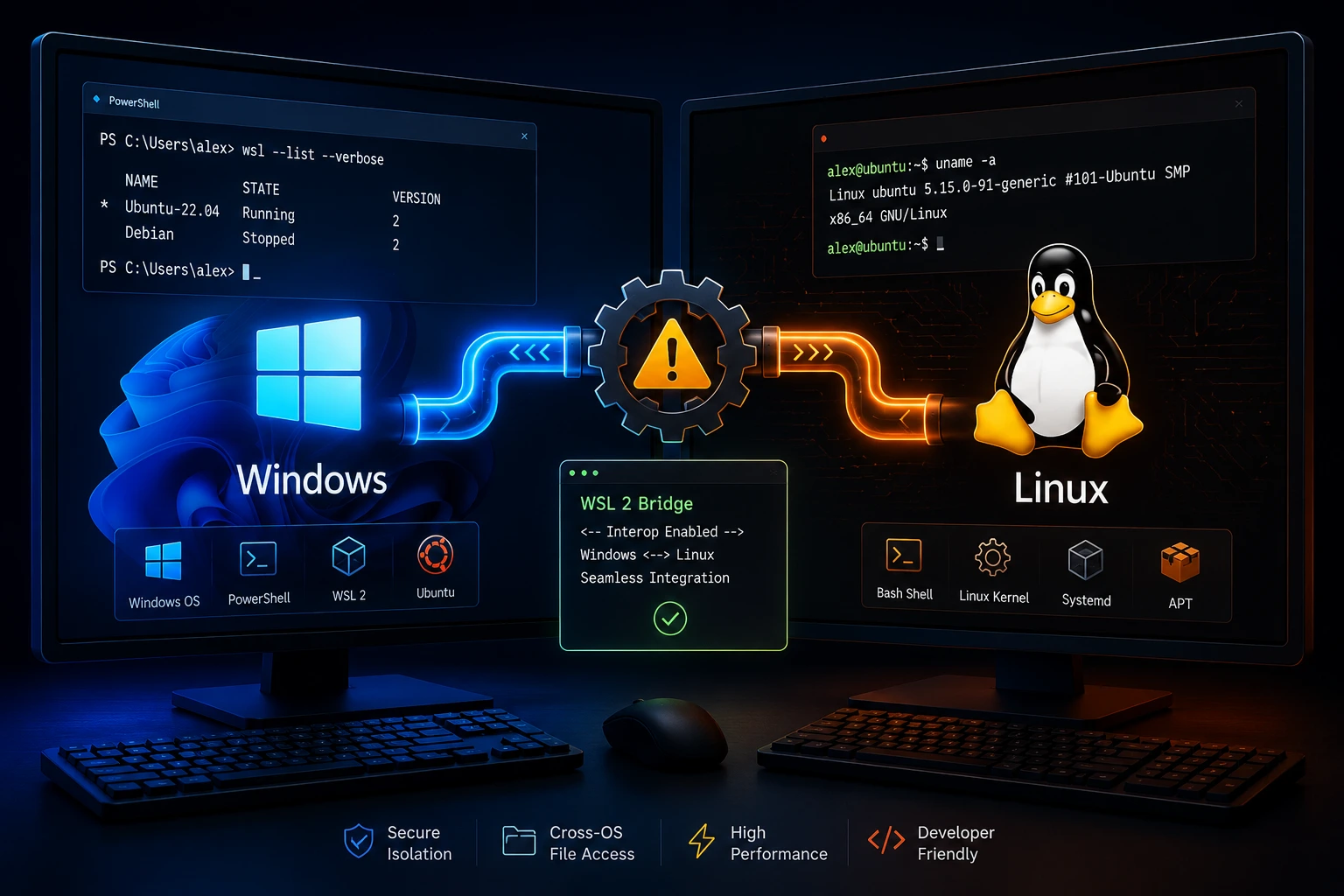
If the freeze happens specifically on Bash tool calls on Windows or WSL, check for project-level hooks in .claude/settings.json that spawn shell subprocesses — these are a known cause of deadlocked sessions on Git Bash/MSYS2. Temporarily remove hooks to confirm they're the cause, and consider running Claude Code natively on Windows or ensuring your project sits on the Linux filesystem (/home/) rather than /mnt/c/ if you're on WSL2.
Expected result: Bash commands complete normally, confirming the hook or filesystem path was the cause.
Step 11: Recover From a Bloated Session Log
If /resume crashes or hangs specifically on one project, the session's JSONL log under ~/.claude/projects/ may have grown too large. Move the oversized session file to a backup location outside that folder, then start a fresh session in the same directory. Going forward, avoid keeping a single session open indefinitely for tool-heavy work, and use /clear between unrelated large tasks to keep session files smaller.
Expected result: Claude Code loads normally in that project again, and future sessions stay small enough to resume reliably.
Step 12: Check Memory Usage If the Slowdown Builds Gradually
If Claude Code stays slow or freeze-prone after the steps above and memory usage seems to be the cause, run the built-in (hidden) diagnostic command:
/heapdump
This writes a JavaScript heap snapshot and a diagnostics summary to your desktop (or home directory on Linux without a Desktop folder) and prints a memory breakdown in the conversation. The .heapsnapshot file contains your full conversation and credentials, so don't share it publicly — if you're reporting a bug, attach only the -diagnostics.json file.
Expected result: You get a clear read on whether memory growth is driving the slowdown, and data you can safely share if you report it.
Common Mistakes to Avoid
- Assuming it's always a crash and force-quitting immediately. This can interrupt work that would have resumed on its own within a minute, especially during brief network hiccups.
- Piling on more MCP servers and plugins without auditing what's actually used. Unused integrations add context overhead and startup risk. Run /doctor periodically, not just when something breaks.
- Running interactive or long-lived commands in the foreground. This is one of the most preventable causes of a stuck tool call.
- Not checking Anthropic's status page before deep local debugging. If it's a capacity issue, no local fix will resolve it.
- Deleting configuration files at random hoping something works. Use --safe-mode first to confirm configuration is actually the cause before you start removing things.
- Mistaking a backgrounded task for a freeze. If you pressed Ctrl+B (or tmux swallowed the first press), the task moved to the background rather than hanging. Check /tasks before force-quitting.
- Letting one session run indefinitely across many heavy tool calls. This is the main driver behind bloated ~/.claude/projects log files that later crash on /resume. Start fresh sessions for unrelated large tasks.
- Adding shell-spawning hooks on Windows without testing them first. This is one of the most common causes of Bash tool deadlocks on Git Bash/MSYS2 setups.
Best Practices and Prevention Tips
- Run /doctor after updates or when switching install methods (e.g., npm to native install) to catch configuration drift early.
- Keep MCP servers and hooks to what you actually use; each one is a potential point of failure at startup.
- Use /compact before large tasks in long-running sessions to keep context lean.
- Prefer stable, wired, or low-latency connections for long sessions, especially over SSH or tmux, where stalled streams are more likely.
- Bookmark Anthropic's status page and check it first if a freeze coincides with reports from others on your team.
- Keep Claude Code updated, since freeze-related bugs are actively tracked and patched by Anthropic's engineering team.
- On Windows, test any new hook in isolation before adding it to a shared config, since shell-spawning hooks are a recurring source of deadlocks.
- Avoid running a single session indefinitely through many large tool calls; start a new session for a new large task to keep session logs from growing too big to resume.
- If a command needs to run for a long time, make it verbose (e.g., pytest -v instead of a silent run) or redirect it to a log file, so you can tell it's progressing rather than stalled.
A Note on Anthropic's Acknowledged Reliability Issues
It's worth knowing that some "freezing" reports haven't been user-side at all. In an engineering postmortem published in 2026, Anthropic confirmed that a change lowering Claude Code's default reasoning effort had, in combination with other issues, caused response latency severe enough that the UI appeared frozen for some users; the company stated the underlying issues were resolved as of that update. Separately, GitHub issue reports (including one tracking multi-hour freezes at low context usage on the Claude Max plan) show Anthropic's engineering team continuing to investigate freezes that aren't explained by local configuration. If a freeze doesn't match any of the causes above, it's reasonable to suspect a server-side or in-progress issue — check status.anthropic.com, and use /feedback to report it with session context attached.
Frequently Asked Questions
It's usually either genuinely reasoning (check if token count is climbing) or a stalled network stream where no new data is arriving. If the token count is flat for 30+ seconds, treat it as a stall rather than active thinking.
No. Sessions are saved to disk, so you can restart and run claude --continue or claude --resume to pick up where you left off.
No. Freezing is almost always a client, network, tool-call, or configuration issue — not a reflection of your codebase.
Yes. Reports point to higher frequency with WSL2, SSH/tmux sessions, VPNs, and configurations with multiple MCP servers or custom hooks.
/doctor diagnoses what's wrong with your installation and configuration. --safe-mode launches Claude Code with all customizations disabled so you can confirm whether your configuration is the cause in the first place.
Yes, if it's reproducible. Use /feedback inside a session to report a bug with session context attached, which helps engineering track down the cause.
Yes. During high-traffic periods, you may see delays tied to 429 rate limit or 529 capacity responses. Claude Code retries these automatically, which can look like a freeze before an error appears.
This points to a Bash-tool-specific issue rather than a general freeze — commonly a project hook that spawns a shell subprocess and deadlocks (especially on Windows/Git Bash), a WSL2 path issue, or a missing system tool like cygpath. Test with --safe-mode to rule out hooks first.
This is usually caused by an oversized session log file under ~/.claude/projects/ for that project, which can happen after very long or tool-heavy sessions. Move the large session file out of that folder and start fresh.
Yes, in at least one case. Anthropic published a postmortem confirming that a reasoning-effort change had made latency severe enough to look like a frozen UI for some users, and stated the issue was fixed as of that release. Anthropic's engineering team also has open GitHub issues tracking freezes that aren't yet fully explained by local configuration.
Conclusion
Claude Code freezing is rarely a single problem it's usually one of a few well-understood causes: a stalled network stream, a tool call waiting on input it'll never get, a slow-loading MCP server or hook, context overload in a long session, or temporary capacity limits on Anthropic's side. The fastest path back to working is to confirm whether it's a genuine stall (flat token count), try Esc and then Ctrl+C/Ctrl+D, and fall back to killing the process and resuming your session if needed.
For recurring issues, /doctor and --safe-mode will tell you within minutes whether the problem lives in your configuration. Treat Claude Code hanging as a solvable, known category of issue rather than a mystery and keep your setup lean to reduce how often it happens at all.