If you've typed some version of "AI coding is a nightmare" into a search bar at 2 a.m. while staring at a broken build, you're not alone and you're not losing your mind.

I've spent the last two years shipping production code with AI programming assistants glued to my editor. Some days they feel like magic. Other days they feel like handing a chainsaw to a toddler and hoping for the best. Both things are true, and nobody talks about that honestly enough.
This post isn't a hype piece, and it isn't a rant either. It's a practical, experience-based look at why AI coding problems are so common, what's actually going wrong under the hood, and how developers like you and me can use these tools without losing our minds — or our weekends.
Why AI Coding Feels Like a Nightmare
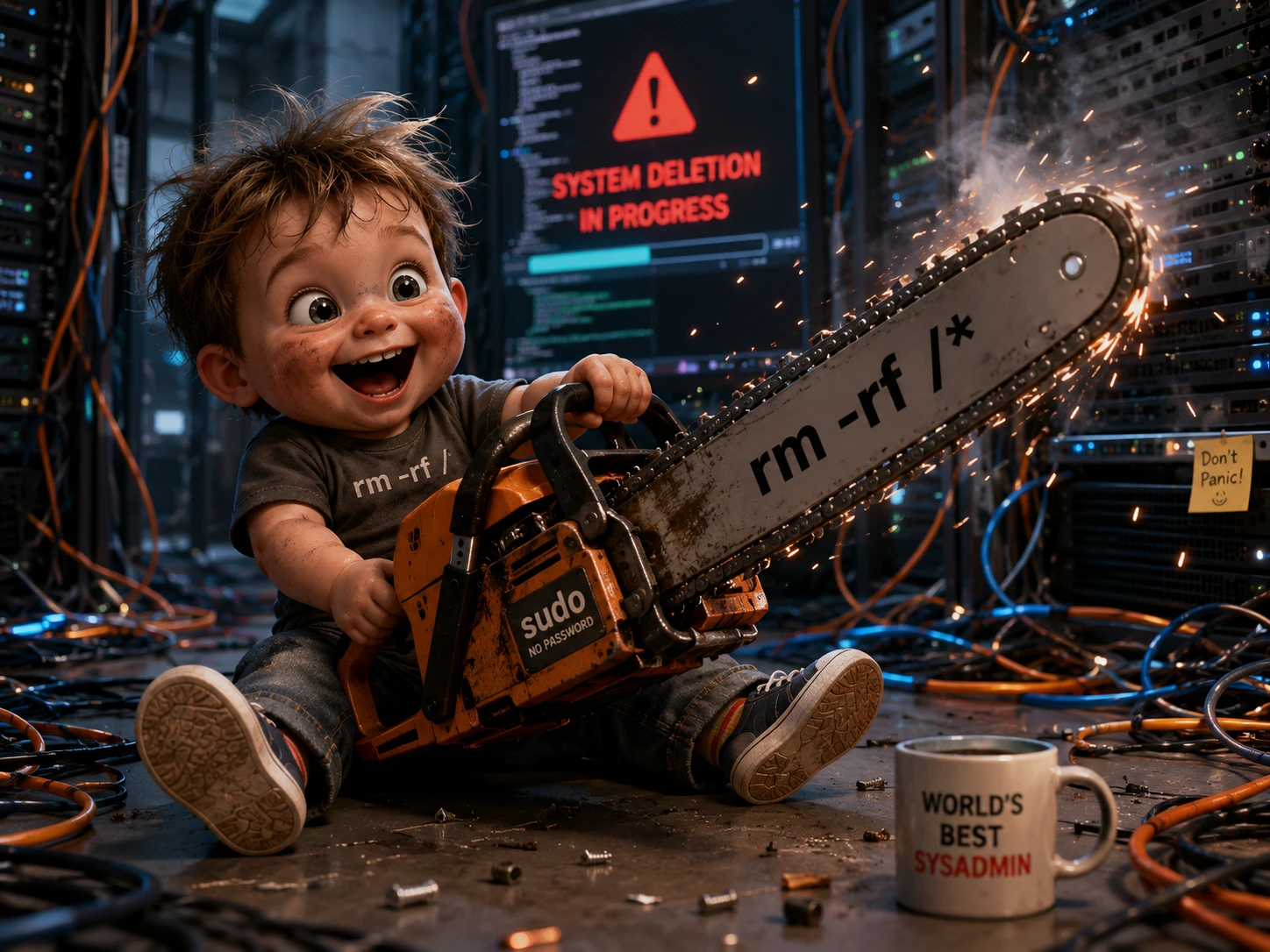
Let's start with the uncomfortable truth: AI coding is a nightmare for a very specific reason: it's inconsistent. One prompt gives you production-ready code. The next, nearly identical prompt gives you a function that quietly deletes half your logic.Claude Code Auto Mode Is Now Default
That unpredictability is what breaks developers' trust, not the occasional bug.
Here's what makes it feel especially brutal:
It's confidently wrong. AI-generated code doesn't hedge. It writes broken logic with the same tone as correct logic.
It hides complexity. A one-line prompt can generate 200 lines of code you didn't ask for and now have to review.
It breaks your flow state. Constantly babysitting an AI agent is mentally more tiring than just writing the code yourself, some days.
It creates false confidence. Junior developers especially can ship AI code they don't fully understand until it fails in production.
None of this means the tools are useless. It means the AI coding workflow most people default to "type prompt, accept suggestion, move on" is fundamentally flawed.
It's Not Just You: What Developers Are Actually Saying
If you've searched "AI coding is a nightmare" and wondered whether you're overreacting, the discourse across Hacker News, Reddit, and dev blogs says otherwise. This isn't a fringe complaint, it's one of the most common threads in developer communities right now.
A widely discussed Hacker News thread on this exact topic lays out a set of recurring gripes. One is that coding agents will duplicate logic across a file rather than reuse it, because they're cautious about reading too much of a large file at once and end up missing code that already does the job. Another is that models tend to bolt new code on top of old code instead of cleaning it up, so unused, half-working functions pile up over time.
The same poster also flagged how these agents can fix the exact bug you point out while completely ignoring whether their fix breaks something else nearby, and how quality can nosedive once a conversation gets long enough to trigger context compaction.
Commenters on that thread offered fixes worth stealing: splitting work across agents each with their own context window, using a stronger model purely as an orchestrator for smaller coding/testing agents, using a code index to help the AI find existing functionality instead of re-writing it, and most importantly doing real planning and spec work before the coding phase starts.
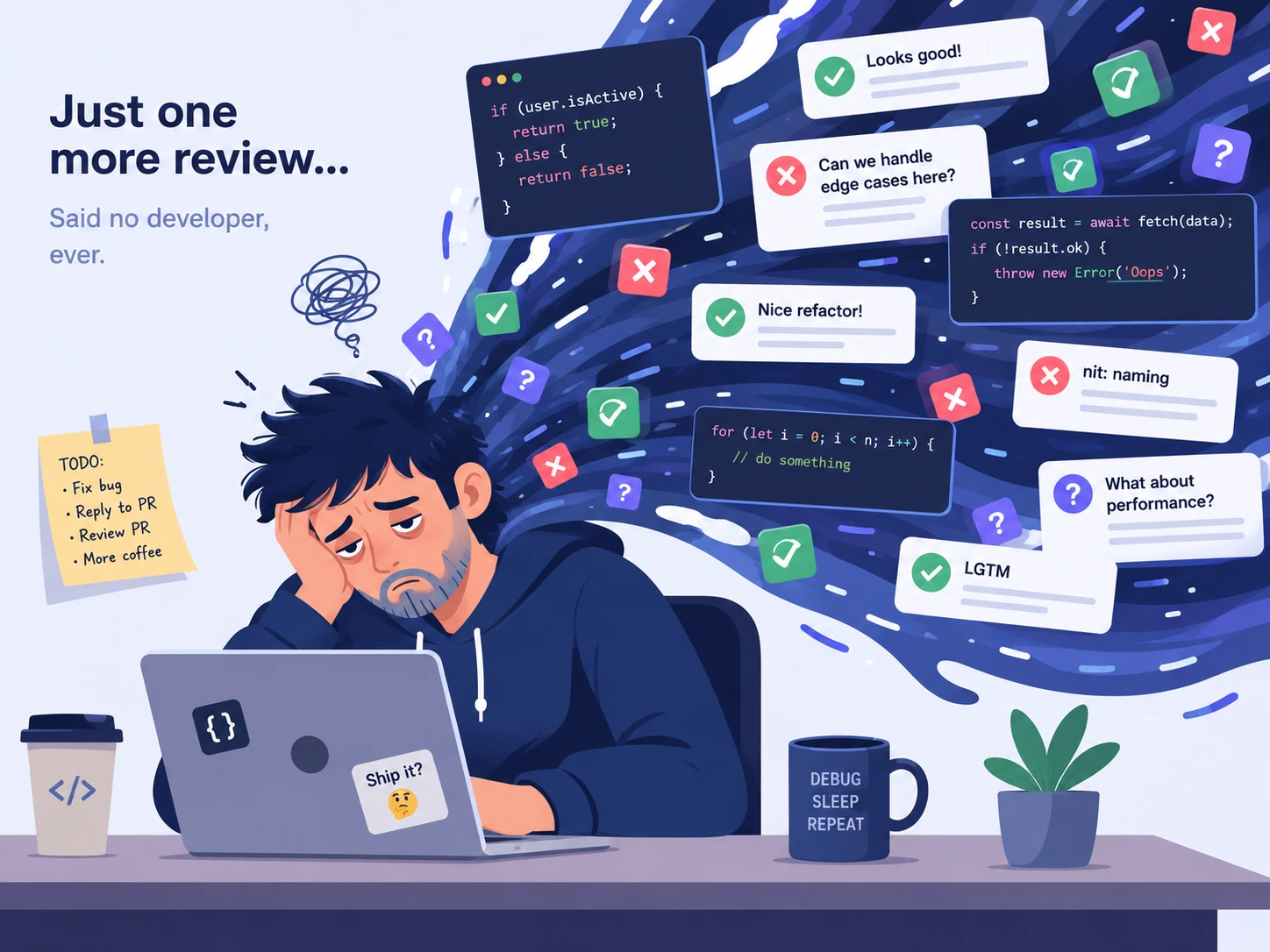
A separate Ask HN thread asking whether working with "AI juniors" has become exhausting surfaces a related but different pain point: review fatigue. One commenter pointed out that reviewing AI-authored pull requests takes longer now, partly because the person who submitted the change often can't explain why the AI made a particular decision.
Several replies converged on the same conclusion: the valuable skill going forward isn't writing code by hand, it's directing and critically checking AI output, the same way a lead reviews work from a junior team.
Developers writing on dev.to describe the same arc from the inside. One popular post summed up the experience as AI getting you most of the way to a working feature almost instantly, while the last stretch of edge cases and integration bugs turns into a drawn-out, frustrating debugging session. The author's fix wasn't to quit using AI, it was to stop treating its output as finished work and start treating it the way you'd treat a fast, overconfident junior teammate: useful, but unverified until you've checked it yourself.
A different dev.to post on the same theme named the danger a little differently. The real risk, in that writer's view, isn't any single bug, it's how convincing AI output sounds, which tempts developers and teams to skip the review discipline that normally catches mistakes before they ship.
Even the exhaustion itself is starting to get its own name. A recent piece on Medium argues that AI hasn't actually sped developers up so much as it's quietly changed their job. Instead of writing code line by line, developers now spend the day reviewing a stream of AI suggestions and deciding, again and again, whether each one is right and because the AI never pauses to think the way a human collaborator would, that stream of decisions never really slows down, which is why a day of "less typing" can still leave you completely drained.
The takeaway from all of this research: your frustration is well documented, widely shared, and not a sign you're "bad at prompting." It's a structural feature of how these tools currently work and there are concrete ways to work around it, which we'll get into below.
The Biggest Problems Developers Face
Let's get specific. These are the recurring AI coding challenges that show up in developer forums, Reddit threads, and honestly, my own Slack messages to teammates.
1. Hallucinated APIs and Libraries
AI models sometimes invent functions, packages, or parameters that don't exist. It reads like real code. It compiles in your head. It does not compile in your terminal.
2. Context Loss on Large Codebases
Most AI programming assistant tools struggle once a codebase crosses a certain size. They forget earlier decisions, contradict previous refactors, or reintroduce bugs you already fixed three commits ago.
3. Overconfident Refactoring
Ask an AI agent to "clean up" a file, and it might rewrite working logic you never asked it to touch, sometimes breaking edge cases that existed for a reason nobody documented.
4. Security Blind Spots
AI-generated code frequently misses:
Input sanitization
Proper authentication checks
Safe handling of secrets and environment variables
Rate limiting on public endpoints
5. Dependency Bloat
Some agents solve problems by installing new packages instead of using what's already in the project, quietly increasing your attack surface and build size.
6. "Vibe Coding" Without Understanding
This is the big one. Vibe coding accepting AI suggestions purely because they look right is how technical debt multiplies fast. It feels productive. It isn't, unless you review what's actually happening.
Real Examples of AI-Generated Coding Mistakes
Abstract complaints are easy to dismiss. So here are the kinds of AI coding mistakes developers report most often, generalized from common patterns across teams:
Example 1: The Phantom Import An AI assistant suggests import { validateEmail } from 'utils/validators' — a function that sounds plausible but was never written. The code looks complete. It fails at runtime.
Example 2: The Silent Logic Swap A developer asks an agent to "optimize" a sorting function. The AI rewrites the comparison logic entirely, subtly reversing the sort order in one edge case involving null values.
Example 3: The Overwritten Test Suite An AI coding agent, asked to fix one failing test, modifies the test file so aggressively that it deletes assertions for unrelated features — and they pass, because they're no longer testing anything meaningful.
Example 4: The Copy-Paste Security Hole A generated authentication snippet stores a token in local storage instead of a secure, httpOnly cookie — a classic mistake that looks fine in a demo and terrible in a security audit.
The pattern across all of these? The code looks finished. That's what makes AI generated code dangerous without review — it doesn't look unfinished the way human draft code usually does.
Why AI Still Saves Time Despite Its Flaws
Here's where I have to be fair, because this isn't a "throw the tools out" article.
Despite everything above, AI coding tools genuinely save time — just not in the way marketing decks suggest.
Where AI actually helps:
Boilerplate generation — CRUD endpoints, config files, repetitive component structures
Explaining unfamiliar code — faster than digging through documentation alone
First-draft functions — a starting point beats a blank file
Writing tests — even imperfect test scaffolding speeds up coverage
Learning new frameworks — asking "why" is often faster than searching
The time savings are real when AI is treated as a first-draft generator, not an autonomous engineer. The nightmare starts when developers skip the review step and trust the output blindly.
Think of it like a very fast, very confident junior developer who never gets tired and never says "I'm not sure." That's useful — but only if someone senior is checking the work.
Claude Code vs Cursor AI vs GitHub Copilot
One of the most common questions right now: which AI developer tool actually handles real projects best? Here's an honest, experience-based comparison.

Feature | Claude Code | Cursor AI | GitHub Copilot |
|---|---|---|---|
Best for | Agentic, multi-file tasks and terminal workflows | In-editor pair programming | Inline autocomplete & quick suggestions |
Codebase awareness | Strong, especially for large refactors | Strong within open project | Moderate, improving over time |
Autonomy level | High — can plan and execute multi-step tasks | Medium — assists but you drive | Low — mostly reactive suggestions |
Learning curve | Moderate | Low | Very low |
Best environment | CLI, IDE, and desktop app | VS Code-based editor | Any major IDE via extension |
Ideal user | Developers doing large-scale changes | Developers who want fast in-editor iteration | Developers wanting lightweight autocomplete |
Risk of "vibe coding" | Lower, if used deliberately | Medium | Medium-High |
Bottom line: There's no single "best" tool — there's a best tool for the task. Many senior developers now use more than one: Copilot for quick inline suggestions, Cursor for iterative in-editor work, and Claude Code for larger, agentic, multi-file tasks that need planning.
Pros and Cons of AI Coding Tools
Pros | Cons |
|---|---|
Speeds up boilerplate and repetitive code | Can hallucinate functions or APIs that don't exist |
Great for learning new languages/frameworks | Struggles with very large or legacy codebases |
Reduces time spent on documentation lookup | May introduce security vulnerabilities silently |
Helpful for writing initial test coverage | Encourages "vibe coding" without real understanding |
Available 24/7, no fatigue | Can be overconfident about incorrect solutions |
Useful for code review and explanations | Requires strong human oversight to be safe |
Best Practices for Using AI in Software Development
If you want AI to feel like a tool instead of a nightmare, treat it like one. Here's what actually works:
1. Review Every Line Before Committing
Never merge AI-generated code you haven't personally read and understood.
2. Keep Prompts Small and Specific
Instead of "build the user auth system," ask for one function at a time. Smaller scope = smaller blast radius when something's wrong.
3. Always Run Tests After AI Changes
Don't assume passing code means correct code. Run your full test suite, not just the file that changed.
4. Use AI for Drafts, Not Final Decisions
Let it propose a solution. You decide if it's the right solution.
5. Version Control Everything
Commit before letting an agent make sweeping changes. Rollbacks should always be one command away.
6. Ask the AI to Explain Its Own Code
If it can't explain its logic clearly, that's a signal to slow down and check it manually.
7. Watch for Dependency Creep
Review any new packages an AI agent installs — verify they're necessary and reputable.
Common Mistakes Developers Should Avoid
Even experienced engineers fall into these traps:
Blindly accepting multi-file changes without reading the diff
Skipping tests because "the AI said it works"
Letting AI touch production configs or secrets directly
Using one giant prompt instead of breaking tasks down
Ignoring AI coding limitations around context window size and codebase memory
Treating AI output as final instead of a first draft
Not documenting what the AI changed, making future debugging harder
The developers who get the most value treat AI coding agents like enthusiastic interns: fast, tireless, occasionally brilliant, and always in need of a second pair of eyes.
Will AI Replace Programmers?
Short answer: not in the way headlines suggest.
Human vs AI programming isn't really a competition, it's a shift in what "programming" means day to day. AI is very good at generating code. It's still weak at:
Understanding business context and unwritten requirements
Making architectural tradeoffs based on team, budget, and long-term maintenance
Debugging genuinely novel problems with no prior pattern to draw from
Taking accountability when something breaks in production
What's actually changing:
Junior roles are shifting toward reviewing and directing AI output, not just writing from scratch
Senior engineers are spending more time on system design and less on boilerplate
"Prompting well" is becoming a real, valuable skill — not a gimmick
Code review is becoming more important, not less
Programmers aren't being replaced. The job is being redefined around AI software development as a collaborative process, not a replacement process. The engineers who struggle most are the ones who either refuse to use AI at all, or who use it without understanding what it's doing.

Final Verdict: Is AI Coding Really a Nightmare?
Here's the honest answer: AI coding is a nightmare when it's used carelessly and a genuine productivity boost when it's used deliberately.
The nightmare isn't the AI itself. It's the gap between what these tools promise ("write your app in minutes!") and what they actually deliver (a fast, imperfect first draft that needs a skilled human to finish the job).
If you've been frustrated by hallucinated functions, broken refactors, or code that looked perfect and wasn't — you're not bad at prompting, and you're not the only one. You're experiencing the current, very real AI coding limitations that every developer working with these tools runs into.
The fix isn't abandoning AI. It's using it with the same discipline you'd use with any junior contributor: review, test, and verify — every single time.
FAQ: AI Coding Questions Developers Actually Ask
Because AI tools generate confident-looking code even when it's wrong, and the errors often aren't obvious until runtime or production.
It depends on the task. Claude Code tends to excel at larger, agentic, multi-file work, while Cursor AI is often preferred for fast, in-editor iteration.
Yes, especially for inline autocomplete and quick suggestions inside existing workflows — it's lightweight and easy to adopt.
Vibe coding means accepting AI suggestions because they look right, without verifying the logic. It's fast but can silently introduce bugs and security issues.
Only after human review, testing, and validation. Treat AI output as a draft, not a finished product.
This is called hallucination — the model predicts plausible-looking code patterns, which can include APIs or functions that were never actually written.
Unlikely in the near term. AI is strong at generating code but weak at judgment, context, and accountability — all things human developers still provide.
Break prompts into smaller tasks, always run full test suites, review every diff, and avoid letting agents touch production secrets directly.
Yes — many developers report this, especially on complex or legacy codebases where reviewing AI output takes longer than writing the code manually.
Start with low-risk tasks like boilerplate, tests, and documentation. Build trust gradually before letting AI touch core business logic.
Final Thoughts
If AI coding is a nightmare for you right now, it doesn't mean you're doing something wrong — it means you're using powerful, imperfect tools the way most of the industry currently is: without a clear framework for review and trust.
Start small. Review everything. Keep your test suite honest. And treat every AI suggestion as a draft written by a fast, tireless collaborator who still needs your judgment to ship anything real.
Have your own AI coding horror story? Drop it in the comments — chances are, you're far from the only one.