Anthropic just flipped a switch that changes how millions of developers will write code from the terminal. Starting August 14, 2026, Claude Code Auto Mode becomes the default permission setting for every Pro, Max, and Team plan user. No opt-in required, no config file to edit new sessions will simply run in Auto Mode unless you've pinned a different default.

If you've spent the last year alt-tabbing away from your terminal every ninety seconds to click "yes" on another permission prompt, this is the update you've been waiting for. And if you haven't heard about it yet, you're about to see why it's the biggest Claude Code default update since the CLI launched and since Anthropic first previewed a test version of Auto Mode back in March 2026, positioning it as a balance between speed and control.
This isn't a minor UX tweak. It's Anthropic betting that an AI classifier can make better real-time security decisions than a tired developer thirty prompts deep into a refactor and the data backs them up.
Here's everything you need to know about Anthropic Claude Code 2026's biggest workflow shift yet.
The Problem: Developer Prompt Fatigue Is Real
Anyone who's run a long Claude Code session knows the rhythm: write a file, approve. Run a command, approve. Install a package, approve. Multiply that by a full day of agentic coding, and you get exactly what you'd expect from any repetitive security control people stop actually reading it. Developers even coined a term for the resulting babysitting duty: "botsitting" sitting around approving prompts instead of actually working, which defeats half the point of delegating a task to an agent in the first place.
Anthropic's own telemetry confirms it. According to the company's official blog post, developers approve 97% of all permission prompts in Claude Code. That number alone tells the story of prompt fatigue: when nearly every single request gets a reflexive "yes," the permission system stops functioning as a review process and starts functioning as a formality.

Interestingly, this isn't because developers are careless everywhere. Anthropic found that when Claude presents a plan for approval to a higher-level, less frequent checkpoint users reject it 39% of the time. But for granular, repeated tool-call permissions, the rejection rate collapses to just 3%. The friction isn't a lack of judgment; it's decision fatigue from too many small, similar choices.
The workaround many developers reach for makes things worse. Anthropic reports that as of June 2026:
49.5% of active CLI users have manually created a Bash allow-rule
5% allow any shell command outright
43% more have interpreter-level rules like Bash(python:*) or Bash(node:*) — which Anthropic notes are "essentially equivalent in practice" to unrestricted access, since they let arbitrary code run unchecked
That share of allow-rule users is growing roughly 5 percentage points every 5 weeks
62% have used bypassPermissions or clicked "don't ask again" on Bash
25% of interactive sessions now start in bypass mode
In other words, the manual permission system was quietly training developers to disable it. That's the security risk Auto Mode is designed to fix. As Anthropic's own engineering team put it, humans simply "don't do so well when constantly prompted for permissions" — and the company is betting that fewer, higher-signal prompts will make developers more likely to actually read the ones that matter.
The Security Data: Auto Mode vs. Human Review
This is where the announcement gets genuinely surprising. Anthropic commissioned a controlled study with 1,053 paid professional testers working in a dedicated test environment, not their own codebases or real projects. Partway through each session, researchers swapped a routine permission prompt for a clearly dangerous command without telling testers what was being measured and recorded whether it got approved. (Approving the prompt never actually ran anything dangerous; only the text of the prompt changed.)
The results:
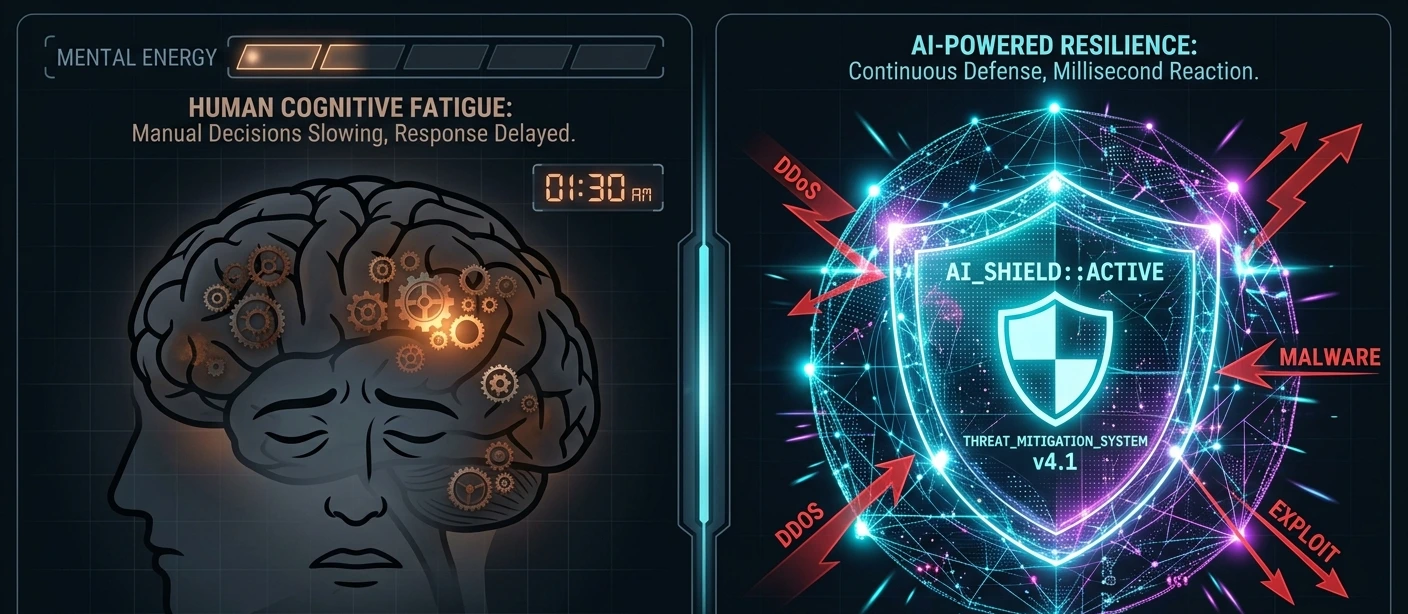
Human testers caught the dangerous command only 13.6% of the time (143 out of 1,053)
Auto Mode's classifier blocked 89% of the same commands (937 out of 1,053)
Head-to-head, Auto Mode blocked 800 dangerous commands that a human had already approved while humans caught only 6 that Auto Mode missed
Worse, human vigilance degraded over time. Testers blocked about 17% of dangerous commands early in a session, but that rate fell to roughly 5% after 50+ prior prompts. Auto Mode's detection rate, by contrast, stayed flat regardless of session length. Machines don't get tired.
Anthropic also ran a separate analysis of real production sessions flagged by its safety pipeline between May and June 2026 (from accounts that had opted into data use for training). Each flagged session was re-graded on a 0–10 harm-severity scale, where 10 meant company-wide irreversible harm and 7 meant production-level severity like deleting rows from a live database.
The gap held here too: at that production-level severity threshold, 6.3% of manually approved sessions contained a harmful action the user hadn't explicitly asked for, versus 2.4% of Auto Mode sessions more than double the unintended-harm rate under manual review.
How the Classifier Actually Works
Claude Code CLI safety in Auto Mode doesn't mean "no supervision." Every tool call is routed through a classifier trained to catch actions that are irreversible, destructive, or aimed outside your environment. When it flags something, Claude typically does one of two things: finds a safer way to accomplish the task on its own, or stops and asks you directly. If it hits three blocks in a row, or twenty in a single session, Claude Code automatically falls back to full manual approval.
Anthropic also shared real incidents the classifier caught internally, including:
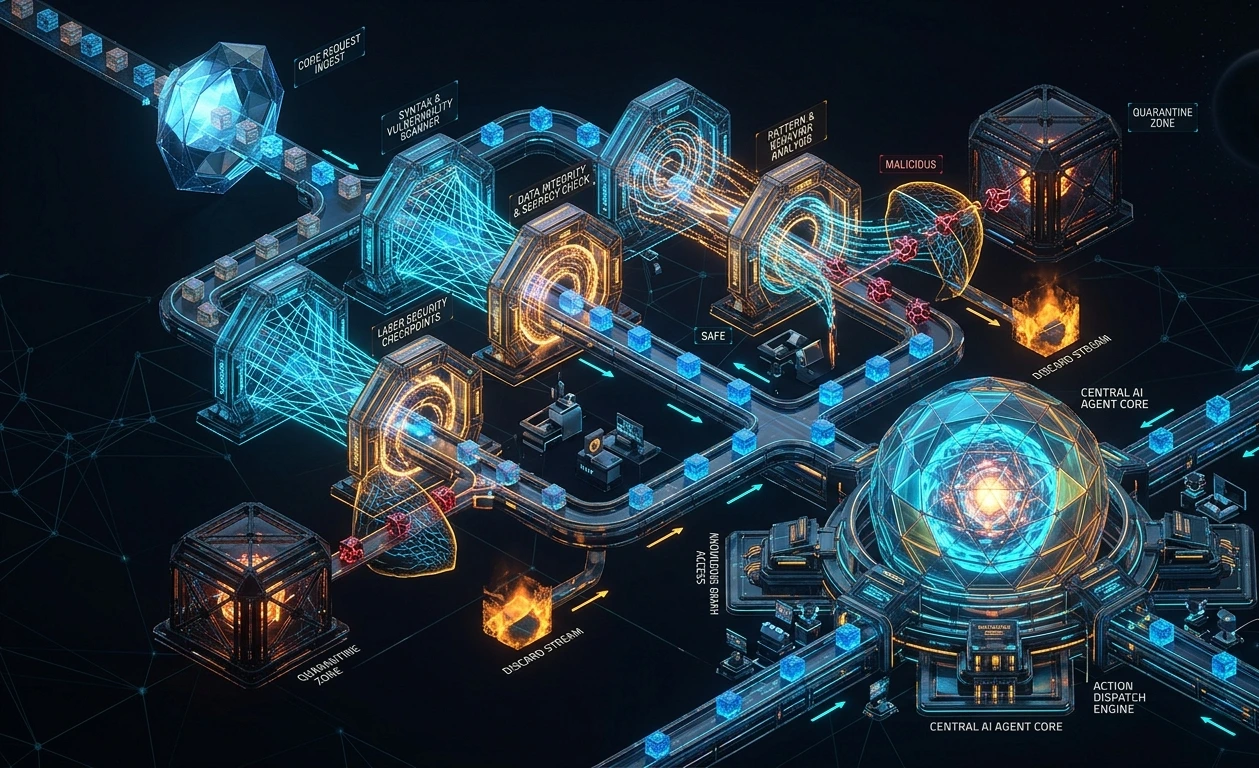
Blocking a fallback that would have leaked an internal report to a public code-sharing site after an upload failure
Stopping a mass process-kill across roughly 2,000 pods that would have torn down active GPU training jobs
Catching a privilege-escalation mismatch where a request for read-only billing access would have granted full administrative root control
Beyond destructive commands, Anthropic also tested Auto Mode against prompt injection attacks with third-party firm Trajectory Labs, using the latest publicly available versions of Claude Code and Codex as of July 17, 2026. Across 720 attack attempts spanning 72 scenarios attacks originally optimized against an older Claude model, so every tested model faced them fresh zero succeeded against Claude Fable 5, Opus 5, or Sonnet 5 running Auto Mode, compared to a 5.83% success rate against GPT-5.6 Sol running in Codex's comparable "Auto-review" mode, and up to 19.03% in Codex's unrestricted "Full Access" mode.
Notably, Anthropic's own models still saw a small 0.09% average attack success rate when running fully unguarded in bypassPermissions mode, a reminder that Auto Mode's classifier, not the base model alone, is doing the heavy lifting.
Anthropic didn't stop at internal testing, either. The company ran a two-week red-teaming pilot with Apollo Research, a UK-based AI safety firm, that injected synthetic attacks into real coding trajectories across datasets covering broad failures, data exfiltration, and safety-related threats. Before hardening, the classifier missed 12% of these attacks; after incorporating Apollo's findings mainly by giving the classifier more context about the environment it's protecting, like repository visibility and git state that miss rate dropped to 7% on a held-out attack set the classifier had never seen.
Anthropic is careful to warn that this 7% figure comes from an adversarial, synthetic test set built specifically to find weaknesses, and shouldn't be read as the miss rate on ordinary real-world traffic.
New Safety Features Rolling Out Alongside Auto Mode
Anthropic also detailed several classifier upgrades shipping alongside the default change:
Hard denies: actions like data exfiltration sending code or secrets somewhere external sit in a category the classifier is designed to never approve, regardless of settings. Security teams can add their own custom hard-deny rules org-wide.
Data access and sharing rules: the classifier now distinguishes secrets and sensitive information, and checks whether the destination of a git push or pull request is public, private, or trusted before letting it run since the same push can be routine or an exfiltration depending on where it lands.
Git-status awareness: before a destructive git command like git reset --hard, the classifier now checks the repository's current git status first.
Prompt injection screening: when Claude pulls in content from web pages, files, or tool outputs, an API-side probe scans it for hijacking attempts and flags a warning before the result reaches the user.
Not Everyone's Fully Convinced
The security numbers are striking, but independent observers have flagged real caveats. Developer and LLM researcher Simon Willison, who covered the announcement the same day it dropped, pointed out that 89% detection still leaves 11% of dangerous commands that Auto Mode would not have caught and that the harder problem isn't accidental destructive actions but prompt injection, where malicious instructions get smuggled in through content the agent reads from elsewhere (what he calls the "lethal trifecta" of private data access, exposure to untrusted content, and the ability to exfiltrate).

Willison specifically questioned whether Auto Mode could catch a scenario like a malicious third-party package instructing the agent to run an innocuous-looking helper command that's actually designed to exfiltrate data arguing he'd like independent verification of Anthropic's zero-successful-attacks claim before fully trusting it. That said, Anthropic's own team has been running Auto Mode internally for months: Claude Code lead Boris Cherny posted on X that he and the team "use Auto mode exclusively, and have been for many months," adding, "I couldn't imagine going back to permission prompts."
The Productivity Advantage: 25% More PRs

Security aside, the headline number for most engineering leads will be this: teams using Auto Mode ship about 25% more pull requests than teams still relying on manual approval, according to Anthropic's data from Team and Enterprise adopters.
The mechanism is straightforward. Every permission prompt is a context switch and context switches are expensive. Remove the interruptions, and agentic sessions can run uninterrupted for hours. That matters even more as AI coding agent workflow shifts toward long-horizon tasks powered by models like Claude Opus 5, which are specifically built to work autonomously on large, multi-step problems.
Early production adopters are already reporting results:
Adobe's merchandising platform team runs an agentic loop in Auto Mode to build and verify pricing pages across 90+ countries and 30+ languages, receiving finished PRs for review.
Nuro uses Auto Mode to run overnight research agents. One engineer described kicking off a session at 10 p.m. that ran until 5 a.m. and produced three completed PRs by morning.
Gusto adopted Auto Mode specifically to curb the permission fatigue that was pushing engineers toward disabling safety checks entirely. About 10% of its sessions since mid-May have included at least one classifier denial which Anthropic points to as evidence the system is doing real work without slowing legitimate tasks.
Garner Health rolled Auto Mode out as the standardized default across all 550 employees via managed settings, replacing hand-curated command allowlists with a single company-wide SDLC.
The pattern is consistent: fewer interruptions, more finished work, less temptation to bypass safety checks altogether.
Pricing & the Token Waiver
One friction point Anthropic addressed head-on: the classifier itself consumes a small number of extra tokens on every tool call. Charging users for that overhead would have created an obvious incentive to turn Auto Mode off.
So Anthropic isn't charging for it. Effective immediately, Pro, Max, and Team plan users pay nothing extra for the Auto Mode classifier's token overhead. Enterprise, Claude API, and cloud-platform users (AWS/Bedrock, Google Cloud's Agent Platform, Microsoft Foundry) remain opt-in for now, with Anthropic planning to extend both the default and the fee waiver to those environments "in the coming month." Enterprise admins who want it sooner can already pin Auto Mode as the default via managed settings.
CLI Quick Guide: How to Customize Your Settings
Auto Mode becoming default doesn't mean you're locked in. Here's how to check and adjust your setup:
Switch modes on the fly: Press Shift+Tab in the CLI to cycle between permission modes (default, acceptEdits, Auto Mode, bypassPermissions), or use the mode dropdown in the desktop app.
If you already set a custom default: You'll get a one-time in-app prompt asking whether you want to switch to Auto Mode. Ignore it, and your existing default stays put.
If your org has a pinned default: Nothing changes, managed settings always take priority.
For admins: Pin an org-wide default using defaultMode in managed settings, or disable Auto Mode entirely across your fleet with disableAutoMode.
For customizing what gets blocked: Auto Mode supports configurable hard deny rules actions like data exfiltration that the classifier will never approve, regardless of settings so security teams can add their own non-negotiable restrictions.
One important note: broad Bash allow-rules (like Bash(python:*)) that grant arbitrary code execution are automatically paused while Auto Mode is active, since they'd let commands skip the classifier entirely. Your settings file isn't modified; those rules simply resume the moment you switch modes.
Anthropic is still clear-eyed about the limits here: Auto Mode reduces risk, but classifiers aren't infallible. For high-stakes changes to production infrastructure, manual review is still the recommended move.
Bonus Feature: Parallel Sessions Can Now Talk to Each Other
Anthropic rolled out a second update alongside the Auto Mode announcement that's easy to miss but genuinely useful if you run multiple agents at once: Claude Code sessions can now message each other directly. If you've got parallel sessions working on related parts of a codebase, you can tell one session to notify another instead of re-explaining context yourself. The sending session shares a summary not your full history or files and the receiving session picks it up mid-task. For anyone running several long, unattended Auto Mode sessions in parallel, this closes a real coordination gap.
The Bottom Line
Auto Mode's promotion to default status marks a real inflection point in how AI coding agents operate. For over a year, the industry's answer to "how do we keep autonomous agents safe" was simple: ask the human. Anthropic's own data now shows that approach was quietly failing, fatigued developers approving 97% of prompts reflexively created more risk than it prevented.
By replacing that fatigue with a classifier that catches 89% of dangerous commands (versus 13.6% for humans) and unlocks a 25% jump in shipped PRs, Anthropic is making a clear statement about where terminal-based AI development is headed: less babysitting, more building with guardrails that don't get tired.
Independent voices like Simon Willison are asking for more outside verification before fully buying the prompt-injection numbers, and that 11% of dangerous commands Auto Mode still misses is a real gap worth keeping in mind but inside Anthropic itself, the team has apparently already made the switch permanent.
Whether you see this as overdue progress or a step too far toward autonomy probably depends on how much you trust the classifier with your production environment. Either way, starting August 14, it's the new normal for millions of developers.
What do you think is Auto Mode the safety upgrade developers actually need, or does handing more control to the AI make you nervous? Drop your take in the comments below.