The first time a prompt actually worked, it was 11 PM. My laptop screen was glowing, and I had already deleted three failed attempts. I typed something very simple: “Write me a product description for a Notion template.”
In just nine seconds, ChatGPT gave me a copy that was better than what had taken me an hour to write manually. That single moment completely changed how I work.
This guide exists because most “How to Use ChatGPT” articles are written by people who only read other articles. This one is different. It is written by someone who uses ChatGPT every single day to create and sell digital products.
Whether you’re launching your first Notion template, writing email sequences that actually convert, or creating Instagram captions that sell, this step-by-step guide will take you from complete beginner to confident user in a few weeks.
Table of Contents
What ChatGPT Actually Is (and Isn’t)
Setting Up Your Account the Right Way
Writing Your First Prompt That Actually Works
How to Have a Real Conversation With ChatGPT
Using ChatGPT for Digital Product Selling
When ChatGPT Gets It Wrong (and What to Do)
Building a Personal Workflow Around It
Realistic Timeline: What to Expect Week by Week
Four Mistakes Beginners Make (and Pay For)
FAQs
What ChatGPT Actually Is (and Isn’t)
ChatGPT is a large language model developed by OpenAI. Simply put, it predicts the next most likely word based on everything it was trained on.
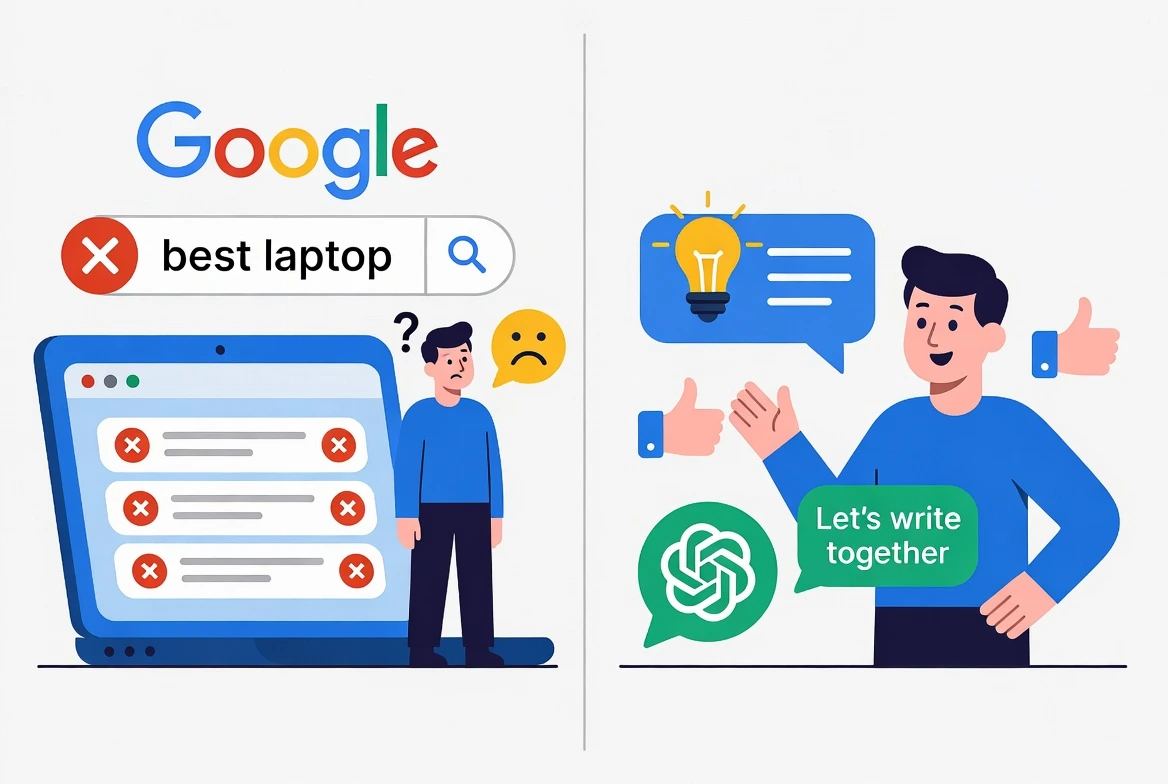
It is not a search engine. It doesn’t browse the internet in real time (unless you have a paid plan), it doesn’t know what happened last week, and it can sometimes make up facts.
The biggest mistake beginners make is treating ChatGPT like Google. If you ask “What is the best laptop right now?”, you may get a confident but outdated answer. But if you ask it to “Help me write a comparison guide for laptops targeted at freelance designers,” it becomes extremely useful.
ChatGPT is a powerful writing and thinking partner, not an all-knowing oracle.
Setting Up Your Account the Right Way
Go to chatgpt.com
Create a free account using your email, Google, or Apple ID.
You will start with the latest free model (GPT-5.3 Instant in 2026), which is more than enough for beginners.
Important advice: Do not upgrade to a paid plan in the first two weeks. Use the free version until you feel its limits. Most people upgrade too early and waste money.
Pro Tip: Immediately turn on the Memory feature.
Go to Settings → Personalization → Memory and enable it. This allows ChatGPT to remember your writing style, brand voice, and preferences across different chats. It saves a huge amount of time every week.
You can also add Custom Instructions like: “Always respond in a direct, friendly, and no-nonsense tone like a smart friend who sells digital products.”
Writing Your First Prompt That Actually Works
Vague prompts give vague results.
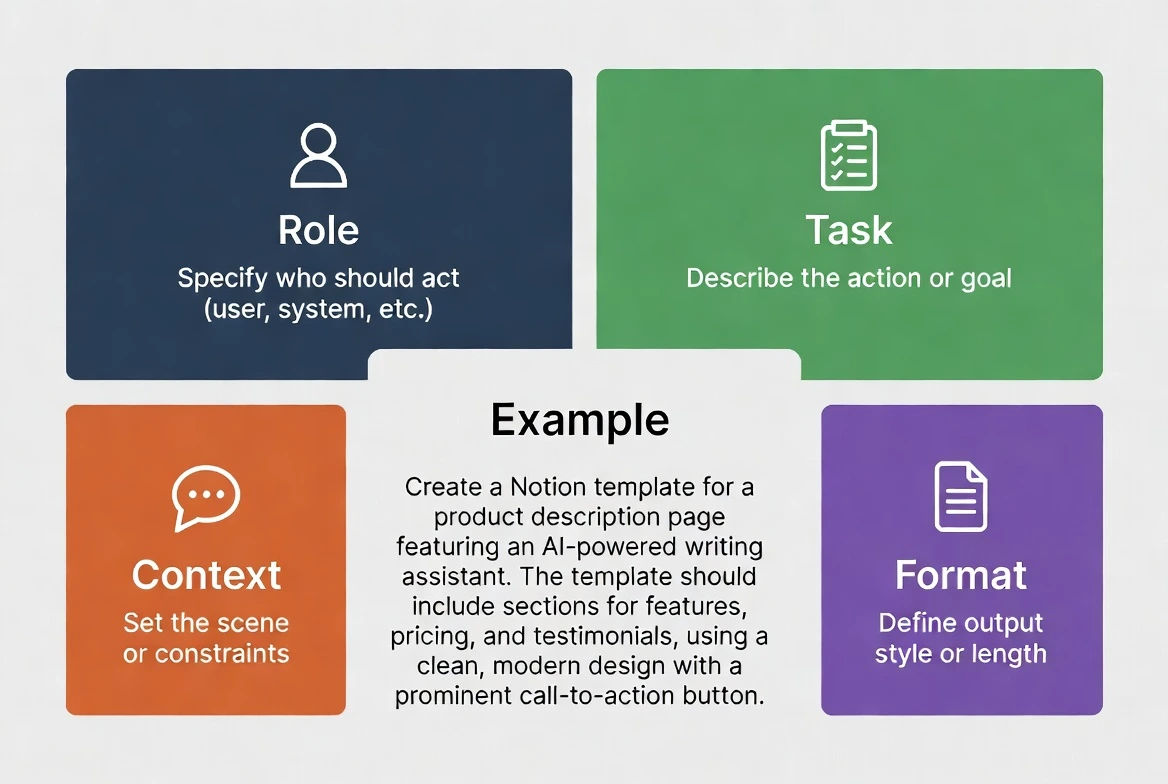
A strong prompt should contain four parts:
Role: Who ChatGPT should act as
Task: What exactly you want it to do
Context: Background information
Format: How you want the output
Example of a strong prompt:
“Act as a professional copywriter who specializes in digital products. Write a compelling 100-word product description for a $29 Notion budget tracker template. Target audience: freelancers in their 20s who hate spreadsheets. Use a casual, friendly tone like a smart friend texting. Include 2-3 key benefits and end with a clear call to action.”
This kind of prompt takes less than a minute and delivers ready-to-use, high-quality copy.
How to Have a Real Conversation With ChatGPT
Never accept the first response. The real magic happens in the follow-up messages.
After getting the first output, continue the conversation by saying things like:
“Make the opening shorter and more attention-grabbing”
“Remove the word ‘innovative’ and make it sound more natural”
“Rewrite this in my Instagram style with short paragraphs and emojis”
“Add answers to common objections”
Usually, after 5–10 exchanges, you get excellent results. Most beginners give up too early.
Using ChatGPT for Digital Product Selling
This is where ChatGPT becomes extremely powerful for creators.
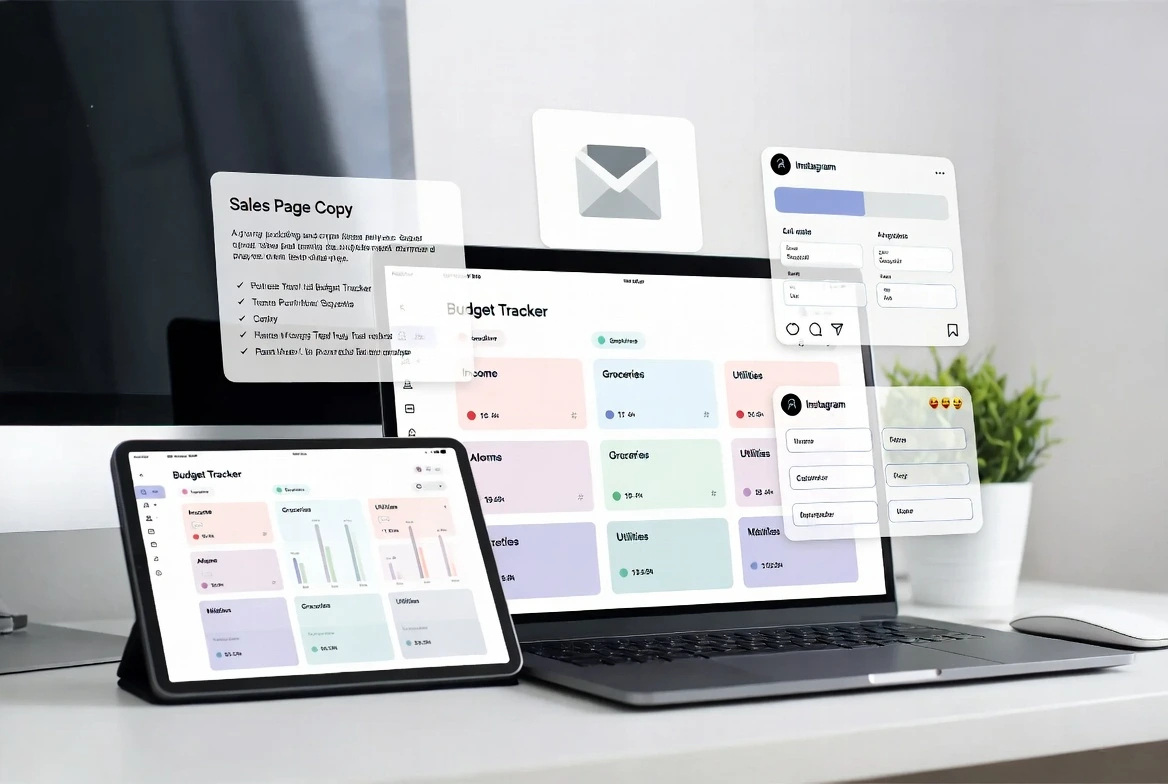
With one well-written brand brief, you can generate:
Product descriptions
Complete sales pages
Full email launch sequences (5–7 emails)
15–30 days of social media captions
FAQ sections
Upsell offers
Simple workflow:
Create one detailed brand brief with your target audience, tone of voice, and unique strengths. Then tell ChatGPT:
“Using this brand brief, create the complete launch material for my new $49 Notion template including sales page, email sequence, and 20 social media captions.”
Many creators now build and launch an entire $29–$49 digital product in just one day.
When ChatGPT Gets It Wrong (and What to Do)
ChatGPT can sometimes hallucinate facts, numbers, or dates. Always double-check important information before publishing.
Golden Rule:
For creative work (copywriting, ideas, structure) → You can trust it highly.
For facts, prices, statistics, or legal information → Always verify yourself.
If it makes a mistake, simply reply: “That information is incorrect. The correct price is $29 and it includes these features. Please rewrite.”
Building a Personal Workflow Around It
After using it regularly for two months, most people settle into one of these modes:
Brainstorming mode (best for ideas)
Drafting mode (fastest for full content)
Editing mode (for polishing your own writing)
Start with brainstorming. Create a personal prompt library in Notion or Google Docs. Save your best prompts this will become your biggest competitive advantage.
Realistic Timeline: What to Expect Week by Week
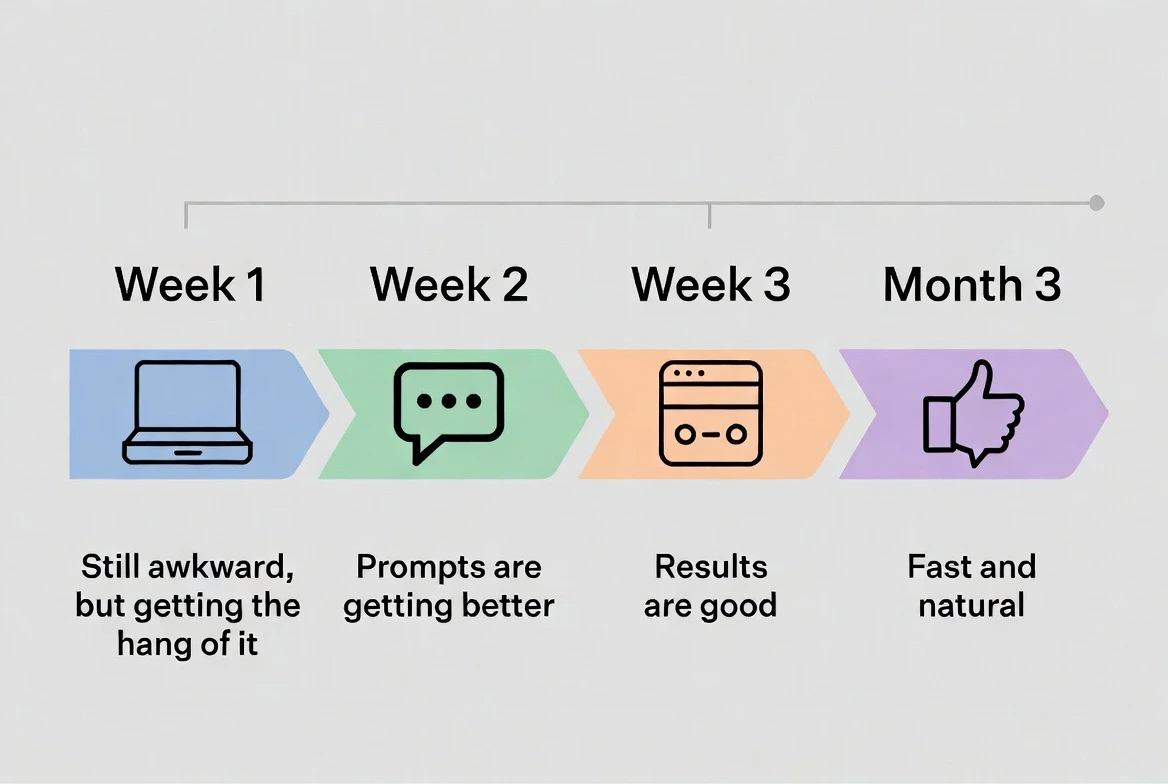
Week 1: Feels awkward and robotic
Week 2: You get your first really good result
Week 3–4: Your speed doubles
Month 2: Prompting feels natural
Month 3: You are better than 95% of users
Four Mistakes Beginners Make (and Pay For)
One-shot prompting (expecting perfection from the first message)
Publishing AI-generated content without editing
Not providing enough context or brand brief
Using ChatGPT only for writing instead of thinking and strategizing
Yes, the base model is free with daily limits. Paid plans offer faster and more advanced models.
The free version has limited access. Paid plans have much better real-time search.
Give it examples of your previous writing and use the Memory feature.
OpenAI does not use your chats for training by default, but avoids sharing highly confidential information.
Final Words
ChatGPT doesn’t do the work for you, it removes the friction. People who use it daily can complete in one month what used to take them three to four months.
Your action step right now:
Open chatgpt.com today, create your first brand brief, and write one real product description. Then come back and tell me how it felt.
You don’t need to be a tech expert. You just need to start.
The next person who buys your digital product will love the copy that actually speaks to them and you’ll be grateful that it only took minutes instead of hours to create.
Now go open that tab and write your first powerful prompt.