⚡ Key Answer: AI coding in 2026 is transforming how developers build software. Modern AI tools like GitHub Copilot, Cursor IDE, Claude Code, and Devin now help programmers automate repetitive tasks, debug faster, generate production-ready code, review pull requests, and improve development speed dramatically. Research shows developers using AI complete coding tasks up to 55% faster, while GitHub Copilot now generates nearly half of all code written on GitHub.

Introduction
AI coding in 2026 is no longer a futuristic concept or a niche developer experiment. It has become part of the daily workflow for millions of software engineers around the world.
From generating boilerplate code and debugging complex issues to reviewing pull requests and refactoring entire applications, AI-assisted coding tools are fundamentally changing how software gets built.
Tools like GitHub Copilot, Cursor IDE, Claude Code, Devin, and Codeium now help developers complete tasks that previously took hours in just minutes.
But AI is not replacing programmers. The developers seeing the biggest productivity gains are the ones combining AI automation with real engineering judgment, system design skills, and software architecture knowledge.
What AI-Assisted Coding Actually Means
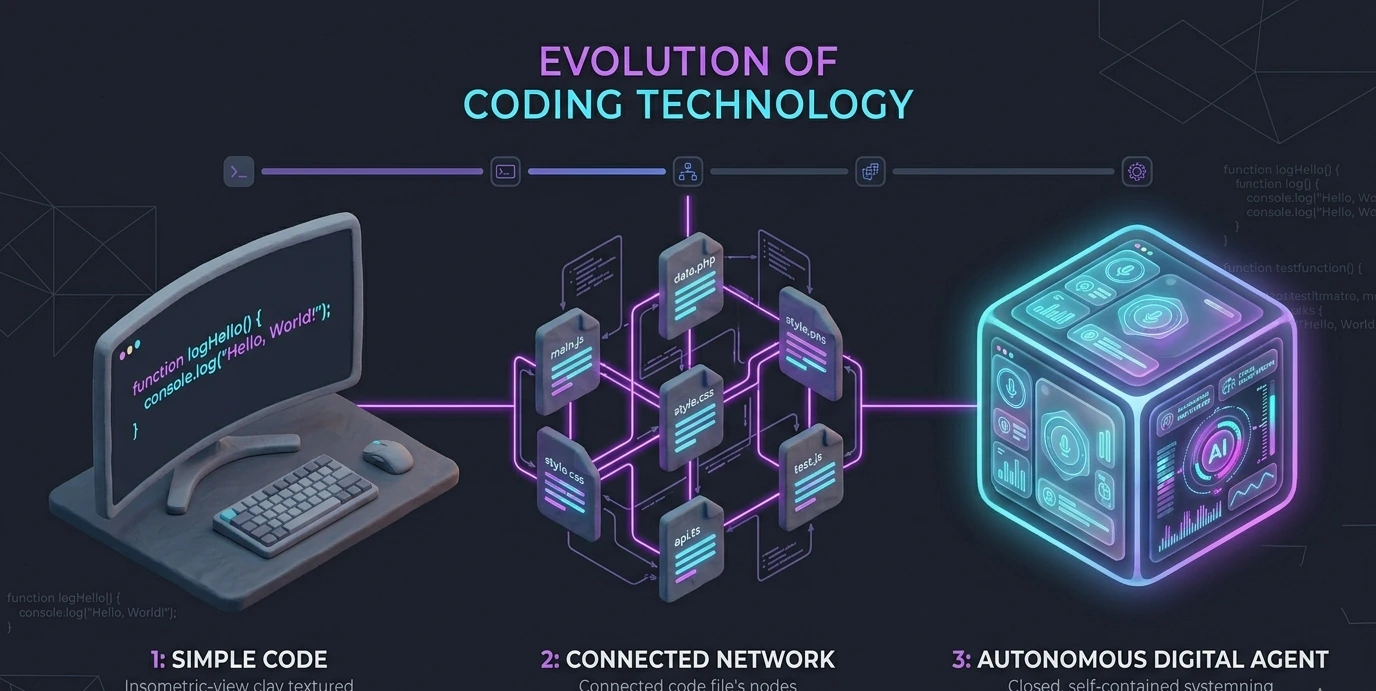
The way developers use AI has evolved dramatically over the past few years. Early coding assistants worked like advanced autocomplete tools. Modern systems behave more like intelligent development agents capable of understanding large codebases, project structure, business logic, dependencies, and development workflows.
The 3 Eras of AI Coding
Era 1: AI Autocomplete (2020–2022)
The first generation of AI coding tools focused mainly on autocomplete. These systems suggested the next line of code, completed functions, and accelerated repetitive typing tasks. While useful, they had very limited understanding of the overall project.
Era 2: Context-Aware Development (2023–2024)
The second generation introduced project-level understanding. Modern AI tools could now analyze multiple files, understand frameworks, interpret dependencies, and generate working implementations from plain-English instructions. Developers started describing features conversationally instead of manually writing every implementation detail.
Era 3: Autonomous AI Workflows (2025–2026)
The newest generation behaves more like autonomous software agents. Instead of generating isolated snippets, AI tools can now:
Refactor large applications
Generate unit tests
Fix dependency conflicts
Analyze runtime errors
Create documentation
Upgrade frameworks
Debug production issues
Build multi-file implementations
Modern AI systems increasingly act like junior developers that can execute tasks independently under human supervision.
Key Statistics & Research Findings
AI Coding by the Numbers in 2026
GitHub Copilot now writes nearly 50% of developer code on GitHub
Some Java developers report AI generation rates above 60%
Developers using AI complete tasks 55% faster in controlled studies
Nearly 80% of new developers start using AI tools within their first week
Around 64% of teams report that reviewing AI-generated code takes as long as writing it manually
Companies now spend roughly $100–$200 per engineer monthly on AI tooling
Around 30% of developers regularly hit AI usage limits
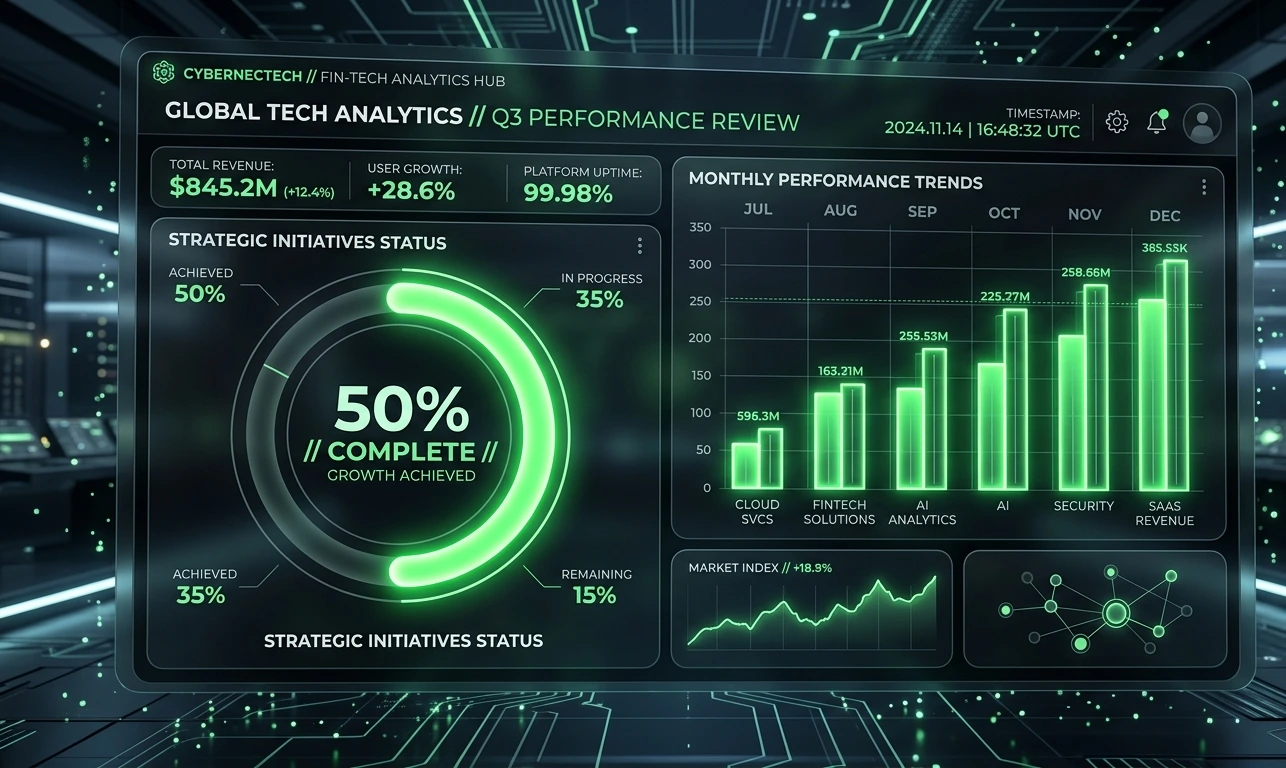
Despite massive productivity gains, many engineers also report increasing frustration with low-quality AI-generated code. AI dramatically speeds up implementation, but human review remains essential.
5 Practical Ways Developers Use AI in Real Workflows
1. Intelligent Debugging & Root Cause Analysis
Debugging used to involve manually reading stack traces, scanning logs, reproducing failures, and searching documentation. AI tools now dramatically accelerate this process. Developers can provide error logs, stack traces, expected behavior, related source files, and reproduction steps and the AI analyzes patterns, identifies likely causes, and often proposes working fixes within seconds.
Modern systems can detect: memory leaks, dependency conflicts, race conditions, null reference issues, and runtime configuration problems.
2. AI Software Agents
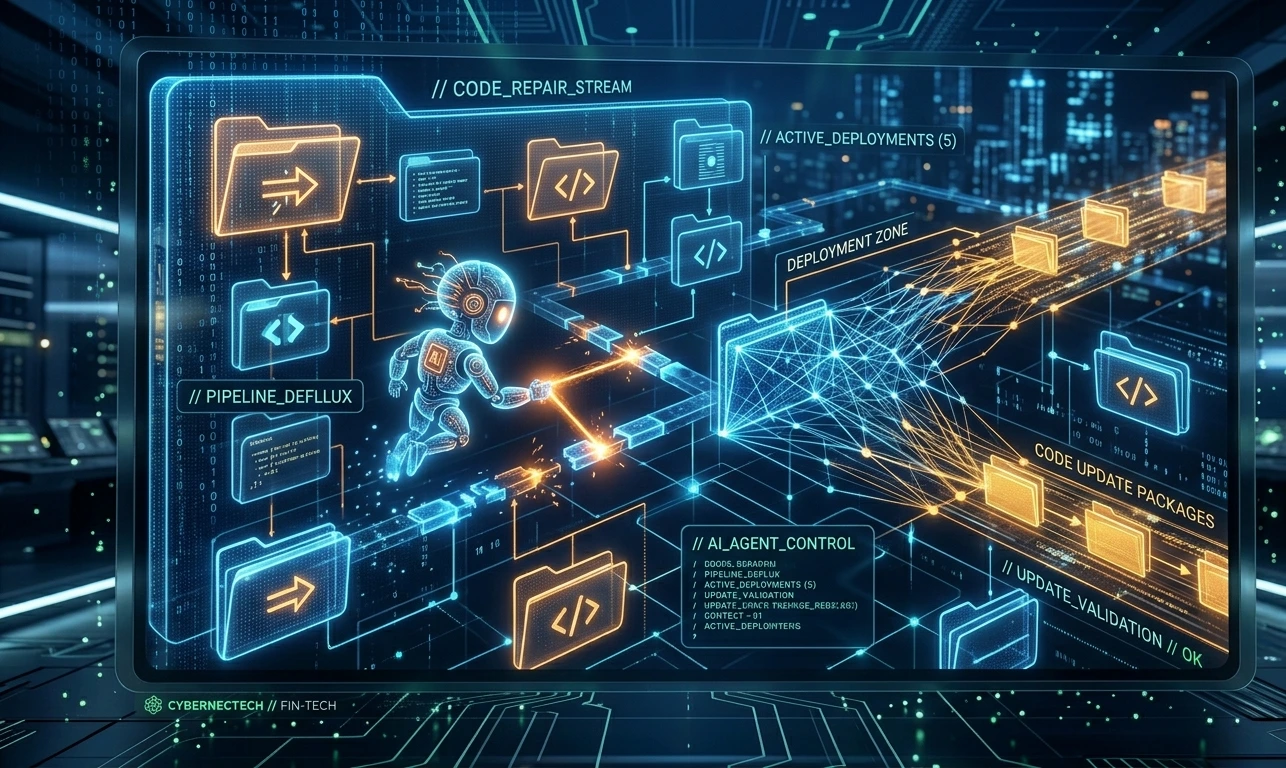
AI coding is rapidly moving from chat interfaces toward autonomous agents. Instead of asking small coding questions, developers now assign high-level tasks. For example: "Upgrade this authentication system to the newest framework version and fix all breaking changes." The AI agent can scan documentation, identify outdated APIs, modify code, run tests, apply patches, and generate migration notes.
3. AI-Powered Testing
Testing is one of the biggest productivity bottlenecks in software development. AI tools now generate unit tests, edge-case tests, integration tests, validation scenarios, and mock data. These systems analyze logic flow and automatically identify cases human developers frequently miss — including empty strings, negative values, unexpected null inputs, and boundary conditions.
4. Autonomous DevOps & AIOps
AI is also transforming infrastructure management and operations. Modern AIOps systems can predict server failures, detect unusual traffic spikes, identify deployment risks, roll back failed releases, and automatically scale resources. Instead of waking engineers at 3 AM for operational incidents, AI systems increasingly manage infrastructure proactively.
5. Personalized Learning & Upskilling
AI has become a personalized coding tutor for developers. Instead of generic tutorials, developers can now ask questions directly within their own projects — explaining unfamiliar libraries, describing framework behavior, analyzing project architecture, and suggesting optimization improvements.
Best AI Coding Tools in 2026
Tool | Best For | Monthly Cost |
Cursor IDE | Daily AI-assisted coding | $20–40 |
Claude Code | Large-context tasks & refactoring | ~$100 |
GitHub Copilot | Inline autocomplete | ~$19 |
Devin | Autonomous workflows | Enterprise |
Codeium | Free AI coding support | Free |
Amazon CodeWhisperer | AWS-heavy workflows | Free–$19 |
Tabnine | Privacy-focused teams | ~$12 |
Step-by-Step: Building an AI-Assisted Coding Workflow
Step 1: Analyze Your Current Workflow
Before adding AI tools, identify where your time actually goes. Most developers lose time on boilerplate code, documentation, debugging, CRUD operations, test writing, and configuration issues. AI provides the highest ROI in repetitive workflows.
Step 2: Choose One Primary AI Tool
One of the biggest mistakes developers make is trying too many AI tools simultaneously. Focus on mastering one workflow first.
Cursor IDE — daily coding
Claude Code — large-context reasoning
GitHub Copilot — lightweight assistance
Step 3: Use the Hybrid Development Approach
The best developers in 2026 combine traditional programming with AI strategically.
Human Responsibilities — Architecture, system design, product decisions, infrastructure strategy, security reviews, performance optimization.
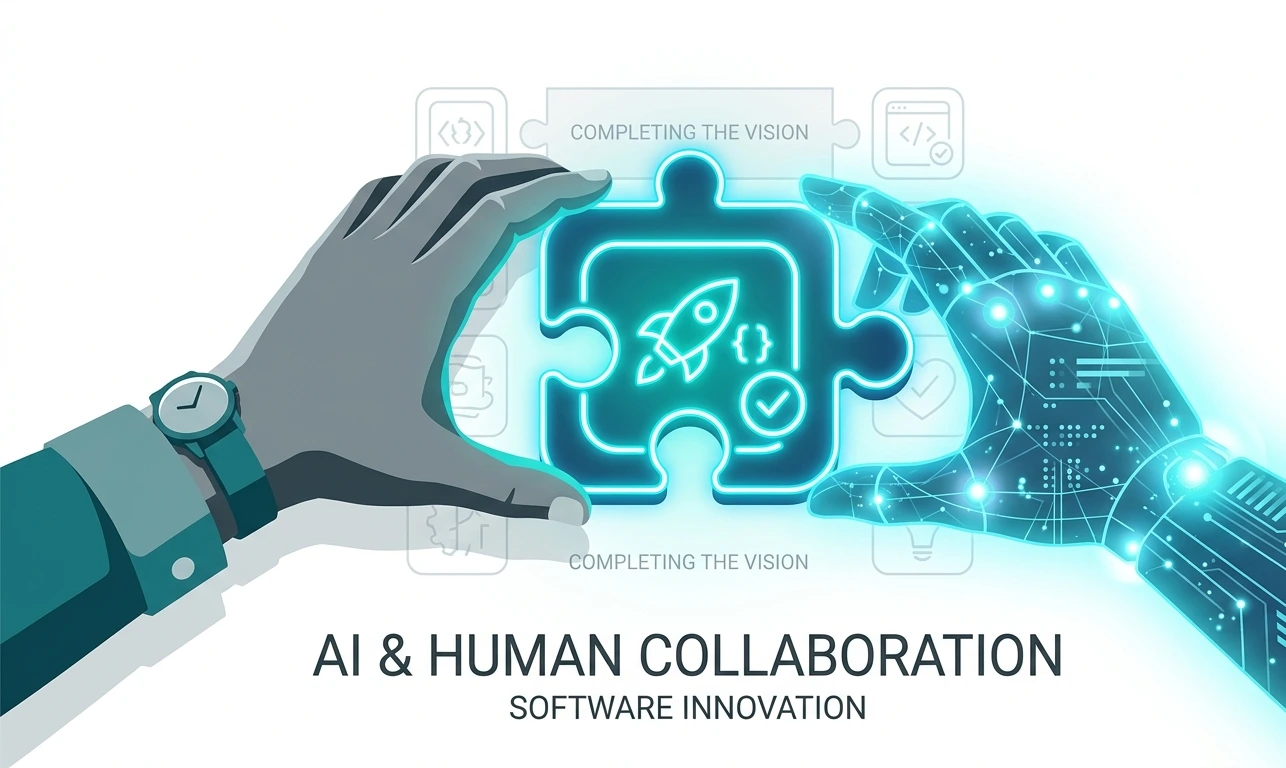
AI Responsibilities — Boilerplate generation, CRUD operations, authentication flows, repetitive patterns, documentation, test scaffolding.
Always review AI-generated code before deployment. Never deploy code you do not fully understand. AI-generated code can still introduce security issues, logic bugs, performance bottlenecks, and bad architectural decisions.
Common Mistakes Developers Make With AI
1. Trusting AI Output Blindly
AI-generated code must go through the same review process as human-written production code. Always review for security, performance, scalability, maintainability, and correctness.
2. Writing Weak Prompts
Weak prompts create weak results. Instead of "Build a login system," write: "Create a TypeScript authentication system using JWT, PostgreSQL, refresh tokens, bcrypt, role-based middleware, and test coverage." Detailed prompts produce dramatically better implementations.
3. Ignoring Security Reviews
AI can still generate vulnerable SQL queries, unsafe authentication logic, hardcoded secrets, weak validation, and insecure APIs. Human security review remains mandatory.
4. Over-Relying on Automation
AI is excellent at execution but still struggles with architecture trade-offs, product thinking, long-term scaling decisions, and business context. Human judgment remains the most valuable engineering skill.
5. Skipping Fundamentals
If a developer cannot explain generated code in plain English, they have not truly learned it. AI should accelerate understanding — not replace it.
Skills Developers Should Learn in 2026
System Architecture — Designing scalable systems remains highly valuable
Problem Decomposition — Breaking large problems into structured tasks is essential for AI workflows
Security & Ethics — Developers increasingly act as the final safeguard against vulnerabilities
Python & Data Literacy — Python remains deeply connected to AI infrastructure
AI Workflow Design — Prompt engineering is evolving into broader AI orchestration and automation design
Emerging AI Software Engineering Roles
AI Governance Leads
AI Platform Engineers
AI Quality Assurance Specialists
AI Integrators
AI-Native Product Developers
Will AI Replace Developers?
No — but software engineering work is changing dramatically. AI is extremely effective at repetitive implementation work. However, it still struggles with product intuition, stakeholder communication, long-term system thinking, business context, organizational knowledge, and complex architecture decisions.
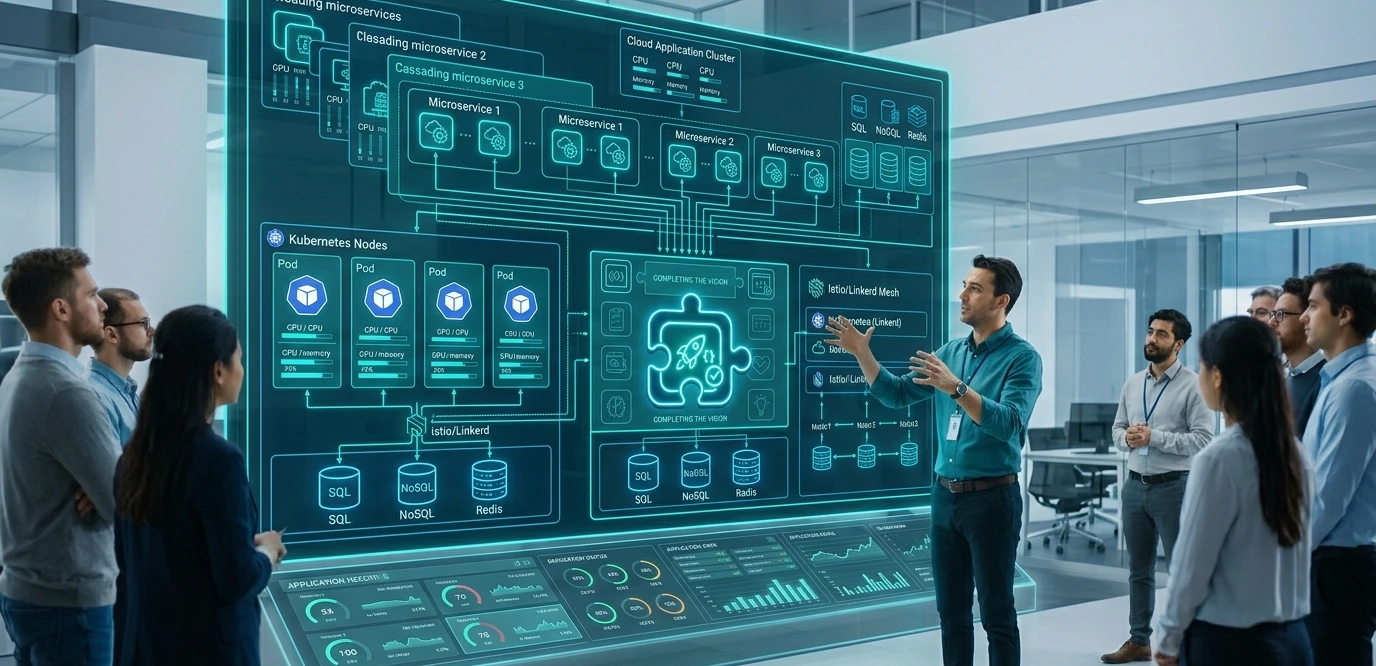
The biggest industry shift: routine implementation becomes cheaper while judgment-heavy work becomes more valuable. The developer of 2026 is increasingly becoming a system architect, a workflow orchestrator, a technical reviewer, and a strategic problem solver — not simply a person who manually types code.
Final Verdict
AI-assisted coding is no longer optional in modern software development. The biggest productivity gains are not coming from replacing developers — they come from eliminating repetitive work so engineers can focus on solving harder and more valuable problems.
The developers who succeed in the next generation of software engineering will be the ones who combine strong technical fundamentals with intelligent AI-assisted workflows. Software development has not become passive. It has become a high-leverage craft where human judgment is the ultimate competitive advantage.
Frequently Asked Questions (FAQs)
AI coding in 2026 means using artificial intelligence tools like GitHub Copilot, Cursor IDE, and Claude Code to help developers write, debug, test, and optimize software faster.
Cursor IDE and Claude Code are among the best AI coding tools for advanced workflows, while GitHub Copilot remains the top choice for lightweight inline coding assistance.
Yes, AI can generate production-ready code, but developers should always review, test, and validate the output before deployment to avoid security or performance issues.
No, AI is not replacing developers completely. It is automating repetitive coding tasks while making human skills like architecture, debugging, and system design more important.
Research shows developers using AI coding tools can complete tasks up to 55% faster, especially for repetitive development work and debugging.
Absolutely. AI makes coding easier, but developers still need strong problem-solving, architecture, and software engineering skills to build reliable systems.