TL;DR: Freebeat.ai is the world's #1 AI music video generator that turns any song into a cinematic, beat-synced video in minutes — no camera, no crew, no editing experience required. Over 1 million creators in 150+ countries are already using it. Here's everything you need to know before you start.
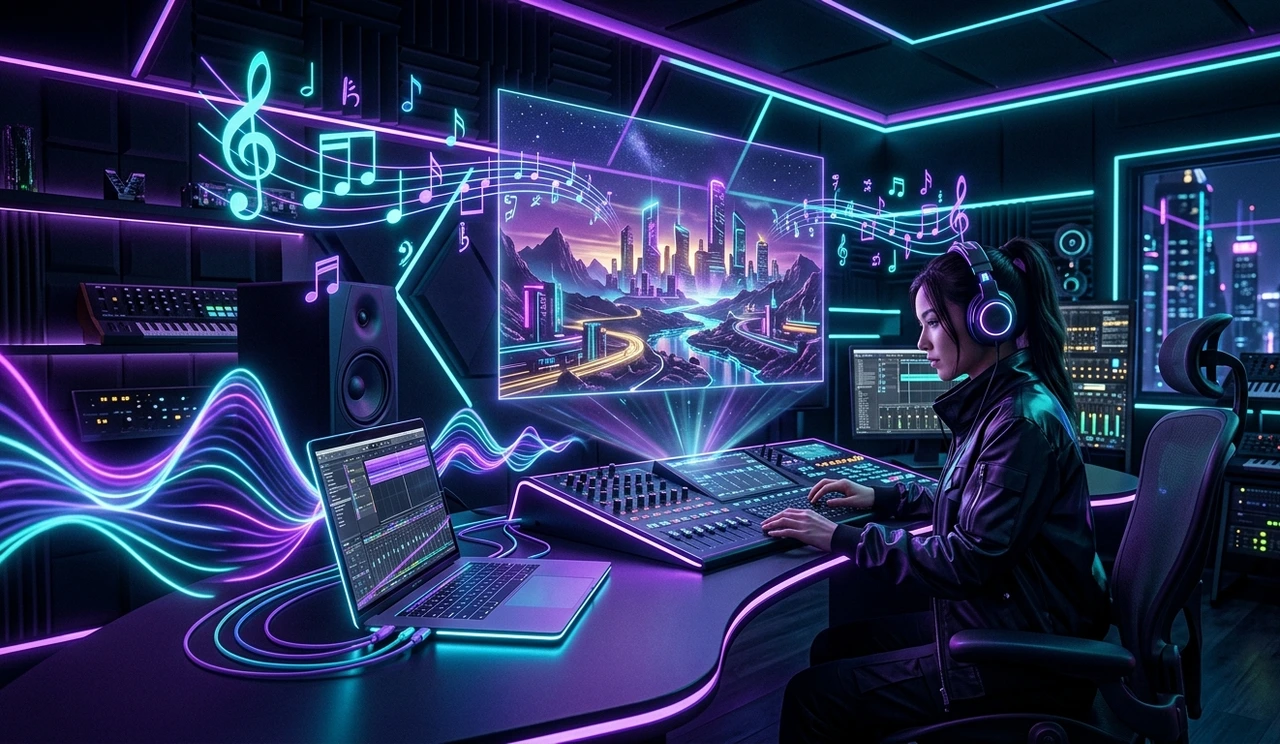
What Is Freebeat.ai?
In 2026, making music is easier than ever. But making visuals for your music? That's still the part that costs a fortune and kills momentum.
Freebeat.ai solves that completely.
It is a cloud-based, Agentic AI platform purpose-built to transform audio tracks into high-quality, rhythm-synced music videos automatically. Unlike generic AI video tools, Freebeat doesn't just paste random clips over your song. It actually listens to your track, analyzes the BPM (beats per minute), detects mood shifts, identifies drops and transitions, and then builds a visual story that moves with the music.
The result? A professional-looking music video in the time it used to take just to write a creative brief.
Whether you're an independent artist, a DJ, a content creator on YouTube, or a brand pushing campaigns on TikTok Freebeat.ai positions itself as the smartest shortcut from sound to screen.
How Freebeat.ai Works: The Core Technology
The secret behind Freebeat's output quality is its deep audio analysis engine. Most AI video tools treat music as background noise. Freebeat treats it as the script.
Here's what the engine does under the hood:
Rhythm Analysis: The platform reads your audio waveform and maps every beat, transition, and energy shift before generating a single frame.
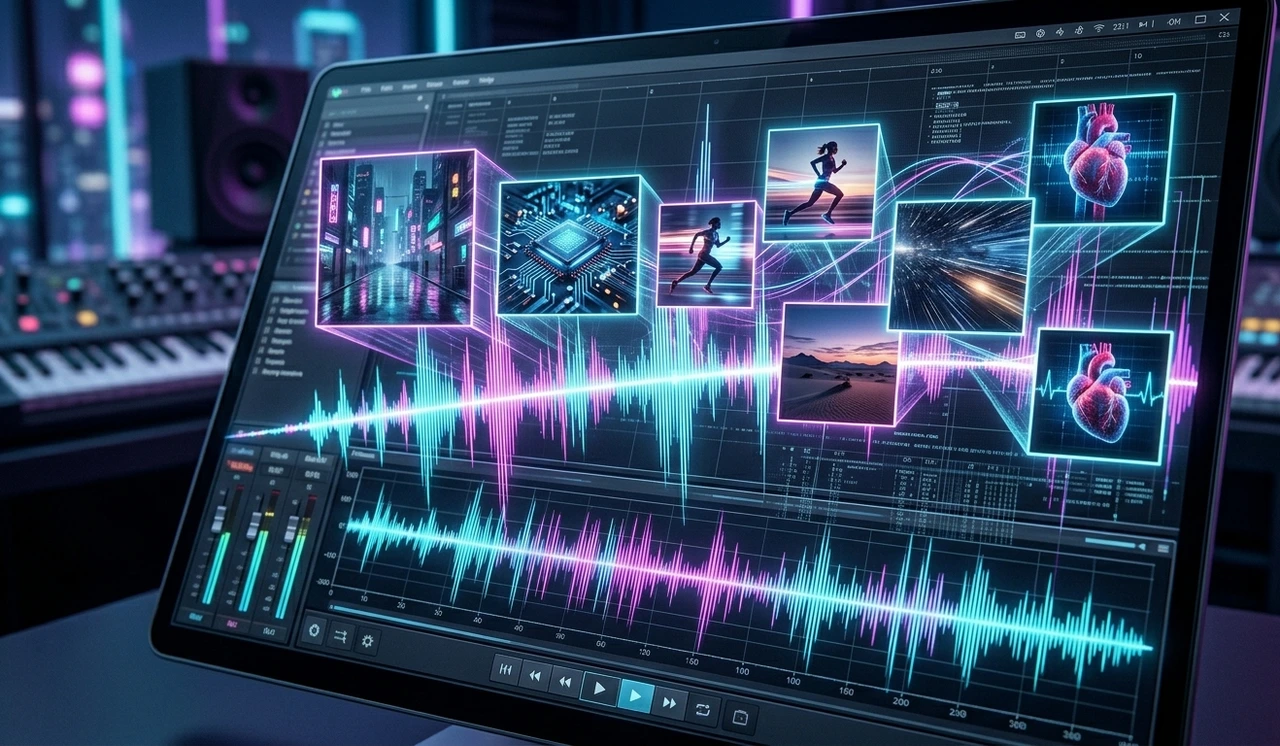
Mood Detection: It identifies whether a section feels melancholic, euphoric, aggressive, or dreamy and picks visuals that match that emotional tone.
Scene Structuring: The AI acts as a director, breaking your song into chapters (intro, verse, chorus, bridge, outro) and planning a visual storyboard for each section.
Visual Consistency: Characters, colors, and styles stay coherent from one scene to the next no jarring jumps or random aesthetic breaks that plague other AI tools.
This combination is what makes Freebeat feel less like a random video generator and more like a trained music video director working silently in the background.
Top Features of Freebeat.ai in 2026
1. True Audio-Video Synchronization
This is Freebeat's flagship strength. The visuals don't just accompany the music — they react to it in real time. When a chorus hits, the scene changes. When a beat drops, the cut lands on the drop. This level of sync is what separates Freebeat from every other tool on the market.
2. Director's View — Scene-by-Scene Control
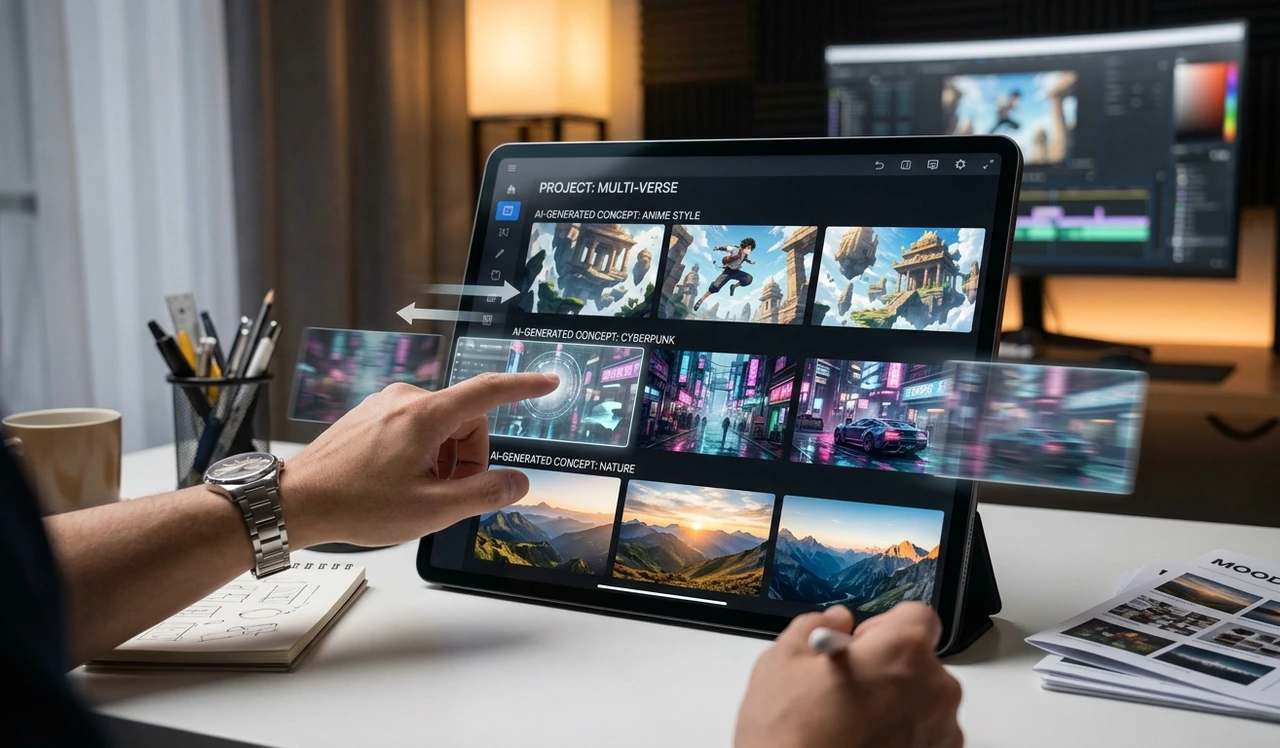
Once the AI generates your storyboard, you get access to the "Director's View." This lets you see every planned scene, review the visual direction for each section, and regenerate individual clips without restarting the entire project. Tweak the prompt for just one scene, and the rest of the video stays intact.
This is a massive time-saver for creators who want control without spending hours in a traditional editing timeline.
3. Multiple Video Types
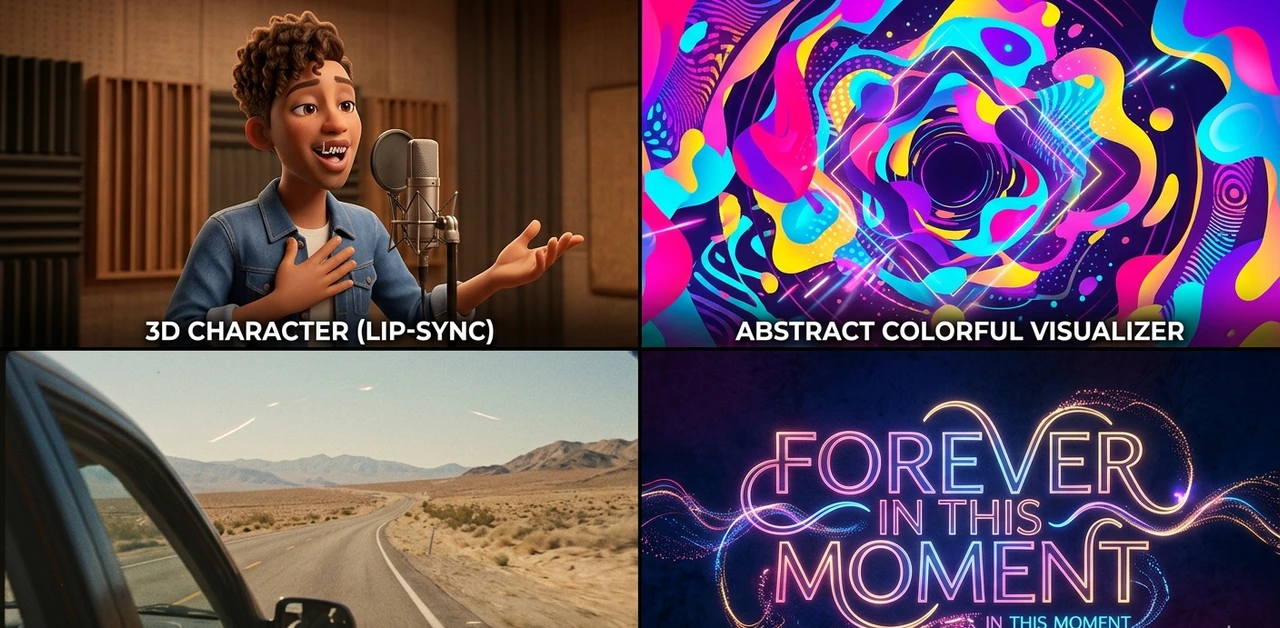
Freebeat supports a wide range of music video formats, including:
Singing Music Videos — with natural lip-sync tied to your track
Dance Videos — beat-matched choreography that moves with the rhythm
Lyric Videos — automatically timed captions with karaoke-style motion highlighting
Storytelling / Narrative Videos — cinematic shot sequences that follow a theme
Abstract Visualizers — artistic, mood-driven visuals for ambient or electronic tracks
4. Premium AI Model Integration
In 2026, Freebeat integrated leading-edge video generation models — including Veo 3.1 and Nano Banana Pro — delivering cinematic lighting, realistic motion, and stable character rendering that was previously only possible in Hollywood productions.
5. One-Click Social Export
Freebeat auto-formats your video for every major platform:
9:16 → TikTok, Instagram Reels, YouTube Shorts
16:9 → YouTube, TV, traditional music video platforms
1:1 → Instagram feed posts
No cropping, no re-exporting, no guesswork.
6. Lyric Video Engine
Freebeat's lyric sync feature automatically times your lyrics to the music, adds dynamic motion effects, and applies karaoke-style highlighting — all without manual captioning. For artists who want to grow on lyric-focused platforms, this alone is worth the subscription.
Step-by-Step: How to Create Your First Music Video on Freebeat.ai
Getting started takes under five minutes. Here's exactly how the workflow runs:
Step 1 — Upload or Link Your Audio Drop in an MP3 or WAV file directly, or paste a link. The AI begins its beat and mood analysis immediately.
Step 2 — Define Your Visual Style Enter a short prompt describing the look and feel you want. Examples: "Vintage anime, 90s aesthetic, lo-fi colors" or "Cinematic desert road trip, golden hour, slow motion." You can also pick a genre or mood preset.
Step 3 — Review the AI Storyboard Before any video is generated, Freebeat presents a structured storyboard — a scene-by-scene creative brief. You can edit the "Director's Vision" at this stage, changing the narrative direction or visual style for any section.
Step 4 — Generate and Refine The AI renders your clips. Inside the Director's View, you can regenerate any individual scene, adjust prompts, or swap characters. Everything else stays as-is.
Step 5 — Export and Post Once satisfied, export in your chosen aspect ratio. Download in HD and upload directly to your platform of choice.
The full process — from upload to final export — typically takes 5 to 15 minutes depending on track length and plan tier.
Freebeat.ai Pricing Plans (2026)
Freebeat offers a free tier plus three paid plans, making it accessible at every budget level.
Plan | Price | Credits | Resolution | Key Perk |
Free | $0/month | Limited credits | Standard | Includes watermark; great for testing |
Basic | $4.99/week | 1,990 credits/week | 720p | Watermark removed |
Pro | $26.99/month | 10,000 credits/month | High | Unlimited fast generation |
Ultimate | $39.99/month | 19,000 credits/month | 1080p HD | Access to Veo 3.1 and premium models |
The Pro plan is the best value for regular content creators. The Ultimate plan is ideal for artists who release frequently or need the highest output quality for label submissions, music video premieres, or paid campaigns.
Freebeat.ai Ambassador Program
One standout feature is Freebeat's Affiliate Ambassador Program. Any user can sign up as a sales partner and earn a 20% recurring commission for every paying customer they refer for as long as that customer stays subscribed.
This has built a substantial creator community around the platform people who use the tool and genuinely recommend it because they earn from it. If you have an audience (YouTube, Instagram, TikTok, newsletter), it's a legitimate side income on top of using a tool you'd already pay for.
Freebeat.ai vs. Competitors: How Does It Stack Up?
Feature | Neural Frames | Runway | Kaiber | |
Music-first analysis | ✅ Deep | ✅ Audio-reactive | ❌ Indirect | ✅ Auto-sync |
Beat-sync accuracy | ✅ High | ✅ High | ❌ Manual | ✅ Medium |
Lyric video built-in | ✅ Yes | ❌ No | ❌ No | ❌ No |
Director's storyboard | ✅ Yes | ❌ No | ❌ No | ❌ No |
Social export presets | ✅ All formats | ✅ Flexible | ✅ Flexible | ✅ Creator-focused |
Free tier | ✅ Yes | Limited | Limited | Limited |
Best for | Musicians & creators | Visual artists | Filmmakers & editors | Artists & designers |
Freebeat wins on the music-first workflow. If you're a musician who wants to go from track to published visual without hiring anyone, Freebeat is the most direct path.
Pros and Cons
Pros:
Genuine beat-sync — visuals actually react to the music
Multiple video types in one platform (dance, lyric, story, abstract)
Director's View lets you edit individual scenes without restarting
Built-in lyric timing and karaoke highlights
One-click export for TikTok, YouTube, Instagram
Free tier available for testing
Recurring affiliate commission program
Cons:
Free tier includes a watermark and limited credits
Premium AI models (Veo 3.1) locked to Ultimate plan
Credit system can run out fast on longer tracks at high quality
Not suited for traditional live-action filmmaking workflows
Final Verdict
Freebeat.ai is the most complete AI music video solution available in 2026 for independent musicians and digital creators. It doesn't just generate visuals — it acts as a full creative director that plans, shoots, and edits your video around the rhythm of your music.
If you've been putting off making music videos because of the cost, the complexity, or the time involved, Freebeat removes every single one of those excuses. Start with the free tier, test it on one of your tracks, and you'll understand immediately why over a million creators worldwide have made it their go-to tool.
Rating: 4.8 / 5 — Best AI music video generator for musicians in 2026.
Frequently Asked Questions (FAQ)
Yes. Freebeat offers a free tier with limited credits and a watermark on exports. Paid plans start at $4.99/week and remove the watermark while adding faster rendering and higher resolution.
Freebeat supports MP3 and WAV uploads. You can also paste links from streaming platforms to import your track directly.
Both. Freebeat generates an AI storyboard automatically, but you can customize the visual style via text prompts, edit the Director's Vision before rendering, and regenerate individual scenes in the Director's View after generation.
Yes. The platform includes a built-in lyric video engine that automatically times your lyrics to the song and adds animated, karaoke-style caption effects — no manual syncing required.
Resolution depends on your plan. The Basic plan supports 720p. The Ultimate plan unlocks 1080p HD exports using premium AI models.
Absolutely. The platform offers one-click export in all major aspect ratios — 9:16 for TikTok and Reels, 16:9 for YouTube, and 1:1 for Instagram — making it purpose-built for social media content creators.
Yes. The Freebeat Ambassador Program pays a 20% recurring commission on every paying customer you refer, for as long as they remain a subscriber.
Most videos take between 5 and 15 minutes to generate, depending on track length, chosen quality level, and current server load. Pro and Ultimate plan users receive priority rendering speeds.
Yes — that's the core value proposition. Freebeat requires no editing skills, no timeline knowledge, and no prior video production experience. The AI handles pacing, transitions, scene planning, and export formatting automatically.
Most AI video tools treat music as background audio layered over random clips. Freebeat analyzes the audio waveform, detects beats, mood shifts, and song sections, then builds visuals specifically designed to react to your music — making the sync feel intentional rather than accidental.
Learn more with hustletoai.com