Introduction: The Question Every Developer Is Actually Asking
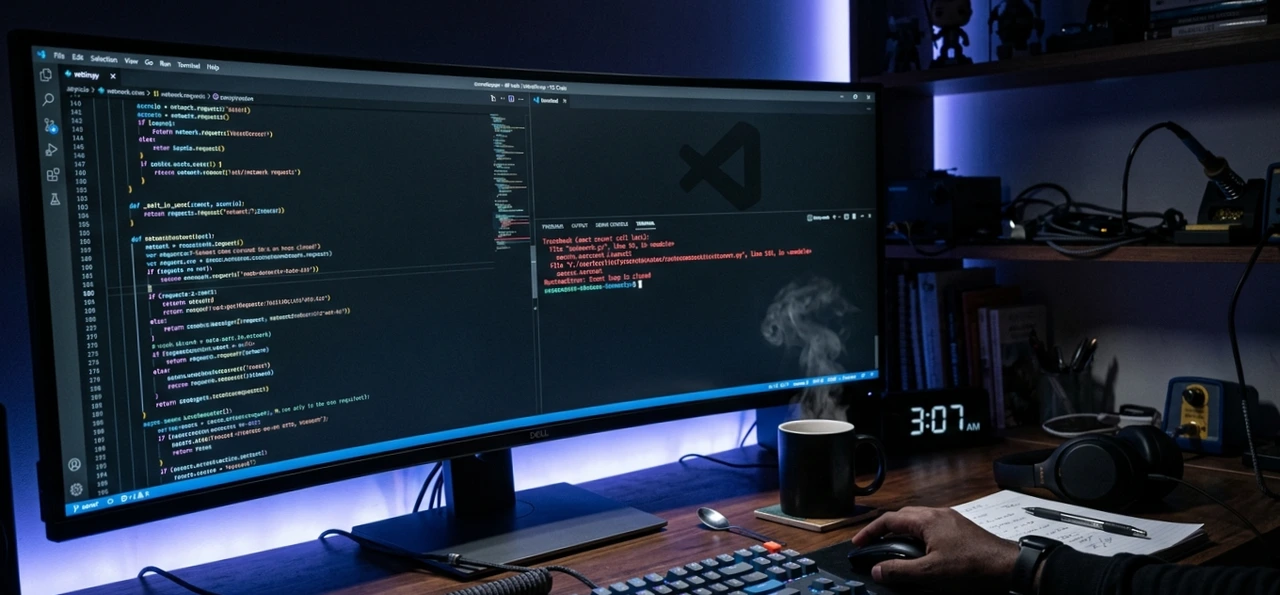
You're deep in a 3 a.m. debugging session. There's a FastAPI route throwing a RuntimeError: Event loop is closed that only shows up under load not in tests, not locally. You paste the stack trace into an AI chat, and what you need is someone who actually understands why this is happening, not just a generic fix that technically compiles.
This is where the Claude vs ChatGPT for programming debate stops being theoretical and starts costing you actual hours.
In 2026, almost every developer is using AI for coding Stack Overflow's latest survey confirms it. The question is no longer whether to use these tools. It's which one helps you ship real code without introducing subtle bugs, hallucinated function signatures, or explanations that sound right but quietly lead you sideways.
I spent weeks comparing both tools across real development tasks debugging production errors, refactoring legacy Python, generating tests, explaining unfamiliar codebases, and making architecture decisions on a live TypeScript project. No toy examples. No cherry-picked prompts. Here's what I found.
Looking for more AI tool breakdowns? Check out our full HustleToAI.com guide to AI coding tools for more deep-dives like this one.
What Is Claude for Developers And Why It's Different
Claude is Anthropic's flagship AI model, and by 2026 it has grown from a writing-focused chatbot into arguably the most capable AI coding assistant available. The current lineup includes Claude Opus 4.7 (flagship), Claude Sonnet 4.6 (mid-tier, fast), and Claude Haiku (lightweight).
What separates Claude from the competition particularly for developers comes down to three structural advantages:
1. A 200,000-token context window (standard on paid plans) That's roughly 150,000 words of text. In practical coding terms: you can paste your full authentication module, your data models, your test suite, and your API layer into a single conversation, and Claude won't lose track of any of it. For large-scale projects or legacy codebase work, this is a genuine differentiator.

2. Instruction-following precision Claude is measurably better at following long, complex system prompts. If you specify output format, edge case handling, naming conventions, and style constraints, Claude follows them. It doesn't freelance or approximate. This matters enormously in production prompt engineering.
3. Claude Code — agentic, terminal-native coding Claude Code is Anthropic's CLI-based coding agent. It lives inside your terminal. It reads your project files, makes coordinated edits across multiple files, runs your tests, manages git, and can execute multi-hour autonomous development sessions. It's not a chatbot that writes code snippets — it's a pair programmer that operates in your actual workflow. Claude Code is included with a $20/month Claude Pro subscription.
What Is ChatGPT for Developers Strengths and Limitations
ChatGPT, powered by OpenAI's GPT-5.x family of models, remains the most widely adopted AI tool in the world. Stack Overflow's 2025 Developer Survey found that 81% of developers have used GPT models, compared to 43% for Claude. That adoption gap reflects ChatGPT's head start, its ecosystem breadth, and the fact that for many tasks, it's genuinely excellent.
ChatGPT's real strengths for developers:
Speed. ChatGPT responds faster than Claude on most prompts, which matters when you're doing quick lookups or iterating rapidly on a prototype.
Code execution. ChatGPT Plus includes a sandbox environment where it can actually run Python code, verify outputs, and iterate on results in real time.
Ecosystem integrations. GitHub Copilot (OpenAI-powered), plugins, Microsoft 365 connections, DALL-E for UI mockups, and a massive plugin library make ChatGPT the Swiss Army knife of developer tooling.
Rapid prototyping. ChatGPT is less cautious than Claude and produces working first drafts faster, even when requirements are vague. For hackathons and exploratory sessions, this speed advantage is real.
Where ChatGPT falls short in coding contexts:
Context retention across a large codebase is shakier. At 128K tokens (standard paid tier), it starts losing track of earlier details in long sessions.
Refactoring multi-file projects can produce import errors — it loses track of what moved where.
It tends to fix bugs transactionally (here's a working line) rather than diagnostically (here's why it broke and three related issues to watch).
The Benchmarks: What the Data Actually Says in 2026
Before getting into real-world testing, the benchmark picture is worth understanding — because the data genuinely does support developer preference trends, not just marketing claims.
SWE-bench Verified is the industry-standard benchmark for real-world software engineering. It tests AI models against actual GitHub issues from popular open-source projects — not toy problems or curated examples.
Model | SWE-bench Verified | Functional Code Accuracy (independent tests) |
Claude Opus 4.7 | 87.6% | ~95% |
Claude Sonnet 4.6 | 79.6% | ~93% |
GPT-5.4 / GPT-5.5 | ~80% | ~85% |
Gemini 3 Pro | ~76% | — |
The functional accuracy gap is what matters in practice: Claude producing ~95% working code versus ChatGPT's ~85% means roughly two additional fully working solutions per 20 tasks — without manual intervention. Across a workweek, this compounds into hours of saved debugging time.
Claude also holds the #1 position on Chatbot Arena's Coding leaderboard with an Elo score of 1548, based on head-to-head human preference voting. In blind evaluations, Claude Code achieved a 67% win rate over OpenAI's Codex CLI in agentic coding workflows.
The developer preference numbers reinforce this: 70% of developers now prefer Claude for coding tasks, specifically citing superior multi-file codebase handling, more accurate refactoring suggestions, and significantly fewer hallucinated API calls.
Real-World Testing: 5 Tasks That Actually Matter
I ran both tools through coding tasks that represent actual development work — not FizzBuzz, not "generate a to-do app." Here's what I found.
Task 1: Debugging a Production Async Error
The problem: A Python FastAPI application throwing RuntimeError: Event loop is closed — but only under load, not in unit tests.

ChatGPT's response: Identified the symptom quickly. Suggested checking for asyncio.run() mixing with existing event loops. Offer a technically valid fix. But it missed the root cause — the issue was an httpx.AsyncClient being created outside an async context and closed before the last request completed.
Claude's response: Asked for the full stack trace and the difference between test vs. production configuration. Then correctly identified the specific cause and flagged two related async lifetime issues in adjacent code that would have caused problems later.
Winner: Claude. Not even close for complex async debugging. This pattern held across multiple debugging sessions. As one senior developer put it on DEV Community: Claude "traces bugs to their root cause on fewer exchanges" — ChatGPT more often gives a correct type of solution while missing the specific cause.
Task 2: Refactoring a 150-Line Python Class
The task: A Python class mixing database access, business logic, and formatting logic. Classic single-responsibility violation. Refactor it.
ChatGPT: Proposed a clean four-module structure. Logical split. But when asked to update the six files that import from the original class, it lost track of what moved where and produced import errors in three of them.
Claude: Proposed three classes with clear boundaries. Renamed methods to be more descriptive. Included a comment explaining the design decision. When asked to update all importing files — did it accurately on the first pass.
Winner: Claude. The 200K context window is the difference here. Claude tracks what it moved and where it went. ChatGPT runs out of working memory on a task this size.
Task 3: Generating a Complex SQL Query
The task: Write a PostgreSQL query with multiple CTEs, handle edge cases, and keep it readable.
ChatGPT: Fast. Clean. Produced a working query with well-named CTEs. Solid for standard SQL patterns.
Claude: Also correct, but added a brief comment on potential index behavior and offered an alternative using window functions for a specific edge case.
Winner: Draw, leaning Claude for production-grade output. ChatGPT wins on speed if you just need it to work.
Task 4: Rapid Prototype — "Build Me a REST API"
The task: Generate a basic Flask REST API with user authentication endpoints. Requirements were intentionally vague.
ChatGPT: Produced a working first draft in seconds. Minimal fuss. Good for "I need something running now."
Claude: Asked two clarifying questions about the auth method (JWT vs. session) and database backend, then produced a more complete implementation — but slower.
Winner: ChatGPT for this specific use case. If you're in a hackathon or need a fast first draft with vague requirements, ChatGPT's willingness to just go is an advantage.
Task 5: Explaining an Unfamiliar Codebase
The task: Paste in a 3,000-line TypeScript authentication middleware and explain what it does — as if explaining to a developer new to the codebase.
ChatGPT: Good explanation. Covered the main flow clearly. Occasionally assumed background knowledge.
Claude: More thorough. I walked through each functional layer, explained why certain patterns were used (not just what they do), and flagged a potential security concern in the token refresh logic that I had missed.
Winner: Claude. Especially for junior developers or onboarding contexts, Claude's explanations have more instructional depth.
Claude vs ChatGPT Coding: Head-to-Head Summary
Category | Claude | ChatGPT |
Complex debugging | ✅ Wins | ❌ |
Multi-file refactoring | ✅ Wins | ❌ |
Large codebase context | ✅ 200K tokens | ❌ 128K tokens |
Rapid prototyping | ❌ | ✅ Wins |
Code execution / sandbox | ❌ | ✅ Wins |
SQL & standard patterns | Draw | Draw |
Ecosystem integrations | ❌ | ✅ Wins |
Instruction-following | ✅ Wins | ❌ |
Agentic terminal coding | ✅ Claude Code | Limited |
Speed (simple queries) | Slower | ✅ Faster |
Image generation | ❌ None | ✅ DALL-E |
Price (paid tier) | $20/month | $20/month |
Claude for Programming: Pros and Cons
Pros:
Industry-leading SWE-bench scores (87.6% on Verified)
200K token context handles entire real projects
Exceptional at root-cause debugging, not just quick fixes
Claude Code is a genuine agentic coding tool, not a chatbot wrapper
Follows complex instructions reliably critical for production prompt engineering
Fewer hallucinated API calls than ChatGPT
Cons:
Slower response time than ChatGPT on simple queries
No native image generation (can analyze images, not create them)
Smaller plugin/integration ecosystem
Claude Code has a learning curve — not plug-and-play for non-terminal developers
Can be overly cautious, adding caveats and clarifications when you just want code
ChatGPT for Programming: Pros and Cons
Pros:
Fastest response times in the industry
Built-in code execution sandbox (runs Python, verifies outputs)
Massive plugin ecosystem and integrations (GitHub Copilot, Microsoft tools)
DALL-E for UI mockups and design work
Better for learning contexts explanations feel more like a patient teacher
Strong for standard library patterns (Flask, pandas, Django)
Cons:
~85% functional coding accuracy vs Claude's ~95%
Loses context on large multi-file projects
Fixes bugs transactionally rather than diagnostically
Hallucinated API calls are more frequent
SWE-bench score trails Claude Opus 4.7 by ~7 percentage points
Common Mistakes Developers Make With Both Tools
1. Treating them as search engines. Both Claude and ChatGPT can confidently suggest deprecated solutions. A real-world example: both models recommended a deprecated approach to the HttpClientModule in Angular 19 when asked about a specific error. Always verify against current documentation.
2. Not giving Claude enough context. Claude's biggest advantage is that its 200K context window only activates if you actually use it. Developers who paste in a single function and ask for debugging help are leaving Claude's strongest capability on the table. Paste in the whole module.
3. Using ChatGPT for multi-file refactoring without a session strategy. ChatGPT's context limitations make large refactoring tasks genuinely risky. If you're restructuring a project with many interdependent files, always verify imports and dependencies manually after a ChatGPT refactor.
4. Accepting first drafts without testing. Both models can hallucinate API methods that don't exist in the version you're using. This is more common with ChatGPT but happens with Claude too. Run the code; don't just read it.
5. Not leveraging Claude Code for agentic tasks. Developers who use Claude only through the web interface are missing its most powerful coding capability. Claude Code in the terminal with full project file access and test execution is a genuinely different experience than chat-based coding assistance.
Who Should Use Claude vs ChatGPT for Coding?
Choose Claude if:
You're maintaining or refactoring existing codebases (not just generating new code)
You work with complex async logic, multi-file projects, or legacy systems
Debugging quality matters more to you than debugging speed
You want to understand why things break, not just get a fix
You're doing production-grade work where hallucinated APIs cost you hours
You're building with Claude Code as your primary development workflow
Choose ChatGPT if:
You're doing rapid prototyping or exploratory coding with vague requirements
You need interactive code execution and real-time feedback in a sandbox
Your team is already embedded in OpenAI's ecosystem (Copilot, Microsoft tools)
You generate a high volume of short, self-contained code snippets
Image generation (UI mockups via DALL-E) is part of your workflow
Speed on simple queries is the primary constraint
Use both if: Many experienced developers in 2026 are running both subscriptions — $40/month combined. A common pattern: ChatGPT for quick ideation, conversational debugging, and multimodal tasks; Claude for long-horizon development sessions, complex refactoring, and agentic work with Claude Code. The tools are genuinely complementary rather than redundant.
Final Verdict: Claude vs ChatGPT for Programming
After weeks of real-world testing and reviewing the latest 2026 benchmark data, the verdict on Claude vs ChatGPT for programming is nuanced but directional:
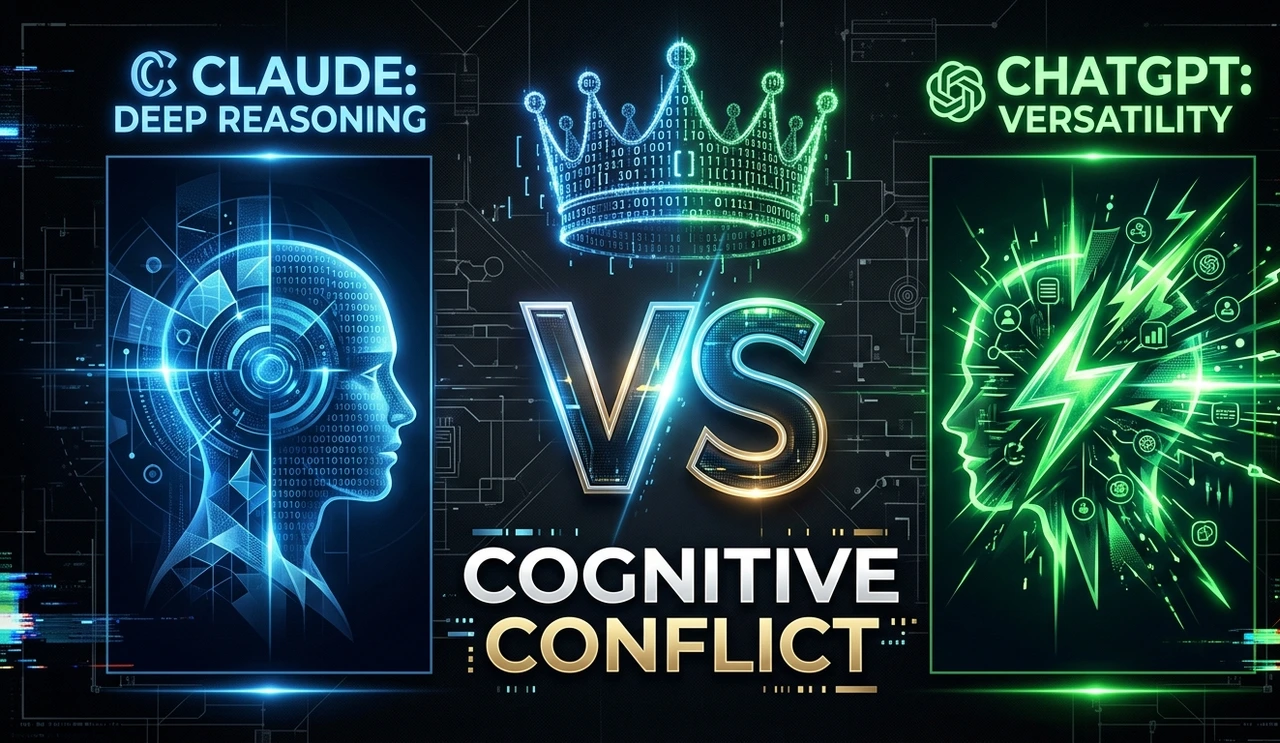
Claude is the better coding assistant for most serious development work. It scores higher on every major coding benchmark, produces functionally accurate code more consistently, handles the large-context tasks that real projects actually require, and — through Claude Code offers a genuinely agentic development experience that ChatGPT doesn't yet match.
The 10-percentage-point gap in functional coding accuracy (95% vs 85%) might sound abstract, but in practice it means fewer broken builds, fewer debugging cycles, and more reliable code reviews. Developer surveys back this up: 70% of developers prefer Claude for coding tasks, and Claude Code has captured an estimated 54% of the enterprise coding assistant market.
But ChatGPT is not losing this race. It's faster, more broadly integrated, better for quick prototyping, and the only tool in this comparison with native code execution. If you're a generalist or your workflow is plugin-heavy, ChatGPT might still be the right primary tool for you.
The honest answer for most developers reading this in 2026: start with Claude for your serious coding work, keep ChatGPT handy for speed and ecosystem tasks, and let your actual results, not marketing claims, tell you which subscription to prioritize.
Want to go deeper on AI developer tools? HustleToAI.com covers everything from Claude Code setup to prompt engineering for developers. Explore our full guides and start building smarter.
FAQ: Claude vs ChatGPT for Programming
Yes, based on benchmarks and real-world developer testing. Claude Opus 4.7 scores 87.6% on SWE-bench Verified versus ChatGPT's approximately 80%, and independent testing shows Claude achieving around 95% functional code accuracy compared to ChatGPT's approximately 85%. For complex debugging, refactoring, and large codebase work, Claude has a measurable edge. ChatGPT still wins on speed and ecosystem integrations.
Claude Code is Anthropic's terminal-based, agentic coding tool. Unlike the web chat interface, it operates directly inside your local development environment reading project files, running commands, executing tests, managing git, and editing code across multiple files autonomously. It integrates with VS Code and JetBrains. It's included with a $20/month Claude Pro subscription and represents a fundamentally different level of AI coding assistance than a chat window.
Claude is significantly better for complex debugging, particularly for async issues, race conditions, and bugs that span multiple files or require understanding full project architecture. ChatGPT gets to a fix faster but tends to address symptoms rather than root causes. For quick, single-function bugs, both tools perform comparably.
ChatGPT operates on a 128K token context window (standard paid tier), compared to Claude's 200K tokens. For most individual files, both are adequate. But for large-scale refactoring, multi-file reasoning, or pasting in an entire module with all its dependencies, Claude's larger context window gives it a meaningful advantage: it tracks imports, types, and dependencies across files more reliably.
ChatGPT has a slight edge for learning contexts. Its explanations tend to feel more like a patient teacher. It's better at explaining why things work, not just what they do. Claude's explanations are technically accurate and thorough but can assume more background knowledge. For beginners, ChatGPT's conversational style is often more accessible.
Both cost $20/month at the standard paid tier (Claude Pro / ChatGPT Plus). Claude Code is included in the Pro subscription. ChatGPT's equivalent agentic coding capability (Codex CLI) requires separate API credits beyond the Plus subscription for comparable functionality. At the API level, Claude is more expensive per token but typically produces more reliable output per request.
Both are excellent for Python. ChatGPT has a slight edge for standard patterns Flask APIs, pandas workflows, Django views where it's fast and accurate. Claude is better for complex Python involving multiple modules, custom class hierarchies, detailed type hints, and async architecture. If you're working on a mature Python project rather than greenfield code, Claude is the safer choice.
Article researched and written for HustleToAI.com your guide to working smarter with AI. Last updated: May 2026.