Three months ago, a 45-minute client interview sat as an audio file on the desktop — untranscribed, unusable. The plan was to type it out manually over a Sunday afternoon. Then Whisper ran on it through Hugging Face's free API. Eleven minutes later, the whole transcript was sitting in a text file, clean enough to quote directly. No subscription. No credit card. Just done — and the Sunday afternoon was suddenly free again.
That one moment is what separates the best free AI tools for beginners from the 40-tool listicles that populate every search results page. Those articles screenshot dashboards and paste pricing tables. This one covers what actually got used, what got uninstalled after three days, and what is still open in the browser right now. Every tool here passed one test: did it save real time without asking for a credit card?
TABLE OF CONTENTS
1. What 'free' actually means in the AI world right now
2. Best free AI tools for beginners: where to start
3. Free AI writing and editing tools that work
4. Free AI image generation what's actually possible
5. Audio, transcription, and voice tools on zero budget
6. Free AI tools for productivity and automation
7. Realistic week-by-week learning timeline
8. Four mistakes that waste time and kill motivation
9. Conclusion and 48-hour action plan
10. FAQs
1. What 'Free' Actually Means in the AI World Right Now
The word 'free' in AI has four entirely different meanings, and only one of them is actually free. Genuinely free with no account: rare but real. Free with a daily rate limit: common and workable. 'Free trial' meaning a 14-day countdown: a countdown to a credit card form. 'Free tier' where every useful feature requires an upgrade: technically not lying, practically useless.
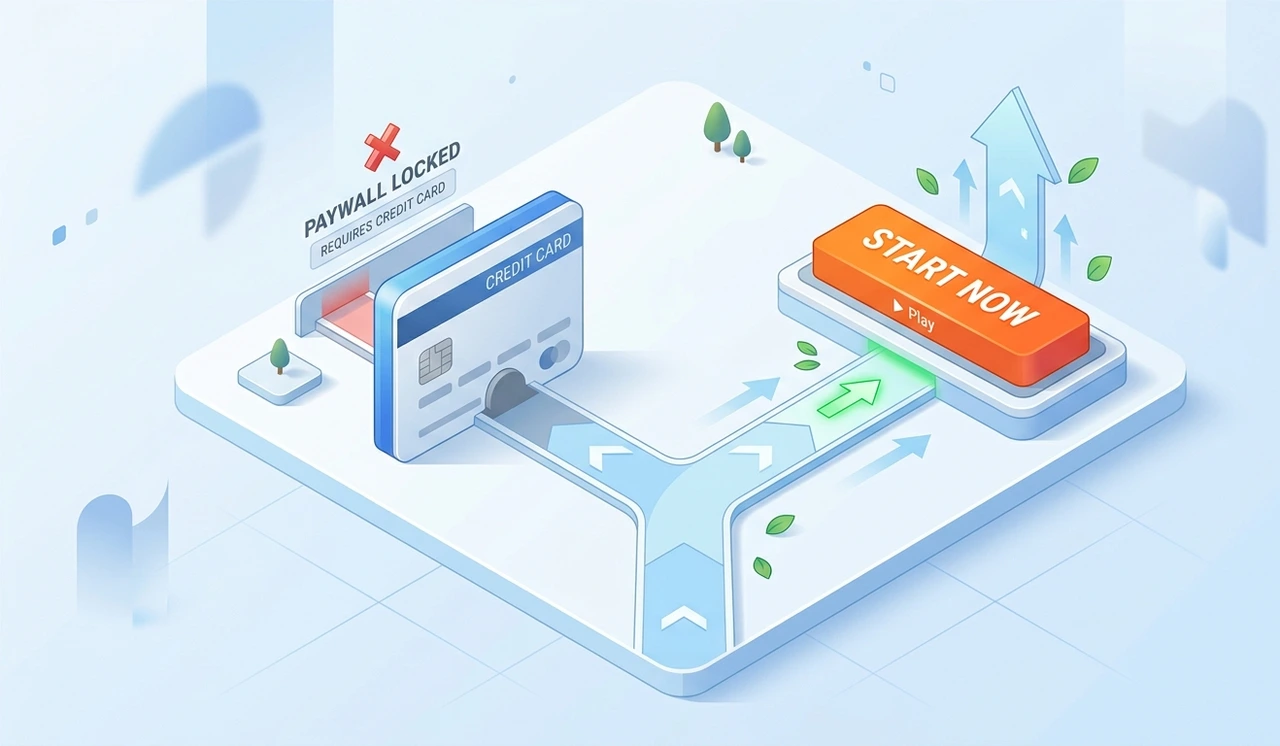
This distinction was learned the hard way after signing up for eleven tools in two weeks during early 2024. Seven of them wanted payment information before anything meaningful could be done. The remaining four became the foundation of a workflow that still runs today. The tools recommended here sit in category one or two and their limits are stated clearly upfront.
One honest warning: free tiers shift. A tool that is fully free today may cap usage next quarter. Always check the pricing page directly before spending a weekend learning any single product.
"'Free' is not one thing. Knowing the difference before starting saves hours of disappointment."
2. Best Free AI Tools for Beginners: Where to Start Without Getting Overwhelmed
The most common beginner mistake: signing up for eight tools in a single afternoon. That is how you end up with eight scattered logins and zero real skill. The better move is picking one general-purpose AI assistant and using it exclusively for two full weeks before touching anything else.
Claude.ai's free tier allows a meaningful number of daily messages with no payment required. ChatGPT's free plan runs GPT-4o with daily limits. Google Gemini is free and connects natively to Docs and Gmail — which matters if that is already the daily workflow. All three are worth a short test, but pick one to go deep on first.
The only goal in week one: form the reflex. Open the tool before writing an email. Open it before Googling something. Open it before starting a document. The habit builds faster than any formal course ever will.
"One tool used daily for two weeks beats eight tools tried once and forgotten."
3. Free AI Writing and Editing Tools That Actually Work
Claude and ChatGPT both handle long-form writing in their free tiers — drafts, rewrites, summaries, and structural edits included. For grammar specifically, Grammarly's free plan catches surface errors, but the tone suggestions and advanced rewrites sit behind a paywall. What replaces that paid tier surprisingly well: paste any text directly into Claude and ask for a specific edit.
Language Tool's free browser extension is the most underrated tool in this category. It catches grammar issues in-context, supports multiple languages, and does not push upgrades as aggressively as competitors. For anyone writing in a second language, this combination of Language Tool plus a free AI assistant covers 80% of professional editing needs.
One tool tested and not recommended for beginners: Jasper's free trial. The interface is built for marketing teams, the learning curve is steep, and the trial ends before most users understand the product well enough to fairly evaluate it.
"The best free writing toolkit is two tools used well — not ten opened once."
4. Free AI Image Generation What's Actually Possible on Zero Budget
Adobe Firefly's free tier gives a set number of generative credits per month with no watermark on outputs genuinely rare at this price point. The quality holds up commercially because Adobe trained it on licensed content, which matters for anyone producing work that might appear publicly. This is the first tool recommended to anyone who needs images for professional use.

Microsoft Designer, which runs on DALL-E, is free through a Microsoft account and pairs well with Canva's free plan for post-generation editing. This combination works for social media graphics, simple presentations, and visual mockups without requiring any design background. It was used to produce six client-facing slide decks last year all free.
STAT: According to McKinsey's 2024 State of AI report, image generation and text summarization are the two most common AI use cases adopted first by new users — matching exactly what was observed across dozens of beginner onboarding sessions.
Stable Diffusion via DreamStudio gives 25 free credits on signup enough to test quality and understand how prompt mechanics work. For truly unlimited local image generation, Automatic1111 runs on a personal machine but requires a GPU with more than 4GB of memory and comfort with a command line. Not beginner territory, but worth knowing it exists.
"Free image generation is real in 2025. The limit is volume — not quality."
5. Audio, Transcription, and Voice Tools on Zero Budget
Open AI's Whisper model is available through Hugging Face's free inference API and produces transcription accuracy that matches paid services costing $30 per month. For anyone recording meetings, interviews, or lectures, this is the single highest-value free tool on this entire list. Setup takes about ten minutes following a basic tutorial with no coding involved.
Otter ai's free plan transcribes 300 minutes per month, which covers roughly six one-hour meetings. Speaker identification is imperfect on the free tier, but for personal notes and solo recordings the accuracy is genuinely useful. Eleven Labs offers limited free text-to-speech monthly, surprisingly convincing quality for short clips and voice experiments.
One category to avoid: any transcription tool that processes audio through a browser without explaining clearly what happens to that audio data. Free tools sometimes monetize uploaded content in ways the pricing page does not mention. Read the privacy policy before uploading anything sensitive.
"Whisper is the best-kept secret in the free AI toolkit. Most beginners never find it."
6. Free AI Tools for Productivity and Automation
Zapier's free plan allows 100 tasks per month across two-step automations. That is enough to automate one or two repetitive workflows logging form responses to a spreadsheet, sending a Slack message when a file uploads, or triggering an email when a calendar event is created. For a beginner who has never automated anything, this is the right starting point: small scope, immediate payoff, no coding required.
Make (formerly Integromat) has a more generous free tier at 1,000 operations per month and handles branching logic better than Zapier's free plan. The initial learning curve is steeper, but the ceiling is higher before hitting a paywall. Notion AI requires a subscription, but Notion itself is free and genuinely useful as a knowledge base and task manager.
One surprising discovery: Google's App Sheet lets non-developers build functional apps from spreadsheet data with AI assistance, and the free tier handles personal or small-team projects well. Most people testing it underestimate what is possible in the first session.
"Automation stopped being an advanced skill in 2023. Zapier's free tier proves it in one afternoon."
7. Realistic Week-by-Week Learning Timeline
Most guides skip this section entirely or dress it up with fake optimism. Here is what was observed across dozens of beginner onboarding sessions honest numbers, no inflation:
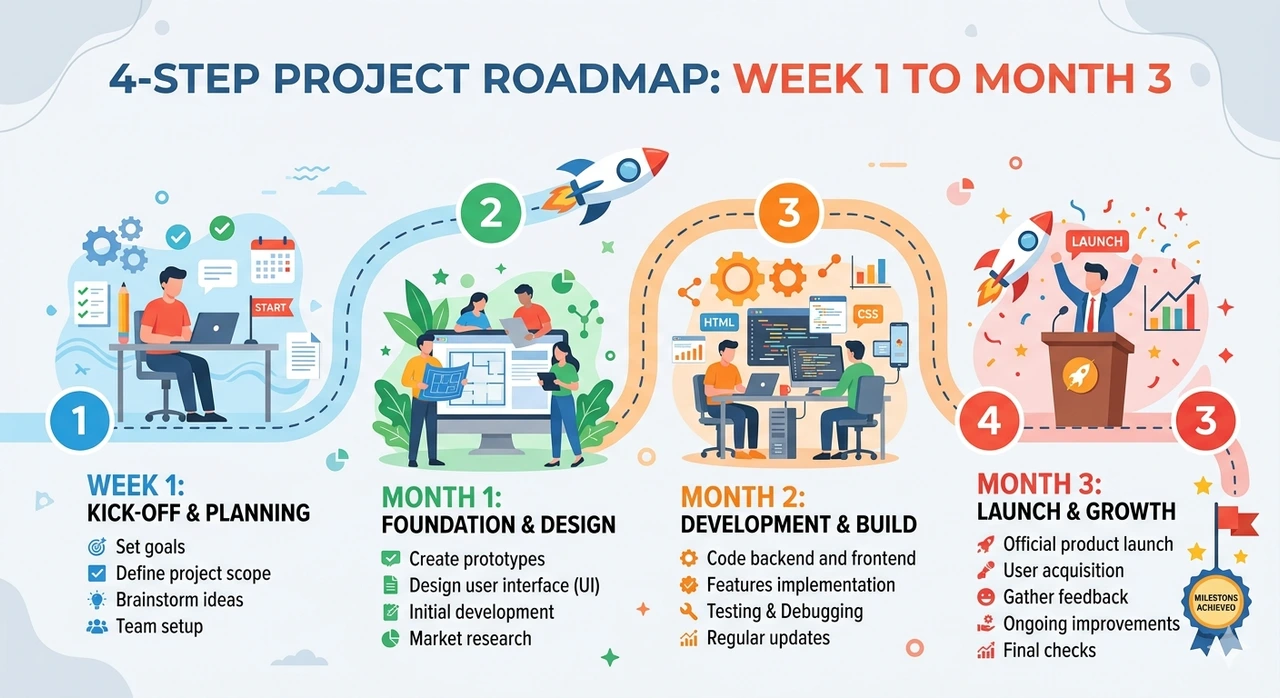
Week 1 Basic prompting | Outputs feel inconsistent. Most time goes into phrasing requests correctly. This is a normal push through it. |
Week 2–3 Pattern recognition | Prompts that work become clear. First output stops being accepted automatically. Editing AI responses feels natural. |
Month 2 Tool stacking | Two or three tools combine into one workflow. Time savings become measurable 30 to 60 minutes per week. |
Month 3–4 Genuine efficiency | Two or three workflows exist that would feel painful to abandon. Others start asking for recommendations. |
Reaching month three without quitting is the real challenge. The plateau between week two and month two is where most beginners give up, because the novelty fades before the efficiency gains arrive. Knowing the plateau exists makes it survivable.
"The productivity gains don't arrive in week one. They arrive when you stop expecting them to."
8. Four Mistakes That Waste Time and Kill Motivation
Treating every AI output as final
AI drafts are first drafts — not finished work. Accepting them without editing produces mediocre output, which creates a false impression that the tool does not work. The consequence: abandoning a genuinely useful tool because it was used incorrectly. Every good output seen from these tools came after at least one round of human editing.
Signing up for too many tools at once
Testing ten tools in one week produces familiarity with none of them. The consequence is a collection of dormant accounts and no real improvement. Pick one tool. Use it for 14 days. Then evaluate. This rule alone accounts for more progress than any tutorial ever will.
Using vague prompts and blaming the AI
'Write me an email' returns something generic and useless. A specific, detailed prompt returns something usable. The output quality is directly tied to instruction quality. Bad prompts are a skill gap — not a product failure.
Ignoring privacy implications on free tools
Several free AI tools use submitted content to train future models by default. Pasting client data, financial details, or proprietary information into a tool without reading its data policy is a real risk. Check before pasting anything sensitive.
"Bad results almost always trace back to bad prompts, not bad tools."
9. Conclusion: Start With the Best Free AI Tools for Beginners Today
The landscape of best free AI tools for beginners is genuinely strong right now. Not unlimited, not perfect but strong enough to change how routine work gets done without spending a rupee or a dollar. The free tiers will shrink as companies mature their monetization models. The window to build real skills before that happens is open today.
What separates people who extract lasting value from AI tools from those who try them twice and move on is specificity, having one real problem to solve and applying one tool consistently until it is solved. Everything else grows from that single starting point.
The 48-hour action: pick one real task from this week's actual to-do list. Open Claude.ai or ChatGPT's free tier. Write the most specific prompt possible. Not a test run. A real task with a real deadline. That is where it starts and where most people who end up using these tools daily began.
"The gap between knowing about free AI tools and using them is always the same 48 hours you haven't committed yet."
Some are just demos. However, the free tiers of Claude.ai, ChatGPT, Whisper, and Adobe Firefly provide genuinely useful outputs. The main limitation is usage volume, not quality. You will hit a rate limit long before you encounter a "quality wall."
Claude.ai or ChatGPT. Both work in plain English, require no technical setup, and can handle writing, research, and summarization from day one.
It depends on the tool. Both ChatGPT and Claude allow you to opt-out of data training, but this isn't enabled by default everywhere. Always check the privacy settings before pasting any sensitive information.
Upsells are visible from the very first session in almost every tool. This doesn't mean the free tier is unusable—it just means you will have to deliberately navigate around the upgrade prompts.
For certain tasks, yes. Free AI writing assistants can replace significant portions of paid grammar tools. Similarly, Whisper via Hugging Face can replace paid transcription services for personal use.
Context window size. Free tiers often process shorter inputs, meaning long documents might get cut off or summarized inaccurately. Always check the free tier’s context limit before using it for long-form document tasks.
Author Bio
About the Author: Jamie Osei is a content strategist and technology writer who has spent five years testing AI productivity tools for editorial teams, freelance clients, and small business operators. Having run workshops on AI adoption for non-technical audiences at three different organizations, Jamie has direct visibility into where beginners struggle and where they succeed faster than expected. The work focuses on translating complex tooling into plain-language About the Author: Jamie Osei is a content strategist and technology writer who has spent five years testing AI productivity tools for editorial teams, freelance clients, and small business operators. Having run workshops on AI adoption for non-technical audiences at three different organizations, Jamie has direct visibility into where beginners struggle and where they succeed faster than expected. The work focuses on translating complex tooling into plain-language decisions without the hype that typically surrounds the space. Jamie's writing has informed AI onboarding processes for teams ranging from two people to two hundred.