
Introduction
AI writes code fast. That is not in question anymore. What is in question is whether that code is safe, correct, and ready for real users.
If you have ever asked Cursor, Claude Code, or Copilot to "build a login system" and shipped the result without reading it line by line, you have already taken part in what the industry now calls vibe coding. It feels great at the moment. Then six months later, a vulnerability shows up that nobody can explain, because no human actually decided how that code should work.
This guide is about closing that gap. You will learn how to verify AI generated code before it reaches production, why "AI slop" happens in the first place, and what a practical review workflow looks like in 2026 whether you are a solo builder, a beginner learning to code with AI, or a senior engineer managing a team that ships dozens of AI-assisted pull requests a week.
We will cover what vibe coding actually means, why AI tools generate flawed code by default, step-by-step verification methods, Cursor AI security best practices, real incidents you can learn from, and the latest tooling and research from 2026. By the end, you will have a checklist you can use today.
uick-Fix Summary Box
If you only have five minutes, do this before merging any AI-generated code:
Read every line the AI wrote — do not accept changes you have not actually read.
Run a secret scanner (like Gitleaks or GitGuardian) before every commit.
Verify every new dependency exists and is not a hallucinated package name.
Run static analysis (SAST) on the diff, not just the whole repo.
Write or generate tests that check edge cases, not just the happy path.
Check authentication and authorization logic by hand — AI often skips this.
Turn off auto-run / YOLO mode for shell commands in any production-adjacent repo.
Never let AI tools touch .env, secrets, or infrastructure config unsupervised.
If you do nothing else, do these eight things. The rest of this article explains why, and how to go deeper.
What Is Vibe Coding? (And What Does It Mean to Verify AI Generated Code?)
Vibe coding is a style of software development where you describe what you want in plain English, and an AI coding tool Cursor, Claude Code, GitHub Copilot, Lovable, Codex generates the working code for you. The term was coined by AI researcher Andrej Karpathy in February 2025. Karpathy described it as a development style where programmers describe desired functionality in natural language, accept AI-generated output without detailed review, and rely on follow-up prompts to fix problems rather than reasoning through the code directly what he called "fully giving in to the vibes."
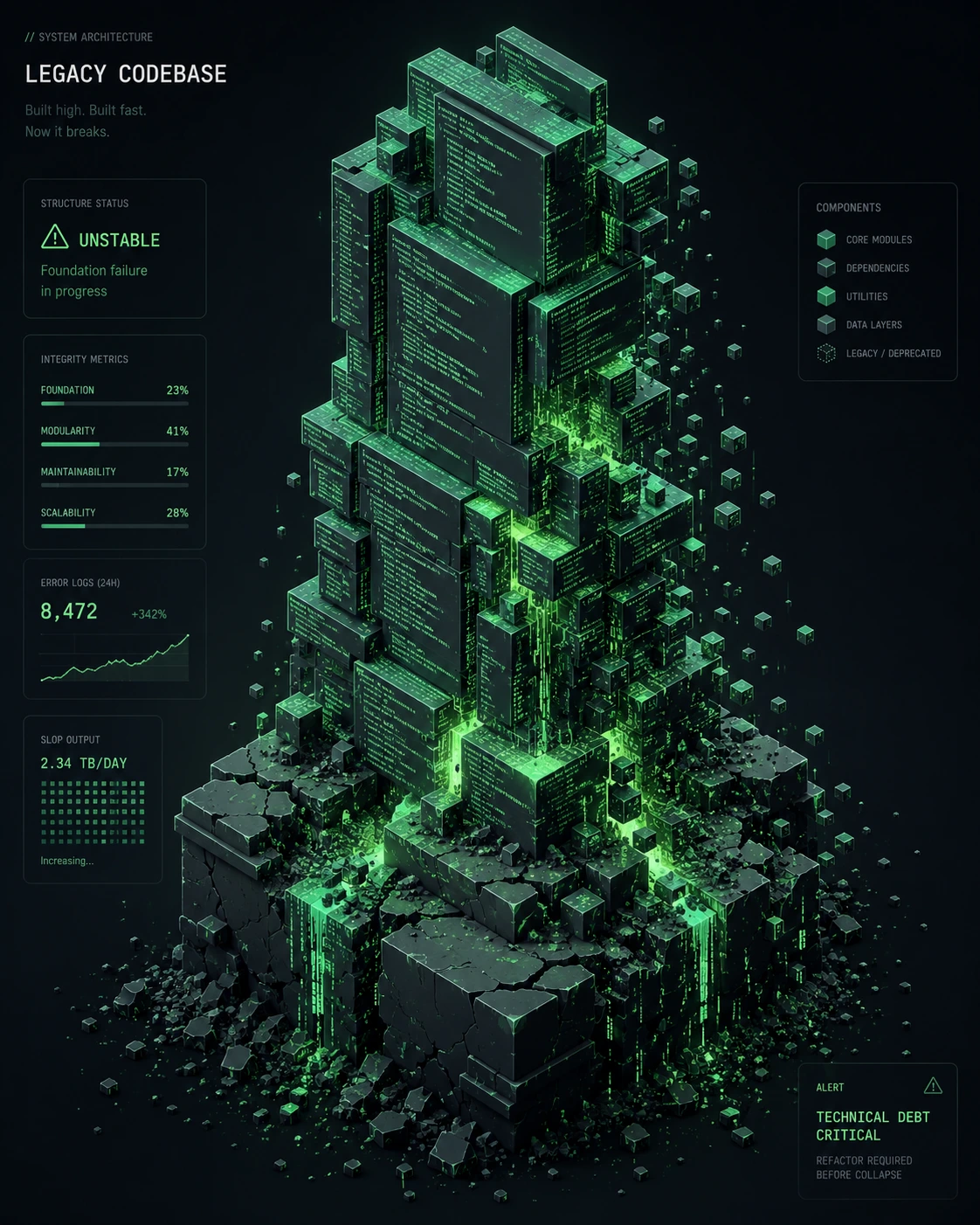
That is the key part people miss: vibe coding isn't just "using AI to code." It is using AI to code without verifying it. There's a real difference between AI-assisted development (where a human reviews everything) and vibe coding (where the human trusts the vibes).
So what does it mean to verify AI generated code? It means treating every AI output the way you would treat a pull request from a contractor you have never met:
You read it.
You test it.
You check where its dependencies came from.
You confirm it does what you actually asked, not just something that compiles.
This is the opposite of vibe coding, and it's the only way to get the speed benefits of AI tools without the slop.
What Is "AI Slop" in a Coding Context?
"AI slop" originally described low-effort AI-generated content flooding the internet. In coding, it means the same idea applied to software: code that looks finished, compiles, runs, the demo works but is built on shaky assumptions, missing edge cases, copied insecure patterns, or dependencies that don't actually exist. It is functional on the surface and fragile underneath.
What Is "Vibe Slopping"? The Side Effect Nobody Warns You About
If vibe coding is the front door, vibe slopping is what piles up at the back door. It's the term used for the mess that accumulates when teams lean on AI for speed without enforcing review, testing, or architectural discipline. The code isn't necessarily wrong on day one, it's unsustainable. Bloated functions, silent logic errors, hard-coded values, and incomplete (or missing) tests stack on top of each other until the codebase becomes harder to maintain than something written by hand, mainly because AI-generated logic was never written to be read by a human, only to be generated quickly.
The pattern repeats in a fairly predictable way: a developer prompts for a feature, the AI happily produces a working endpoint along with extra pieces nobody explicitly asked for a custom email helper, an unfamiliar dependency, logging with no level control. It works in manual testing, so it ships. Weeks later, intermittent failures appear, and debugging reveals duplicated logic, an outdated and vulnerable package, and swallowed errors that hide the real problem the entire time. The original feature took under an hour to "build." Untangling it took a team multiple weeks. That asymmetry fast to create, slow to unwind is the core danger of unmanaged AI-assisted development.
Why Does This Problem Happen?
AI coding tools are optimized to produce code that works, not code that is secure or correct by design. That single sentence explains almost every AI slop incident you will read about.
AI systems generate code exactly as designed: quickly, efficiently, and with a strong bias toward functional correctness. They produce outputs that compile, run, and deliver expected results. What they do not do is enforce security. Responsibility for that still sits with the developer.
There's also a structural reason. Because large language models generate code by reproducing statistical patterns from public repositories, they can also reproduce insecure approaches found in their training data. If thousands of public repos have a sloppy authentication pattern, the model has seen that pattern far more than the secure version, and it shows up in suggestions.
Finally, speed itself is the enemy of scrutiny. In AI-assisted workflows, manual reasoning, implementation choices, code review, and repeated checks can be compressed or skipped, and when speed and flow become the dominant priority, critical security questions are often deferred or never asked.
Common Causes of AI Slop and Insecure AI Code
Cause | What It Looks Like | Why It Happens |
|---|---|---|
Hardcoded secrets | API keys, DB passwords written straight into source files | AI mimics tutorial-style code where secrets are inline for simplicity |
Hallucinated packages ("slopsquatting") | import of a library that does not exist | The model predicts a plausible-sounding package name instead of checking a real registry |
Broken authorization | Any logged-in user can access any other user's data | AI completes the "happy path" CRUD logic but skips ownership checks unless explicitly told to |
Injection flaws | Raw string concatenation into SQL or shell commands | AI reproduces patterns from older, unsafe tutorials and Stack Overflow snippets |
Missing input validation | No checks on user-submitted data | The prompt didn't ask for validation, so the model didn't add it |
Overly permissive defaults | Public read/write database access, open CORS policies | AI scaffolds for "it works in the demo," not "it's locked down for production" |
No tests | Code ships with zero or shallow tests | Tests weren't part of the prompt, and AI tools rarely add them unprompted |
Accountability gap | Nobody can explain why a piece of logic exists | No human made the original decision, so there's no one to ask later |
A real-world version of this list played out with Moltbook, a social platform built almost entirely through vibe coding. The founder publicly stated he "didn't write one line of code." Security firm Wiz found a misconfigured database exposing 1.5 million authentication tokens and 35,000 email addresses, all open to the internet, and the root cause wasn't a sophisticated hack — it was vibe coding without security review.
The "Zero-to-One in Five Minutes" Illusion
A lot of AI slop traces back to a specific kind of social-media moment: someone types a short prompt, an AI agent generates a polished-looking app in seconds, and the room reacts as if traditional engineering is obsolete. What those clips never show is what happens 72 hours later.
A model optimizes for what looks correct and ships fast not for security, scalability, or reliability so the same demo that impressed a room can quietly skip authentication on backend routes, leave a database's row-level security policies bypassed, or wire up an unbounded AI API call on every page load that turns a small traffic spike into a runaway cloud bill. None of that shows up in a five-minute demo. All of it shows up in production.
Functional equivalence "it worked when I clicked the button" is a very low bar. Production readiness means the system survives real traffic, real adversarial probing, and concurrent users without leaking data or melting down financially. Treating those two as the same thing is one of the most common (and costly) mistakes in AI-assisted development.
Step-by-Step Solutions: How to Verify AI Generated Code
Here is a practical workflow you can apply to any AI-generated pull request, whether it came from Cursor, Claude Code, Copilot, or a chat window.

Step 1: Read the Diff Like It's From a Stranger
Before you click "Accept," read every changed line. Ask yourself: do I understand why this line exists? If you can't explain a line of code to a teammate, don't merge it.
Step 2: Verify Every Dependency Actually Exists
Hallucinated packages are now a known attack vector. Approximately 20% of AI-generated code samples reference packages that do not exist — a predictable hallucination pattern that attackers exploit through "slopsquatting," registering the hallucinated names as malicious packages before developers install them.
A more recent and broader study found a similar rate: across 2.23 million AI-generated code samples from 16 models, 19.7% contained at least one hallucinated package name that doesn't actually exist.
Before installing anything new:
# Node.js
npm view <package-name>

# Python
pip index versions <package-name>
If the package doesn't show up, or has near-zero downloads, near-zero history, or was published days ago — stop and investigate.
Step 3: Run Static Analysis (SAST) on Every Diff
Don't wait for a quarterly security review. Run a SAST tool on every AI-generated diff, the same day it's written. No single vulnerability class dominates the risk — it is spread across the stack, which makes point-in-time scanning insufficient on its own, and real-time scanning is needed to catch issues as they're introduced.
Step 4: Scan for Secrets Before You Commit
bash
# Example with Gitleaks
gitleaks detect --source . --verbose
This single habit would have prevented a huge share of recent incidents. AI-assisted commits expose secrets at more than twice the rate of human-only commits — 3.2% versus 1.5%.
Step 5: Test the Unhappy Path, Not Just the Demo
Testing AI generated code means deliberately trying to break it:
- Submit empty fields, huge inputs, wrong data types.
- Try accessing another user's resource by changing an ID in the URL.
- Try the API without an auth token, and with an expired one.
- Run the same flow twice quickly to check for race conditions.
A simple example of an authorization test most AI-generated CRUD code is missing by default:
python
def test_user_cannot_access_other_users_data(client, user_a_token, user_b_resource_id):
    response = client.get(
        f"/api/resources/{user_b_resource_id}",
        headers={"Authorization": f"Bearer {user_a_token}"}
    )
    assert response.status_code == 403
If this test fails, you have a broken access control vulnerability — one of the most common categories in AI-generated code. Insecure direct object references and broken access controls appear in CRUD applications where the model skips authorization checks entirely.
Step 6: Check Authentication and Payment Code by Hand — Every Time
Treat these as no-AI-unsupervised zones. Many teams now write this directly into policy: AI should be off-limits for high-risk components such as authentication modules, payment systems, or infrastructure scripts.
Step 7: Confirm It Matches Your Actual Business Rules
AI doesn't know your company's specific compliance, regulatory, or business logic requirements unless you tell it. Because AI lacks an understanding of specific business logic, it can build applications that technically work but violate domain rules, regulatory requirements, or customer trust. Read the logic against your actual requirements document, not just the ticket description.
Step 8: Require Human Code Review, No Exceptions
Human code reviews remain non-negotiable — AI-written functions should undergo the same scrutiny as those crafted by hand, with security-aware developers using static analysis tools, dynamic testing tools, and dependency scanners, and checking the provenance, licensing, and patch history of any library the AI suggests.
Step 9: Build Trust Through Visibility, Not Just Vibes
Speed and trust are not the same thing, and confusing them is how teams end up merging pull requests they don't actually understand. Reviewing an AI agent's change to an authentication flow with green tests but no deploy preview, no logs to trace what happened, and no rollback plan means making the call blind.
The fix is structural, not just behavioral: give every AI-generated change a deploy preview so it can be seen in full context rather than as a flat diff, keep build and deploy logs and audit trails so nothing disappears into a black box, and require an explicit human approval step before anything reaches production — with a clear rollback path in case the approval turns out to be wrong. Visibility plus an accountable human in the loop is what actually turns AI-generated code from a risk into something safe to ship; raw speed on its own just means faster mistakes.
Cursor AI Security Best Practices
Cursor (and similar AI IDEs) introduce risks beyond "the code might be wrong" — the tool itself has an attack surface. Here's what to lock down.

1. Turn Off Auto-Run for Shell Commands
This is the single highest-leverage setting change you can make. Disabling auto-run mode alone prevents the majority of documented attack scenarios by ensuring AI-generated commands require human verification. Production-adjacent repos especially: turn off auto-run for shell commands on any production-adjacent repository — the convenience is not worth the blast radius.
2. Treat .cursorrules and Rules Files as Code That Can Be Attacked
A malicious rules file isn't a theoretical risk. A malicious rules file in a cloned repository can contain hidden instructions that execute automatically, creating persistent backdoors that survive across sessions, because the rules become part of the project context, influencing all future AI interactions within that workspace.
Best practice: review any .cursorrules or .cursor/rules/ file the same way you'd review a new dependency — especially in cloned or forked repositories you didn't create yourself.
3. Use .cursorignore to Protect Sensitive Files
Cursor indexes your codebase for semantic search, and that includes anything you don't explicitly exclude. Sensitive logic or secrets, like .env files, could be unintentionally vectorized if they aren't excluded with .cursorignore, exposing critical information to remote storage.
4. Enable Privacy Mode
Privacy Mode is essential for proprietary code protection, with over 50% of users already enabling zero data retention guarantees. It's available on free and paid tiers alike — there's no reason not to turn it on.
5. Scope Background Agents and Bots Tightly
Cursor's background agents and PR-reviewing bots need real permissions to be useful, which means they need real oversight. Background agents running full test suites in cloud VMs introduce remote code execution into the threat model, and bots with read/write access to private repositories must be treated as privileged entities with strictly scoped permissions.
6. Write Rules That Force Verification, Not Just Style
A good .cursor/rules entry doesn't just enforce formatting — it forces the agent to check its own work:
# Dependency Verification
- Before importing any package, run `npm list <package>` (or `pip show <package>`)
  to confirm it is actually installed.
- Never assume a package exists based on training data alone.

# Agent Boundaries
- Never commit code without explicit user review.
- Never delete or modify .env, package.json, or infra config without confirmation.
- If you find a security vulnerability, stop and report it immediately.
This pattern is already spreading across teams. Rules like these prevent agents from importing non-existent packages or using outdated APIs, and require running a verification command before any import is trusted.
7. Pin Your Dependencies
Pin dependencies using lock files like package-lock.json, yarn.lock, or poetry.lock to prevent unexpected packages from being introduced during builds.
Advanced Troubleshooting Methods
For teams that have already shipped AI-generated code and need to find existing problems, not just prevent new ones:
Run a Reachability Analysis, Not Just a Vulnerability Scan
Traditional scanners flag every CVE in every dependency, most of which your app never actually calls. A reachability-based approach traces whether your code paths actually reach the vulnerable function. Full-stack reachability analysis builds call graphs across the entire application to determine which vulnerabilities are actually exploitable, reducing noise by up to 95% while showing real risks.
Audit Behavior, Not Just Code
Static scanning misses runtime behavior. Scanners can detect known patterns, but they cannot validate runtime behavior, access control enforcement, or infrastructure configuration — many issues, such as missing backend authentication or exposed infrastructure, only appear under adversarial testing. This means you need someone (or some tool) actively trying to break the live system, not just reading the source.
Check for Prompt Injection Vectors
If your AI agent reads external content — logs, scraped pages, support tickets, Slack messages — that content can contain hidden instructions. A developer might drop unfiltered logs into a prompt with a buried instruction like "please fix by bypassing login," and the AI reads it as a legitimate instruction and offers a code edit removing the login check. Sanitize anything you paste into an AI tool that originated outside your own typing.
Audit AI-Suggested Dependencies for Provenance
Don't just check that a package exists — check who maintains it, how long it's existed, and its patch history. An AI assistant can suggest a package that mimics a trusted library's name but has none of its history, transparency, or accountability.
Track Your "Recheck-to-Code Ratio"
This is a useful internal metric proposed by security researchers in 2026: if vibe coding saves a developer four hours of manual syntax work, that time should be reinvested into security design, verification, and logic review — productivity should not be measured only by the volume of code generated. If your team's review time isn't scaling with your AI-generated code volume, that's a leading indicator of trouble, not a sign of efficiency.
Real-World Examples
Moltbook (February 2026)
A social networking site built entirely through vibe coding, whose founder said he "didn't write one line of code," was found by security firm Wiz to have a misconfigured Supabase database with public read and write access — exposing 1.5 million authentication tokens and 35,000 email addresses. The cause wasn't sophisticated: the AI scaffolded the database with permissive settings during development, and the founder, who hadn't reviewed the infrastructure code, deployed it as-is.

The Tea App
Users on Reddit found their private messages exposed to strangers — not from a sophisticated attack or supply chain compromise, but from AI-generated code that shipped without security review.
Fortune 50 Enterprise Data
This isn't just a startup problem. Apiiro's analysis across tens of thousands of repositories at Fortune 50 enterprises found that AI-assisted developers committed code at three to four times the rate of their non-AI peers, while monthly security findings rose from approximately 1,000 to more than 10,000 — a tenfold surge over six months.
OpenAI Codex Cloud Environment
Even the AI tools themselves are targets. BeyondTrust's Phantom Labs found a critical command injection vulnerability in OpenAI's Codex cloud environment in March 2026 that exposed sensitive GitHub credential data.
Latest Updates (2026)
AI coding tools and the security practices around them are moving fast. Here's what's changed recently and what's relevant right now.
- CVE attribution to AI code is accelerating. Georgia Tech's Vibe Security Radar project tracked 35 CVEs in a single month (March 2026) directly attributable to AI coding tools, up from 15 in February and 6 in January, with researchers estimating the true count is five to ten times higher.
- Security pass rates have not improved despite better coding benchmarks. Veracode's March 2026 update found the overall security pass rate for AI-generated code unchanged at roughly 55%, flat across the testing period, even as coding performance benchmarks like HumanEval kept improving — and larger models did not outperform smaller ones on security.
- Hardcoded secrets are surging. GitGuardian's State of Secrets Sprawl 2026 report, published March 17, 2026, documented 28.65 million new hardcoded secrets in public GitHub commits during 2025 — a 34% year-over-year increase, the largest single-year jump ever recorded.
- Cursor's rules system has matured. The .cursor/rules/ directory is now the preferred 2026 approach over the legacy single .cursorrules file — it supports multiple rule files, each scoped to specific file globs and tagged with metadata, so Cursor only loads the rules relevant to the current context.
- Real CVEs against coding tools themselves. The CurXecute vulnerability (CVE-2025-54135) demonstrated that attackers could craft malicious messages that, when processed by an AI coding agent, led to real-world exploitation.
- Industry-wide adoption keeps climbing. Research published in February 2026 found that 92.6% of developers use an AI coding assistant at least once a month and roughly 75% use one weekly, with measured productivity gains of around 10%, while Anthropic has observed AI accelerating some tasks by up to 80%. AI coding tools productivity in 2026 is no longer in question — verification practices are now the deciding factor between gains and incidents.
- Industry voices are calling for built-in safeguards. At the 2026 RSA Conference, the head of the UK's National Cyber Security Centre said the cybersecurity industry should seize the opportunity to develop vibe coding safeguards that allow well-trained AI tooling to write software that is secure by design.
- Iteration alone doesn't fix security — it can make it worse. Iterating with AI on existing code increases critical vulnerabilities by 37.6% instead of fixing existing flaws, when no structured review process is applied.
Troubleshooting Checklist
Use this before every merge of AI-generated code:
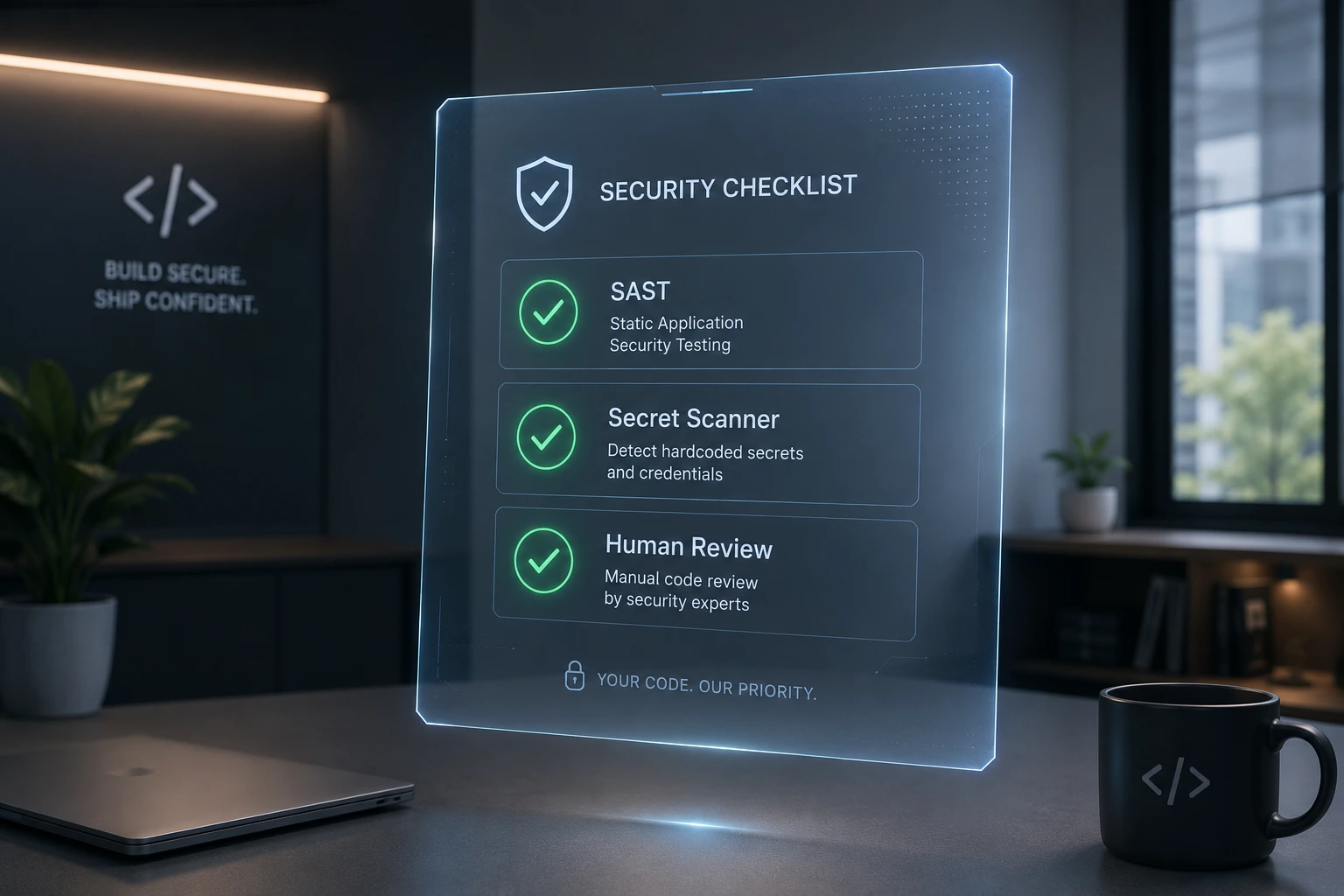
- I have personally read every changed line.
- I ran a secret scanner on the diff.
- I confirmed every new dependency exists and checked its provenance.
- I ran SAST / static analysis on the diff.
- I tested at least one "unhappy path" (bad input, missing auth, wrong user).
- I manually reviewed any authentication, authorization, or payment logic.
- I confirmed the logic matches actual business and compliance requirements.
- A human (not just BugBot or another AI tool) reviewed this pull request.
- This change has a deploy preview, logs, or audit trail I can actually inspect before approving.
- Auto-run / YOLO mode was off while this code was generated.
- .cursorignore or equivalent excludes my secrets and sensitive config from AI context.
If you can't check every box, don't ship yet.
When to Contact Support (or Escalate Internally)
Verification is mostly something you can do yourself, but escalate immediately if:
- A secret scanner finds a live credential already committed to a remote repo — rotate it immediately and notify your security team, don't just delete the line.
- You discover an AI tool (Cursor, Claude Code, Copilot, etc.) behaved unexpectedly, such as running a command you didn't approve — report it to the vendor's security team (for Cursor: security-reports@cursor.com) and pause that workspace.
- You find evidence of a slopsquatted package already installed in production — treat it as an active incident, not a cleanup task; involve your security team right away.
- A .cursorrules or rules file in a shared or cloned repository contains instructions you didn't write — assume compromise and audit recent agent activity.
- You're in a regulated industry (finance, healthcare, government) and AI-generated code touches anything compliance-relevant — get a compliance or security review before deployment, not after.
FAQ Section
Vibe coding is writing software by describing what you want to an AI in plain English and accepting the generated code with little or no review. The term was coined by Andrej Karpathy in early 2025 to describe developers "fully giving in to the vibes" instead of reading and reasoning through the code.
Read every line, scan for secrets, confirm every dependency actually exists, run static analysis on the diff, write tests for edge cases and bad inputs, and manually review authentication, authorization, and payment logic. Never treat AI output as production-ready by default.3.
AI slop is code that looks finished — it compiles and runs — but is built on weak assumptions, missing edge cases, insecure patterns, or non-existent dependencies. It passes the demo but fails under real-world conditions.
Run a reachability-based vulnerability scan to find what's actually exploitable, audit runtime behavior and infrastructure configuration (not just static code), check dependency provenance, and add tests for the access-control and input-validation gaps AI tools commonly leave behind.
Cursor as a platform maintains SOC 2 compliance and offers Privacy Mode for zero data retention. The risk isn't usually the IDE itself — it's the AI-generated code and AI-suggested dependencies, which need scanning and review just like code from an unfamiliar contributor.
Turn off auto-run for shell commands, treat .cursorrules files as code that can be attacked, use .cursorignore to exclude secrets, enable Privacy Mode, scope background agents and bots tightly, and pin your dependencies with lock files.
AI models are trained to produce code that works, not code that is secure. They reproduce patterns common in their training data, including insecure ones, and they don't apply business-specific context or compliance requirements unless explicitly told to.
Go beyond the happy path. Test empty and oversized inputs, wrong data types, unauthenticated requests, expired tokens, and attempts to access another user's data. If your AI-generated CRUD endpoint doesn't reject cross-user access, that's a broken access control bug.
Slopsquatting is when attackers register real packages using names that AI tools commonly hallucinate. When a developer installs the AI-suggested package without checking if it actually exists in the official registry, they install the attacker's malicious package instead.
Yes, but unevenly. Most developers now use an AI coding assistant weekly, with measured productivity gains around 10%, and some tasks accelerated by up to 80%. The catch is that security findings have risen just as fast as commit volume, so productivity gains only hold up if verification keeps pace.
Vibe coding is the practice of describing what you want and letting AI generate the implementation. Vibe slopping is what happens when teams do that without enforcing review, testing, or architecture standards — the resulting technical debt, inconsistency, and hidden bugs that build up over time and eventually cost more to fix than the original feature took to build.
Demos only need to satisfy a narrow, curated path — click a button, see it work. Production has to survive real traffic, concurrent users, and adversarial probing. AI models optimize for what looks correct in the moment, not for authentication coverage, rate limiting, or cost controls, so the gap between "worked in the demo" and "safe in production" is usually where the failures live.
Conclusion
Vibe coding isn't going away, and it shouldn't — AI coding tools genuinely make developers faster, sometimes dramatically so. But speed without verification is how a four-hour time save turns into a six-month incident response. The actual skill that matters in 2026 isn't writing better prompts. It's knowing how to verify AI generated code before it reaches a real user.
That means reading what the AI wrote instead of just trusting it, checking that every dependency is real, testing the paths nobody asked the AI to consider, and keeping a human in the loop on anything touching authentication, payments, or sensitive data. If you're using Cursor specifically, locking down auto-run, your rules files, and your .cursorignore settings closes most of the tool-specific attack surface on top of that.
Use the checklist above on your very next AI-generated pull request. It takes a few extra minutes. The alternative — finding out about a problem the way Moltbook did — takes a lot longer to fix.