Forget everything you thought you knew about "learning to code for six months before you launch anything." That era is dead. In 2026, the biggest AI side hustle isn't prompting ChatGPT for fun, it's shipping real, paying micro-SaaS products in a fraction of the time it used to take.

If you've ever thought "I have a great app idea, but I can't code," this guide is your unlock. We're going to walk through exactly how to build micro saas with Cursor AI, design a slick frontend with Vercel v0, wire up payments, and deploy a live product.
This isn't a theory. This is the exact Vercel v0 to Cursor workflow that non-technical founders and engineers alike are using right now to launch their first AI side hustle 2026 has to offer. Let's build and let's be honest about how long it actually takes.
A quick reality check before we start: Multiple builders who've documented this exact stack publicly report the UI-only demo comes together in well under an hour, but a genuinely functional product with auth, a database, and working payments realistically takes anywhere from a focused afternoon to about four days, even for experienced engineers. One indie developer described spending "many multiples" of his total build time just on the payments and webhook layer, because it exposed bugs in everything built before it. Keep that in mind so you don't get discouraged when your project takes longer than a single YouTube demo suggests.
Why This Stack Is the Ultimate Micro-SaaS Blueprint
Before we touch a single prompt, you need to understand why this combo works so well. Each tool in this stack does one job better than almost anything else on the market:
Vercel v0 — generates clean, production-ready React/Next.js UI from plain English prompts. This is your designer.
Cursor AI — an AI-native code editor that understands your entire codebase, writes backend logic, connects APIs, and fixes bugs on command. This is your engineer.
Vercel (hosting) — one-click deployment, custom domains, and blazing-fast global infrastructure. This is your DevOps team.
Together, they replace an entire early-stage startup team. You don't need to create micro saas without coding knowledge sitting untapped in your head, you need to know how to direct AI tools with clear instructions. That's the real skill in 2026, and it's exactly what this guide teaches.
Here's the mental model to keep in your head throughout this tutorial:
v0 builds what it looks like. Cursor builds what it does. Vercel puts it online.
That's it. That's the whole game.
Phase 0: Set Up a Project Rules File First (Don't Skip This)
Before you write a single prompt, create a .cursorrules file in your project root describing what the app is, who it's for, and what stack it uses. Builders who've done this at scale describe it as the single highest-leverage step in the whole process: when Cursor understands the full context of your project upfront, every subsequent prompt produces noticeably more accurate, consistent code instead of you re-explaining context in every chat.
A simple starter template:
# Project Overview
[App name] is a [one-line description] built for [target user].
It uses Next.js (App Router), TailwindCSS, and [your database/auth choice].
Keep components in /components, API routes in /app/api, and follow
existing naming conventions. Prefer server actions over client-side
fetch where possible.
Five minutes spent here saves you from a dozen rounds of "no, not like that" later.
Phase 1: Micro-SaaS Idea Selection (10 Minutes)
The biggest trap for beginners is overthinking the idea. For your first build, you want something with a single clear input, a single clear output, and an obvious "aha" moment. Here are three beginner-friendly ideas that are proven to convert:
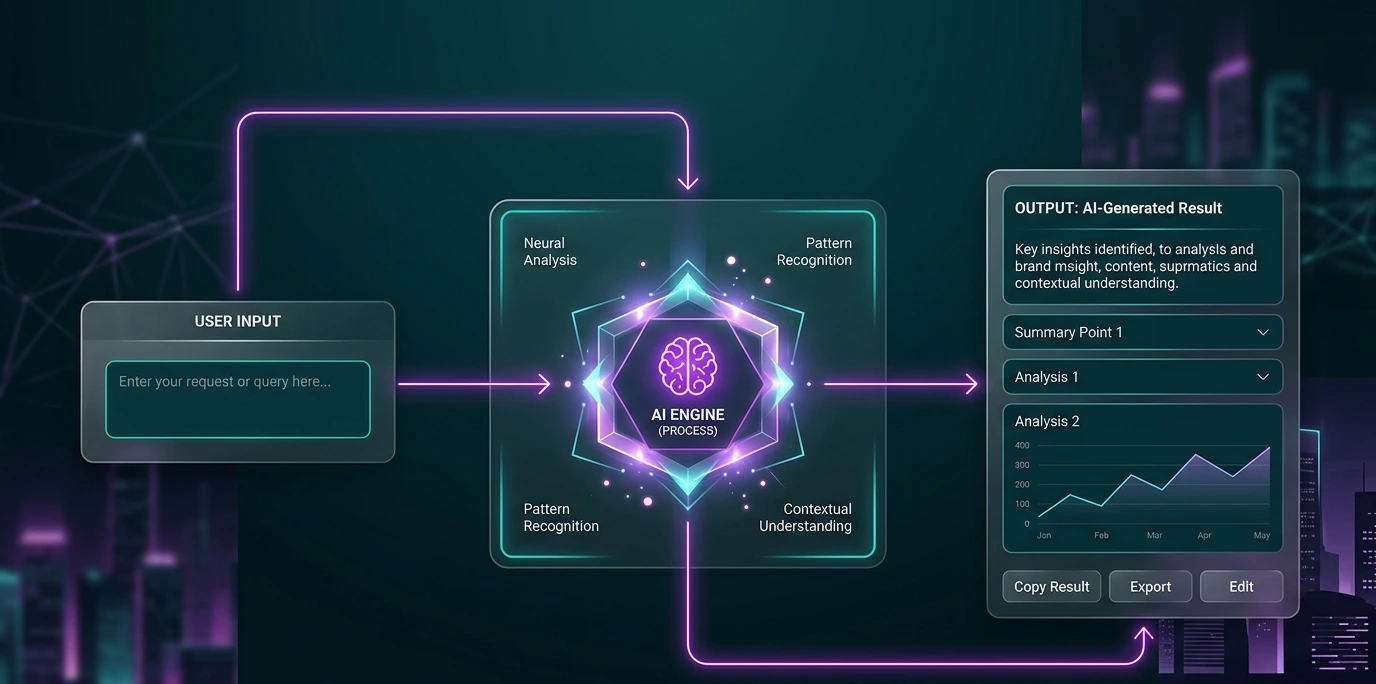
AI Resume Optimizer — User pastes their resume and a job description; the tool rewrites bullet points to match ATS keywords. Huge demand, easy logic, easy upsell (PDF export, cover letter generator).
Niche Prompt Generator — Pick a niche (real estate, fitness coaches, Etsy sellers) and build a tool that generates ready-to-use AI prompts for that audience. Low build complexity, high perceived value.
AI Micro-Copy Rewriter — Users paste website copy or product descriptions and get 3 punchier, conversion-optimized variations. Great for agencies and solo marketers as recurring users.
Pro tip: Pick the idea that solves a problem you personally understand. It'll make your prompts sharper and your marketing copy more authentic later — and it means you'll actually notice if the AI-generated logic is subtly wrong, which matters more than people admit (more on that below).
Phase 2: Generating the UI with Vercel v0
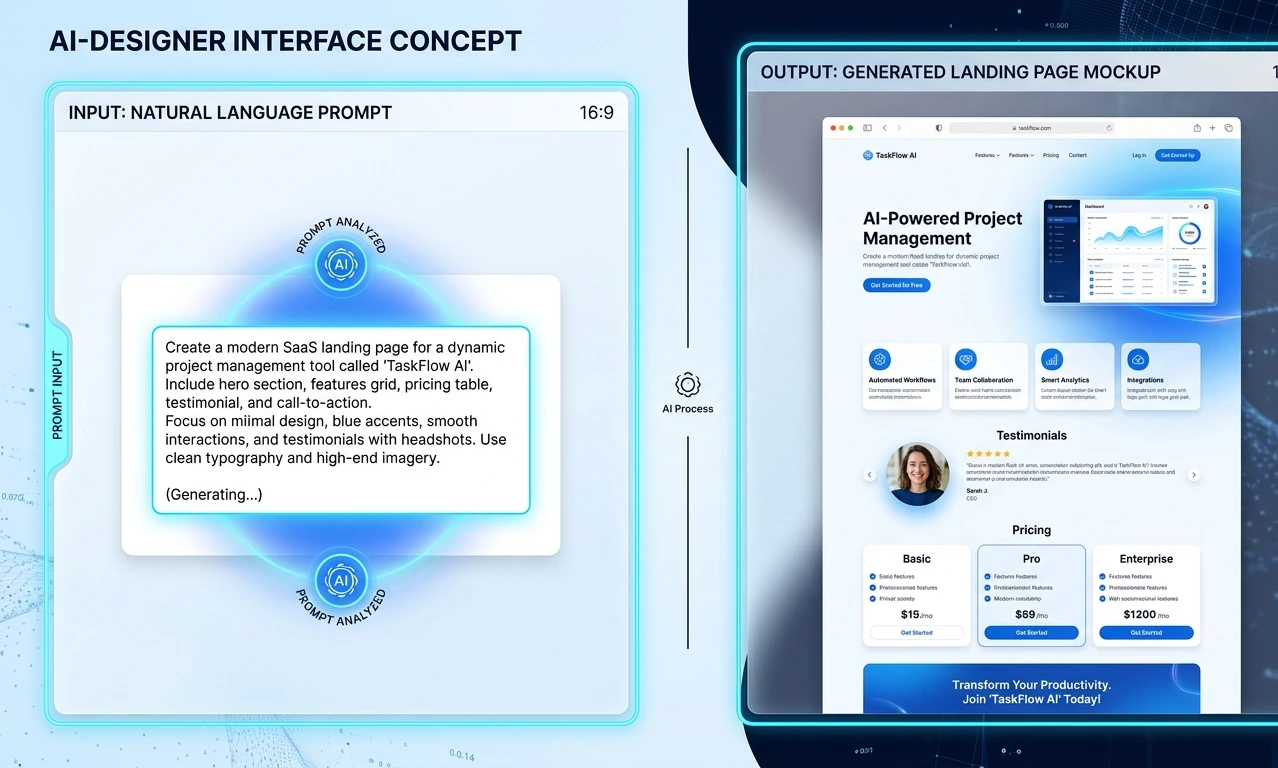
Head to v0.dev and get ready to describe your product like you're briefing a designer. This is the fastest part of the whole v0 dev tutorial process. Most people are shocked at how good the first draft looks.
How to Prompt v0 for Clean Frontend Code
Be specific about layout, tone, and components. Vague prompts get vague results.
Build a clean, modern SaaS landing page and app interface for an
"AI Resume Optimizer" tool. Include:
- A hero section with headline, subheadline, and CTA button
- An input form with two textareas: "Paste your resume" and "Paste job description"
- A "Optimize My Resume" button
- A results section showing the improved resume with a copy button
- Use a minimal, professional design with a blue and white color scheme
- Fully responsive, built in Next.js with Tailwind CSS
v0 will generate multiple UI variations. Pick the one closest to your vision, then iterate with follow-up prompts like:
"Make the hero section bolder and add a pricing section with 3 tiers below the results."
Once you're happy with it, sync the project to GitHub and export the code this is what you'll bring into Cursor next. If v0 has already set up automatic Vercel deployments for you (it often does), you'll have a live, working prototype on a real URL within minutes, before you've written a single line of backend logic.
Phase 3: Building the Logic with Cursor AI
This is where your static UI becomes an actual functioning product. Open Cursor AI, create a new project, and import your v0-generated files directly into the project folder.
Step-by-Step: From v0 to Cursor
Import your code. Drop the exported v0 files into your Cursor project directory. Cursor will automatically index the whole codebase so it understands your components.
Add your environment variables. Create a .env.local file for your OpenAI/Anthropic API key, keeping secrets out of your source code.
Scope every prompt to one feature at a time. Don't ask Cursor to "build the app." Builders who've shipped real products this way consistently say the same thing: break work into narrow, separate tasks (one API route, one component, one database trigger) and open a new chat session for each one. Cramming everything into a single sprawling prompt is where AI-generated code quality falls apart fastest.
In this Next.js app, connect the "Optimize My Resume" button to a
server action that sends the resume and job description to the
Anthropic API. Use the API key from process.env.ANTHROPIC_API_KEY.
Return the optimized resume text and display it in the results
section. Handle loading states and errors gracefully.
Test locally after every change. Run npm run dev, click through the flow, and confirm the API call works end to end. Don't stack five unverified features on top of each other, bugs compound fast, and it becomes much harder to tell which prompt introduced the problem.
Debug with AI, not Google — and close the feedback loop. If something breaks, paste the error directly into Cursor's chat and ask: "Why is this throwing a 500 error, and how do I fix it?" Cursor reads your actual code and terminal output, so its fixes are far more accurate than generic Stack Overflow answers. Builders who automate this piping test output and terminal errors straight back into the AI agent report resolving compiler errors and type mismatches in seconds instead of minutes.
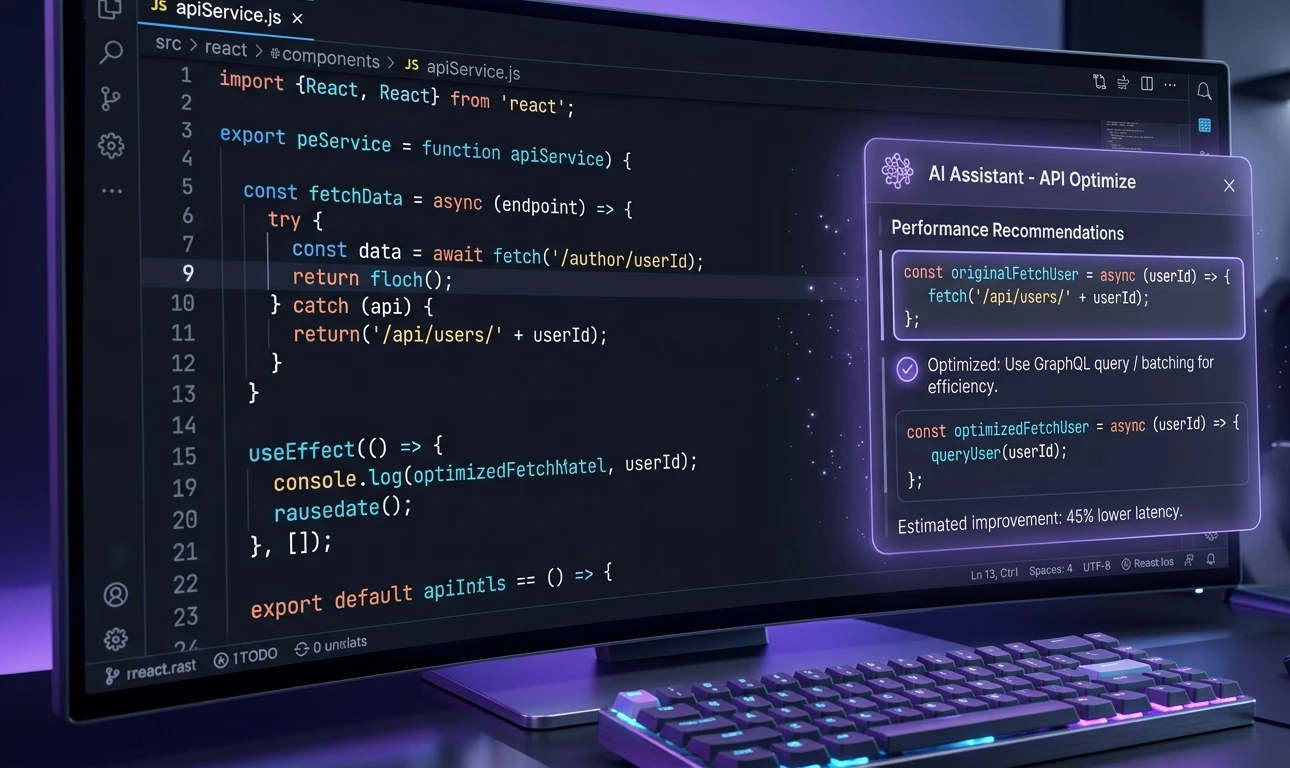
This is the heart of the step by step guide to build micro saas using Cursor AI. You're not writing logic from scratch, you're reviewing and approving AI-generated logic, which is dramatically faster. But "reviewing" is the operative word.
A Word of Caution: Don't Blindly Accept Everything
This is the part most viral "I built a SaaS in an hour" threads leave out. Even a working AI-generated flow can ship with subtle bugs. One builder found the AI had logged every session twice due to a small state bug that only showed up once real usage started. AI tools are extremely good at producing plausible, working-looking code fast, but they are not a substitute for understanding what you're actually shipping. If you can't explain what a piece of generated code does, ask the AI to explain it before you move on, especially anything touching money, user data, or authentication.
Phase 4: Adding Payments & Auth (So You Can Actually Get Paid)

A tool nobody can pay for isn't a business, it's a hobby. This phase is what separates a fun demo from a real AI side hustle 2026 income stream. It's also, consistently, the phase that takes the longest, often longer than the rest of the build combined. Budget real time for it, and expect to spend it debugging webhooks and edge cases rather than writing new features.
Authentication
Use Clerk or Supabase Auth to add login/signup in minutes:
Add user authentication to this Next.js app using Clerk. Protect
the /dashboard route so only logged-in users can access the
resume optimizer tool. Add a simple sign-in/sign-up button in
the navbar.
Both tools offer generous free tiers, pre-built UI components, and drop-in middleware no need to build your own auth system. If you're using Supabase, you can also generate SQL schemas with Row Level Security policies directly through an AI prompt, which handles a lot of the tedious security boilerplate for you.
Payments
For fast, low-friction monetization, Lemon Squeezy is the go-to choice for indie founders (it handles global tax/VAT compliance automatically), while Stripe is ideal if you want more granular control.
Integrate Lemon Squeezy checkout into this app. Create a pricing
page with a single "Pro Plan – $9/month" option. When a user
clicks "Upgrade," redirect them to the Lemon Squeezy checkout
page. On successful payment, use the webhook to update the
user's subscription status in the database.
Ask Cursor to also generate a simple usage-limit check for example, free users get 3 optimizations per month, paid users get unlimited. This single feature is often what triggers the first upgrade.
Take this part seriously. Payment logic is where AI-assisted "vibe coding" gets genuinely risky; mistakes here cost real money and erode user trust. Test every webhook path (success, failure, cancellation) manually before you consider this phase done.
Phase 5: 1-Click Deployment on Vercel
Now for the most satisfying part going live.
Push your project to a GitHub repository (Cursor has built-in Git integration, so this takes seconds).
Go to vercel.com, click "Add New Project," and import your repo.
Add your environment variables (API keys, Clerk keys, Lemon Squeezy keys, Supabase keys) in the Vercel dashboard.
Click Deploy. Vercel builds and hosts your app automatically. This is the fastest way to deploy an AI app on Vercel with zero server management. Build times for a lean Next.js project typically clock in under a minute.
Attach a custom domain under Project Settings → Domains. A .com or .app domain instantly makes your micro-SaaS feel like a "real" product, which matters more than you'd think for conversions.
That's it. Idea to live, paid product in roughly a focused afternoon to a few days, depending on how much of Phase 4 goes smoothly.
Marketing & Monetization Checklist: Getting Your First Paying Users

Building it is only half the equation. Here's how to make money with AI tools once your product is live, using three fast, founder-friendly channels:
Product Hunt Launch
Schedule your launch for a Tuesday–Thursday for maximum visibility.
Write a punchy tagline and prepare 3-4 screenshots showing the tool in action.
Engaging with every comment in the first 3 hours momentum matters.
X/Twitter "Build in Public"
Post your build journey as a thread: idea → v0 screenshot → Cursor logic → live launch.
Use hashtags like #buildinpublic and #microsaas to tap into an engaged, founder-heavy audience.
Share real metrics (signups, revenue) transparency drives trust and shares.
LinkedIn Founder Story
Post an "I built and launched a SaaS tool using AI" story with a short demo video.
Tag relevant AI and startup communities.
Include a clear, simple CTA link to your product, don't bury it.
Run all three simultaneously during launch week. Even a few dozen visitors converting at 2-3% can validate your pricing and give you real user feedback for your next iteration.
The Moat Question
Here's something worth sitting with honestly: if you can build this in a weekend, so can hundreds of other people with the same idea. Some experienced builders openly admit this changes the calculus of side-project software. The barrier to entry has dropped so far that "I built it" is no longer a competitive advantage by itself. What still seems to matter is ambition, distribution, and how well you understand your own users' problem, not the code. Build things you'd genuinely use yourself, ship fast, and expect your edge to come from iteration speed and audience, not secrecy.
Final Words for the Hustlers
Here's the truth nobody tells you loudly enough: the barrier to entry for building software has essentially disappeared. The advantage no longer belongs to whoever can code the fastest; it belongs to whoever can ship the fastest, learn from real users, and iterate.
You don't need a computer science degree. You don't need a co-founder. You don't need six months. You need one clear idea, a project rules file, the discipline to scope your prompts one feature at a time, and the willingness to hit "Deploy" before you feel "ready" while still understanding what you shipped.
The best AI side hustle for beginners 2026 isn't some secret system, it's this exact workflow, repeated. Build it. Ship it. Charge for it. Then do it again, better, next weekend.
Your first micro-SaaS is closer than you think. Go build it.