Your Claude Code bill just made you flinch. Here's the fix.

You know the feeling. You open your Anthropic Console, check usage, and your Opus-powered refactor last night cost more than your Spotify subscription. Claude Code is genuinely one of the best agentic coding tools on the planet but running every single background file-read, lint check, and "what does this function do" query through a frontier model is like hiring a Senior Staff Engineer to fetch your coffee.
Here's the good news: you don't have to choose between Claude Code's agentic harness and your wallet. Claude Code is actually two separate things bolted together: a battle-tested agent loop (the part that reads files, runs terminal commands, calls tools, and manages sub-agents) and a backend model (the part that does the actual thinking). You can keep the harness you love and swap the backend for something dramatically cheaper Gemini Flash, DeepSeek, Llama, or 300+ other models via OpenRouter without losing a single feature.
This is the complete Claude Code Agentic Flow tutorial: how to switch models in Claude Code, wire up a proper Claude Code OpenRouter integration, run it completely free, understand where Model Context Protocol (MCP) fits into the picture, and pick the right low-cost AI models for coding agents depending on the job. Let's get into it.
Wait, How Does This Even Work? (The 30-Second Mental Model)
Claude Code talks to its backend using Anthropic's Messages API format. That's it. That's the whole trick.
Think of Claude Code like a universal remote control. The buttons (tool calling, file edits, terminal access, sub-agents) never change. What changes is which TV it's pointed at. As long as the "TV" the model provider speaks the same remote-control language (the Anthropic Messages API), Claude Code doesn't know or care whether the actual thinking is happening on Anthropic's servers, Google's servers, or an open-weight model running on someone's GPU cluster in Iowa.

The mechanism that makes this possible is a small set of environment variables, the two you'll always need being ANTHROPIC_BASE_URL and ANTHROPIC_AUTH_TOKEN (or ANTHROPIC_API_KEY, depending on the route). Point the base URL somewhere else, and every request Claude Code makes — system prompts, tool definitions, multi-turn context, everything — gets routed to that new destination instead of api.anthropic.com.
One critical catch developers trip over constantly: this variable is read once, at process startup, and never re-checked. If you export it in a new terminal tab while an old Claude Code session is already running, that old session will never see the change. Always set the variable before launching the clause, or restart your session after changing it. If you'd previously logged in to Claude Code with your real Anthropic account, that cached OAuth session will silently override your new variables run /logout once and relaunch, or you'll get confusing "model not found" errors that have nothing to do with your config.
Method 1: The Quick-and-Dirty Direct Route (OpenRouter Env Vars)
This is the fastest way to get a Claude Code OpenRouter integration running no extra tools, no router process, just environment variables. And it's gotten even simpler recently: OpenRouter now exposes what it calls an "Anthropic Skin" , an endpoint that speaks the Anthropic Messages API natively. Thinking blocks, native tool use, streaming, and multi-turn context all pass through untouched, the same way they would against Anthropic directly. That's a meaningful upgrade over the old advice to run everything through a local proxy just to keep tool calls from breaking.
Step 1: Get an OpenRouter API key
Sign up at OpenRouter, grab your API key from the dashboard. You'll fund one account and get access to Claude, GPT, Gemini, DeepSeek, Llama, Mistral, and dozens more — all billed through a single pay-per-token meter.
Step 2: Export the variables
Open your shell profile:
nano ~/.zshrc # or ~/.bashrc if you're on Bash
Add these lines:
export OPENROUTER_API_KEY="sk-or-v1-your-key-here"
export ANTHROPIC_BASE_URL="https://openrouter.ai/api"
export ANTHROPIC_AUTH_TOKEN="$OPENROUTER_API_KEY"
export ANTHROPIC_API_KEY=""
That last line matters more than it looks. ANTHROPIC_API_KEY has to be explicitly set to an empty string, not left unset — otherwise Claude Code can silently fall back to trying to authenticate against Anthropic directly, which is one of the most common causes of confusing auth conflicts.
Step 3: Reload and clear any cached login
bash
source ~/.zshrc
If you were previously logged into Claude Code with your Anthropic account directly, run:
bash
claude /logout
Step 4: Verify it's working
Launch Claude Code and run:
/status
You should see something like:
Auth token: ANTHROPIC_AUTH_TOKEN
Anthropic base URL: https://openrouter.ai/api
From here, every prompt you send gets billed through your OpenRouter balance, and you can watch token costs update live on OpenRouter's Activity dashboard — genuinely eye-opening the first time you run a long agentic session and watch the meter move.
Route each task class to its own model
Instead of one blanket model for everything, Claude Code actually exposes separate slots you can override individually — useful the same way claude-code-router's background/main split is useful, but without running a second process:
bash
export ANTHROPIC_DEFAULT_OPUS_MODEL="~anthropic/claude-opus-latest"
export ANTHROPIC_DEFAULT_SONNET_MODEL="~anthropic/claude-sonnet-latest"
export ANTHROPIC_DEFAULT_HAIKU_MODEL="~anthropic/claude-haiku-latest"
export CLAUDE_CODE_SUBAGENT_MODEL="~anthropic/claude-opus-latest"
The ~author/model-latest aliases always resolve to the newest version in a family, so they don't go stale. A reasonable split: Opus for architecture and deep reasoning, Sonnet for everyday coding, Haiku for quick transformations and classification.
Important caveat: this native, no-proxy routing is only officially guaranteed to work reliably when you keep the models on the Anthropic first-party provider. Swapping in a genuinely different model family (DeepSeek, Gemini, Llama) through this same endpoint works in practice for a lot of tasks, but you're leaving Anthropic's tool-calling guardrails behind — test before you trust it on anything critical, and expect more tool-call weirdness the further you stray from Claude-family models.
Prefer a project-only config?
Instead of exporting globally, scope it to one repo with .claude/settings.local.json:
json
{
  "env": {
    "ANTHROPIC_BASE_URL": "https://openrouter.ai/api",
    "ANTHROPIC_AUTH_TOKEN": "your-openrouter-api-key",
    "ANTHROPIC_API_KEY": ""
  }
}
This makes it trivial to share a team's model config through version control — just don't commit the actual key, and add the file to .gitignore. Note: the native installer doesn't read a plain .env file, so this JSON block (or your shell profile) is the actual source of truth.
What it costs, in practice
OpenRouter doesn't mark up token pricing — you pay the provider's per-token rate, and credit purchases carry a 5.5% fee with an $0.80 minimum. As a rough sense of scale: 10M tokens a month on Claude Sonnet at an 80/20 input/output split runs somewhere around $50–55 in direct token cost, plus a few dollars in fees. For a team, one OpenRouter key also gives you shared billing, per-key budget caps, and a single Activity dashboard instead of everyone running their own separate Anthropic accounts with no shared spend visibility.
Wiring it into CI
The same routing works in automation, not just your local shell. For the official Claude Code GitHub Action, pass your OpenRouter key through anthropic_api_key and set the base URL in the step's env:
yaml
- name: Run Claude Code
  uses: anthropics/claude-code-action@v1
  with:
    anthropic_api_key: ${{ secrets.OPENROUTER_API_KEY }}
  env:
    ANTHROPIC_BASE_URL: https://openrouter.ai/api
Method 1b: Completely Free, No Credit Card (Google AI Studio / Gemini)
If you don't want to fund an OpenRouter balance at all, there's a genuinely free path: point Claude Code straight at Google AI Studio's Gemini API, which has a generous free tier tied to nothing but a Google account.
bash
export ANTHROPIC_API_KEY="AIza-YOUR-GEMINI-KEY-HERE"
export ANTHROPIC_BASE_URL="https://generativelanguage.googleapis.com/v1beta/openai/"
export ANTHROPIC_MODEL="gemini-2.5-flash"
Grab the key from aistudio.google.com — no card, no minimum top-up, about 30 seconds.
A first-run gotcha worth knowing: even with these variables set, Claude Code may still show its Anthropic login screen on first run. The workaround is to temporarily add a fourth variable, ANTHROPIC_AUTH_TOKEN, set to the same Gemini key — this makes Claude Code treat it as a "custom API key" and prompt you to accept it. Once the session is established, remove ANTHROPIC_AUTH_TOKEN again; leaving both sets at once causes a conflict warning on later runs.
Two other things people get tripped up on:
The VS Code extension and the CLI are separate installs. The extension is just a UI panel; the actual engine is the CLI (npm install -g @anthropic-ai/claude-code). Installing only the extension and expecting it to work is a common first mistake.
Keep secrets in a single .env file, not hardcoded into shell profiles or editor settings, and always add it to .gitignore.
This route is the best fit if you're just learning Claude Code's workflow and don't want to commit a card yet — it's not a permanent substitute for paid Claude on hard problems, but it costs nothing to try.
Method 2: The Power-User Route (claude-code-router)
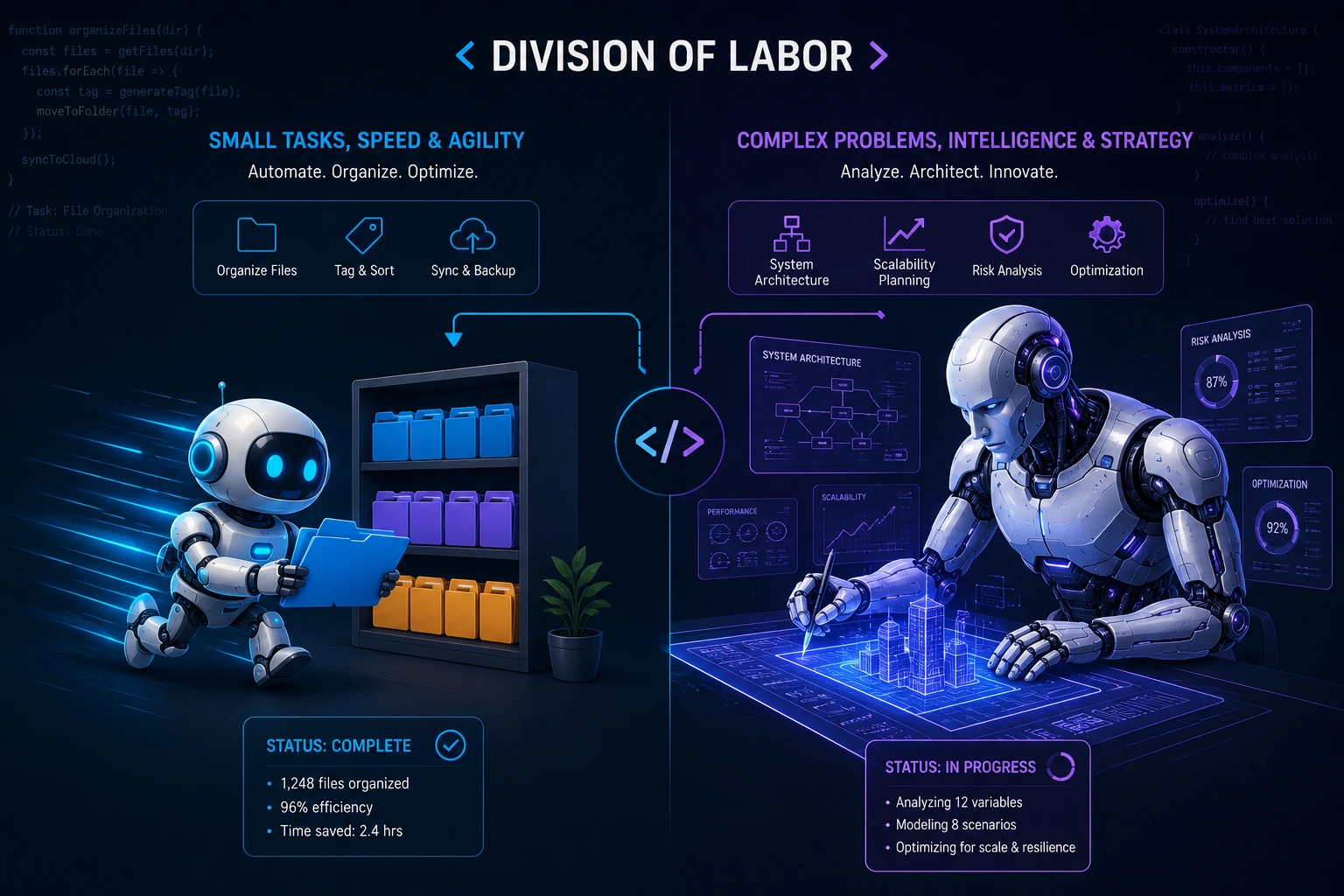
If Method 1 is a universal remote pointed at one TV, claude-code-router (CCR) is a smart hub that can flip between five TVs depending on what you're watching. With OpenRouter's native Anthropic-compatible endpoint now handling a lot of what CCR used to be needed for, this route matters most when you want to mix genuinely different providers side-by-side (not just Anthropic-family models) or want a local web UI for managing that without hand-editing JSON.
Step 1: Install it
bash
npm install -g claude-code-router @anthropic-ai/claude-code
Step 2: Start the router
bash
ccr start
This spins up a local gateway, typically on http://127.0.0.1:3456, with an optional web UI on port 3458 for configuring providers without hand-editing JSON.
Step 3: Configure your providers
Open the UI with:
bash
ccr ui
From here you can register multiple providers side-by-side — OpenRouter, Google Gemini directly, DeepSeek, Moonshot/Kimi, Z.AI, or a self-hosted OpenAI-compatible endpoint — and assign each one to a specific "slot":
- Main model — what handles your actual prompts and reasoning
- Background model — what handles Claude Code's constant invisible chatter (file reads, indexing, status checks)
This background-model detail is the single biggest lever for cost control that most tutorials skip. Claude Code fires off dozens of small requests per session just to stay oriented in your codebase. If all of those hit a frontier model, you'll burn real money on work you never even see happen. Point the background slot at something like Gemini 2.5 Flash and keep your expensive model reserved for the moments you're actually typing a real request.
Step 4: Launch Claude Code through the router
bash
ccr code
Or, if you'd rather point Claude Code manually at the router's local endpoint:
bash
export ANTHROPIC_BASE_URL="http://localhost:3456"
claude
Step 5: Hot-swap models mid-session
Once wired up, you can switch models on the fly without editing config files — useful when you start a task on a cheap model and realize halfway through that you need something sharper for a tricky bug. (Worth noting: some simpler direct-proxy setups, like the popular free-claude-code proxy, don't support this — switching models there means editing a config file and restarting the proxy and your Claude Code session.)
Picking a Genuinely Free Model on OpenRouter
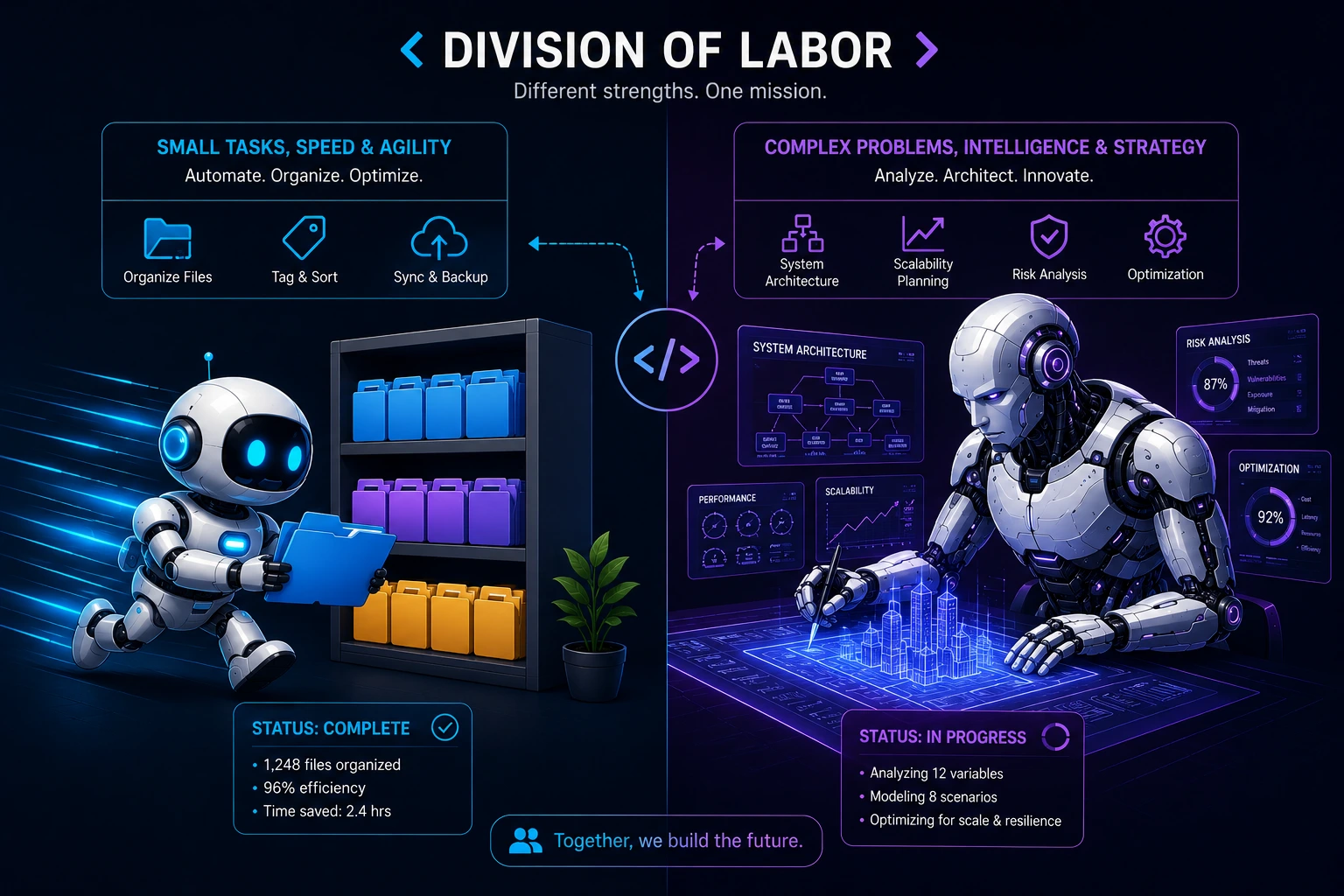
If you skip both Anthropic pricing and OpenRouter credits entirely, OpenRouter's free-model catalog is worth browsing directly at openrouter.ai/models filtered by "free." A few that currently hold up reasonably well inside Claude Code's tool-calling loop:
Model slug | Context | Best for |
|---|---|---|
minimax/minimax-m2.5:free | 196K | Agentic coding, tool use — currently the strongest free pick, ~80% on SWE-Bench Verified |
z-ai/glm-4.5-air:free | 131K | Fast agentic workflows |
openai/gpt-oss-120b:free | 131K | Reasoning-heavy work |
nvidia/nemotron-3-super:free | 262K | Large codebases |
inclusionai/ring-2.6-1t:free | 262K | Tool use, long tasks |
The :free suffix matters, drop it and you're billed at the model's normal rate. Free accounts get roughly 50 requests/day per model; add $10 in OpenRouter credit and that jumps to about 1,000/day. If you hit a limit, you can simply switch to a different free model rather than waiting it out.
Agent-tuned models like the ones above tend to produce well-formed tool calls more reliably than general-purpose chat models Claude Code retries automatically on a malformed call, but you'll still notice generalist models getting stuck in loops or giving up on tasks Claude would've handled in one shot.
Where Does MCP (Model Context Protocol) Fit Into All This?
This is the part that trips people up: switching your backend model and using MCP are two completely separate layers, and you can mix and match freely.
The backend model (Claude, Gemini, DeepSeek, whatever) is who's thinking.
MCP servers are tools that have access to your filesystem, GitHub, a database, a browser, a deployment pipeline, whatever you've wired up.
Model Context Protocol Claude connections don't care what's generating the tokens upstream. If you've got an MCP server configured for, say, GitHub issue management, it keeps working identically whether Claude Code's brain is currently Opus, Gemini Flash, or an open-weight model routed through OpenRouter. This is actually the whole point of MCP as a standard it decouples "the tools an agent can use" from "the model doing the reasoning," the same way USB decouples "the peripheral" from "which laptop it's plugged into."
Practical implication: if a cheaper model starts behaving erratically with your MCP tool calls hallucinating parameters, forgetting tool schemas, dropping context that's a model capability problem, not an MCP problem. Not every low-cost model has equally strong tool-calling. This brings us to the part that actually matters most.
Picking the Right Low-Cost Model for the Job (Not All Cheap Models Are Equal)
Here's the analogy every developer already understands: choosing a model for Claude Code is like choosing a Docker base image. You wouldn't run a 4GB Ubuntu:latest image for a task that alpine handles in 40MB but you also wouldn't try to compile a C++ project from scratch. Right tool, right weight class, right job.
A few patterns that consistently hold up:
Background/orchestration tasks (file indexing, quick status checks, simple edits): a small, fast model like Gemini 2.5 Flash. It's inexpensive, low-latency, and these tasks don't need deep reasoning.
Main coding loop, moderate complexity: mid-tier models with strong tool-calling DeepSeek's coding-tuned releases (roughly $0.14/M input, $0.28/M output for V3) are a recurring favorite in community configs because they handle tool use reliably at a fraction of frontier pricing. DeepSeek R1 costs more (~$0.55/M input, $2.19/M output) but reasons through multi-step problems are far better still a fraction of Opus pricing.
Gnarly refactors, multi-file architectural changes, security-sensitive code: keep a frontier model (Claude) in the loop. This is not the place to save a few cents, subtle bugs from a weaker model reasoning about a distributed system can cost you far more than the tokens you saved.
A real gotcha to watch for: some cheaper models have a known "disappearing response" bug after a tool call the model executes the tool correctly, but the follow-up text response just vanishes, leaving Claude Code hanging. If you notice a model going silent mid-task instead of erroring cleanly, that's usually the tell. Swap it out for the background slot instead of the main one, or drop it entirely.
Rule of thumb: if your task involves reading, running, or checking go cheap. If it involves designing, spend the money.
A reality check on how much you're actually saving
It's easy to look at raw per-token pricing and assume you're always paying full sticker price on Claude but Claude Code sessions lean heavily on prompt caching, and cached reads cost a fraction of an uncached token. Developers who've actually logged their token counts have found cached reads make up the large majority of input tokens in a typical session, which means the effective cost of a paid Claude session is usually well below what naive "tokens × list price" math suggests.
That doesn't erase the savings from switching to a cheap model, but it does mean the gap is often smaller in practice than a "97% cheaper!" headline implies doing your own math from your actual usage logs (npx ccusage is a handy way to check this) before deciding a switch is worth the added friction.
The other side of that ledger: cheaper, non-Claude models fail more often on anything genuinely hard, and a failed agentic run isn't just wasted tokens, it's wasted time re-running, debugging why it failed, or manually finishing the job. Developers running the same task across Claude, DeepSeek, Kimi, and Qwen in parallel have reported dashboards going from "all green" on Claude to roughly 50/50 green/red on cheaper models, meaning tasks that needed to be re-run or escalated back up to a stronger model. Below a certain task-success rate, cheap tokens plus expensive human intervention can end up costing more than just paying for Claude in the first place.
The practical approach most people converge on: cheap models for the bulk of routine work, Claude for the 15–20% of tasks where getting it right the first time actually matters.
One more housekeeping note: if you're on a Claude subscription rather than API billing, check Anthropic's terms before wiring Claude Code into unattended automation or reselling access as part of a service subscriptions are generally fine for you personally using the CLI, but running it as an unattended backend for other people's requests is a different situation.
Bonus: Make Two Models Argue Instead of One Model Grading Its Own Homework
Everything above is about replacing Claude's backend to save money. There's a different, complementary idea worth knowing about: instead of swapping models, run two of them against each other on the same problem.
The logic: a single model reviewing its own plan has a feedback loop problem; it designs a solution, evaluates it, and approves it, all with the same training biases. Developers experimenting with this have set up structured, multi-round debates between Claude and Gemini specifically for decisions (architecture choices, prompt design, evaluation criteria) rather than routine coding one model proposes, the other challenges it with concrete edge cases, and after a couple of rounds they converge on one recommendation.
In practical write-ups of this approach, prompts and designs that a single model rubber-stamped were found to have real gaps once a different model family was asked to stress-test them specifically for loopholes and missed edge cases.
You don't need to build this yourself to get the underlying lesson: for a genuinely important decision, asking a second, differently-trained model to specifically look for problems in the first model's plan rather than just asking the same model to double-check itself tends to surface issues that self-review misses. That's a cheap thing to try even without any special tooling: paste your plan into a different model's chat window and explicitly ask it to find the holes.
Wrapping Up: Your New Cost-Optimized Claude Code Stack
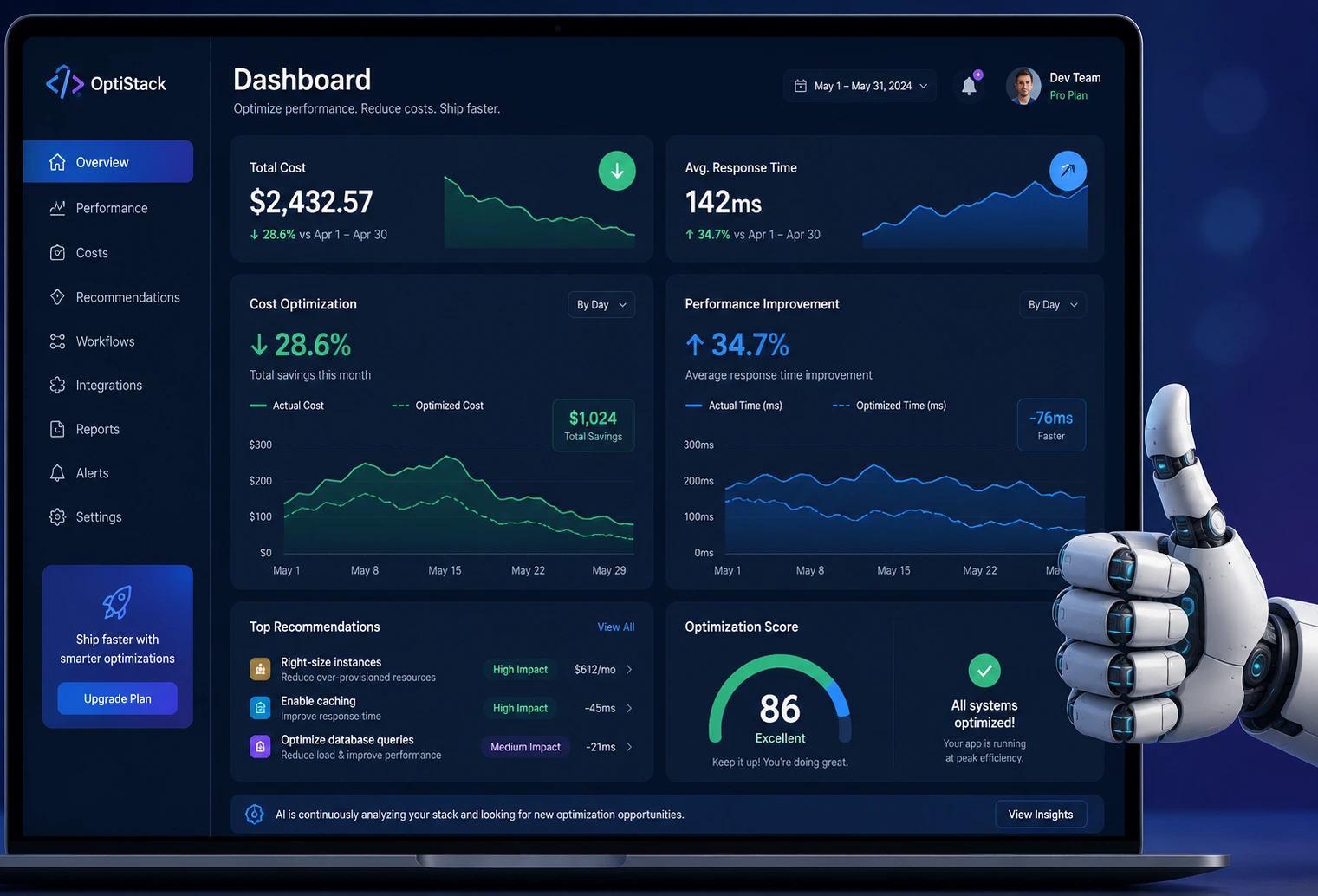
Here's the whole playbook in one glance:
Quick swap, one provider: a handful of env vars, OpenRouter's native Anthropic-compatible endpoint, done in five minutes — no proxy required anymore for most cases.
Completely free: Google AI Studio's Gemini free tier, or OpenRouter's :free model catalog (50–1,000 requests/day depending on credit).
Serious cost control, multi-provider routing: claude-code-router with a cheap background model and a stronger main model, still the right call when you want a real mix of providers and hot-swapping mid-session.
Tool access (MCP) is independent of your model choice: keep your MCP servers, swap the brain underneath freely.
Match model tier to task complexity cheap for chores, frontier for architecture and sanity-check your actual savings against your real, cache-adjusted usage rather than raw list pricing.
For big decisions, consider a second model as a critic, not just a cheaper replacement.
None of this requires abandoning Claude Code's agentic harness; the tool-calling, the sub-agents, the terminal access you already rely on stays exactly the same. You're just getting smarter about who's footing the reasoning bill for each task, and a bit more honest about what you're actually saving.
Your turn: are you running a single-model setup, or have you already built a multi-provider routing config? Drop your background/main model split in the comments. I'm always looking to steal a better setup.