🔴 CRITICAL ERRORS TO FIX FIRST

1. Installation Method Is Outdated (High Priority)
The article's Fix 10 tells users to update via:
npm update -g @anthropic-ai/claude-code
npm uninstall -g @anthropic-ai/claude-code
npm install -g @anthropic-ai/claude-code
This is wrong. npm installation is now deprecated. The official README explicitly says:
"Installation via npm is deprecated. Use one of the recommended methods below."
Correct 2026 install/update methods:
# macOS/Linux (Recommended) curl -fsSL https://claude.ai/install.sh | bash # macOS/Linux via Homebrew brew install --cask claude-code # Windows (Recommended) irm https://claude.ai/install.ps1 | iex # Windows via WinGet winget install Anthropic.ClaudeCode |
For updating, users should use claude update (the built-in command) rather than npm. A one-time notice appears when npm global install can't auto-update, and /doctor lists the fixes.
Impact: Sending users to deprecated npm install may cause version conflicts, missing auto-update features, and new errors entirely separate from their original problem.
2. The Article Omits Windows Entirely (High Priority)
The article has essentially no Windows-specific guidance. Claude Code runs natively on Windows, and Windows users face distinct network issues:
Missing Windows content to add:
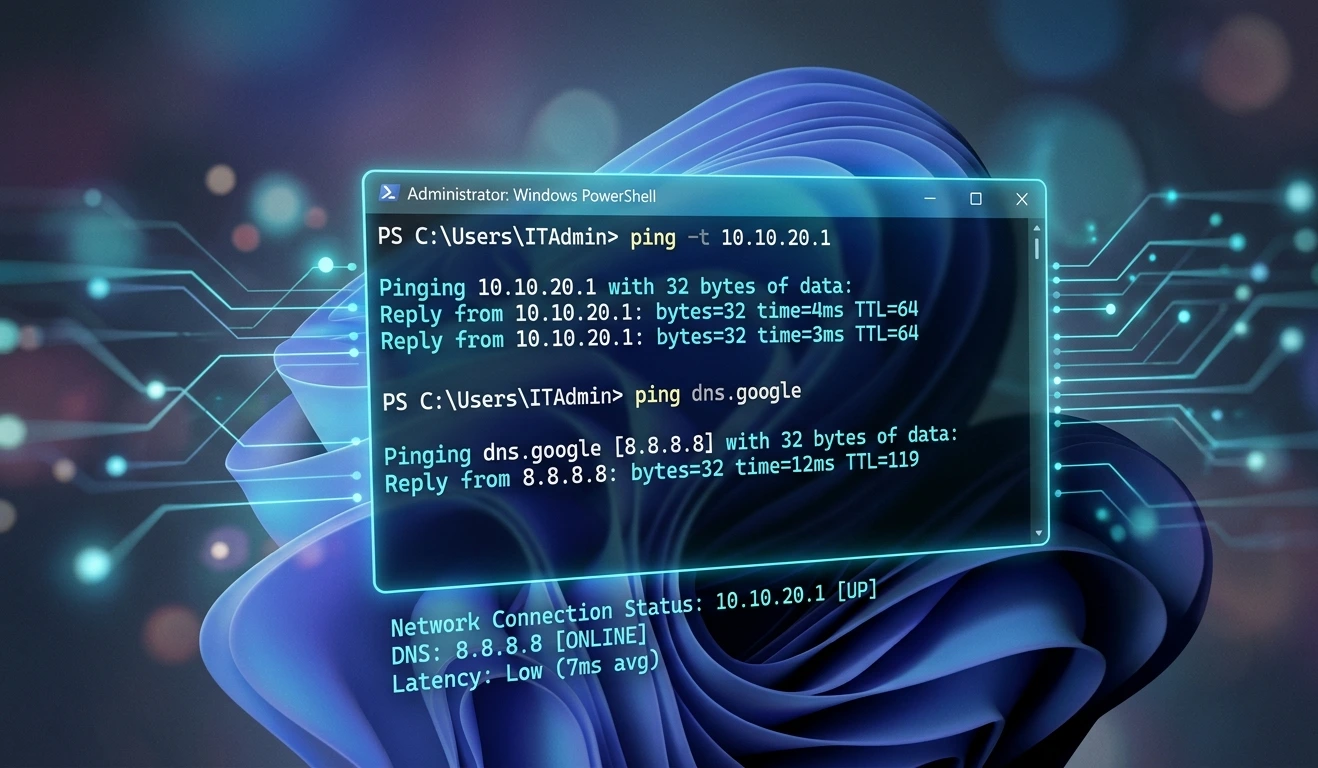
PowerShell connectivity test (mentioned briefly once but not covered as a section):
Test-NetConnection -ComputerName api.anthropic.com -Port 443
Windows-specific EEXIST errors: Fixed in v2.1.165 — bash commands on Windows failing with "EEXIST: file already exists" on the session-env directory when inside OneDrive or when the directory has read-only attribute. Workaround: move the project out of OneDrive-synced folders.
WSL (Windows Subsystem for Linux) proxy config: WSL has its own network stack. Proxy env vars set in Windows do not automatically carry through to WSL. Set them explicitly in ~/.bashrc inside WSL.
WinGet/PowerShell installer quirk (fixed in v2.1.156): The Windows PowerShell installer was previously reporting "Installation complete!" even when installation actually failed. Users on older versions should verify with claude --version after install.
Windows firewall vs. corporate firewall: Windows Defender Firewall can independently block outbound connections; check it separately from corporate firewall rules.
Environment variable syntax on Windows:
# PowerShell (not bash syntax) $env:ANTHROPIC_API_KEY = "sk-ant-your-key-here" $env:HTTPS_PROXY = "http://proxy.company.com:8080" # Persist permanently [System.Environment]::SetEnvironmentVariable("ANTHROPIC_API_KEY", "sk-ant-your-key-here", "User") |
3. Bedrock / Vertex / Foundry Users Get a False "API Key Required" Error (Medium-High)
The article assumes all users authenticate via ANTHROPIC_API_KEY. But many enterprise users connect through Amazon Bedrock, Google Vertex AI, or Anthropic Foundry. These platforms use completely different authentication.
Known bug (fixed in v2.1.165): claude -p was failing with "ANTHROPIC_API_KEY required" on Bedrock/Vertex/Foundry when CI=true was set and no Anthropic API key was present — even though those platforms don't use one.
Missing section to add — "Fix 11: Alternative Authentication Providers":
# For Amazon Bedrock export CLAUDE_CODE_USE_BEDROCK=1 # Authenticate via AWS credentials (aws configure or IAM role) # For Google Vertex AI export CLAUDE_CODE_USE_VERTEX=1 # Authenticate via gcloud auth application-default login # For Anthropic Foundry # Set ANTHROPIC_BASE_URL to your Foundry endpoint export ANTHROPIC_BASE_URL="https://your-foundry-endpoint.com |
Network implication: Each of these routes traffic to different endpoints (AWS, GCP, or custom). The firewall allowlist in Fix 5 (currently only api.anthropic.com) is incomplete for these users.
🟡 MISSING SECTIONS TO ADD
4. The /doctor Command Has Evolved — More Detail Needed
The article mentions Claude doctor but understates it. As of 2026:
/doctor now shows the result of your last update attempt.
It shows startup warnings with concrete fix suggestions.
It lists fixes when the npm global install can't auto-update.
It surfaces configuration warnings from the statsig.anthropic.com feature-flag endpoint.
Add to Quick Fix Checklist:
# Run inside an active Claude Code session /doctor # Or from terminal claude doctor |
Note the distinction: claude doctor (terminal) vs. /doctor (in-session slash command). Both exist and surface different information.
5. statsig.anthropic.com Is Missing from the Firewall Allowlist
The article's Fix 5 lists two domains to allowlist: | Domain | Port | Protocol | Purpose | |--------|------|----------|---------| | api.anthropic.com | 443 | HTTPS | Claude API calls | | statsig.anthropic.com | 443 | HTTPS | Feature flags / telemetry |
The statsig.anthropic.com row is already present in the article — good. However, additional endpoints are missing:

Domain | Port | Protocol | Purpose |
|---|---|---|---|
claude.ai | 443 | HTTPS | Auth, install scripts |
sentry.io | 443 | HTTPS | Error reporting (non-critical) |
*.anthropic.com | 443 | HTTPS | CDN, assets, updates |
Claude Code's background update mechanism and auth flow also contact claude.ai directly. Corporate firewalls that block claude.ai while allowing api.anthropic.com can cause partial failures.
6. Remote MCP Server Failures in Corporate Environments
The article covers MCP only in passing (the firewall allowlist table mentions statsig.anthropic.com). But users with remote MCP servers (as opposed to local stdio MCP) face a specific network issue:
From v2.1.155 changelog: "Fixed remote MCP servers failing to connect in Claude Code Remote sessions when the egress proxy is enabled."
Missing content: If users have remote MCP servers configured and get connection errors, the fix is to ensure:
The MCP server URL is also allowlisted in the proxy/firewall
HTTPS_PROXY applies to MCP connections (it does, since v2.1.155 fix)
The MCP server's SSL certificate is trusted (same NODE_EXTRA_CA_CERTS fix applies)
Add to Fix 3 (Proxy Settings):
# Verify MCP connections also go through proxy # Claude Code respects HTTPS_PROXY for MCP connections # Check configured MCP servers claude mcp list # Note: claude mcp list/get no longer prints secrets to terminal # as of v2.1.161 (${VAR} references not expanded, credentials redacted) |
7. Auto-Update Mechanism and "Background Service" Network Failures
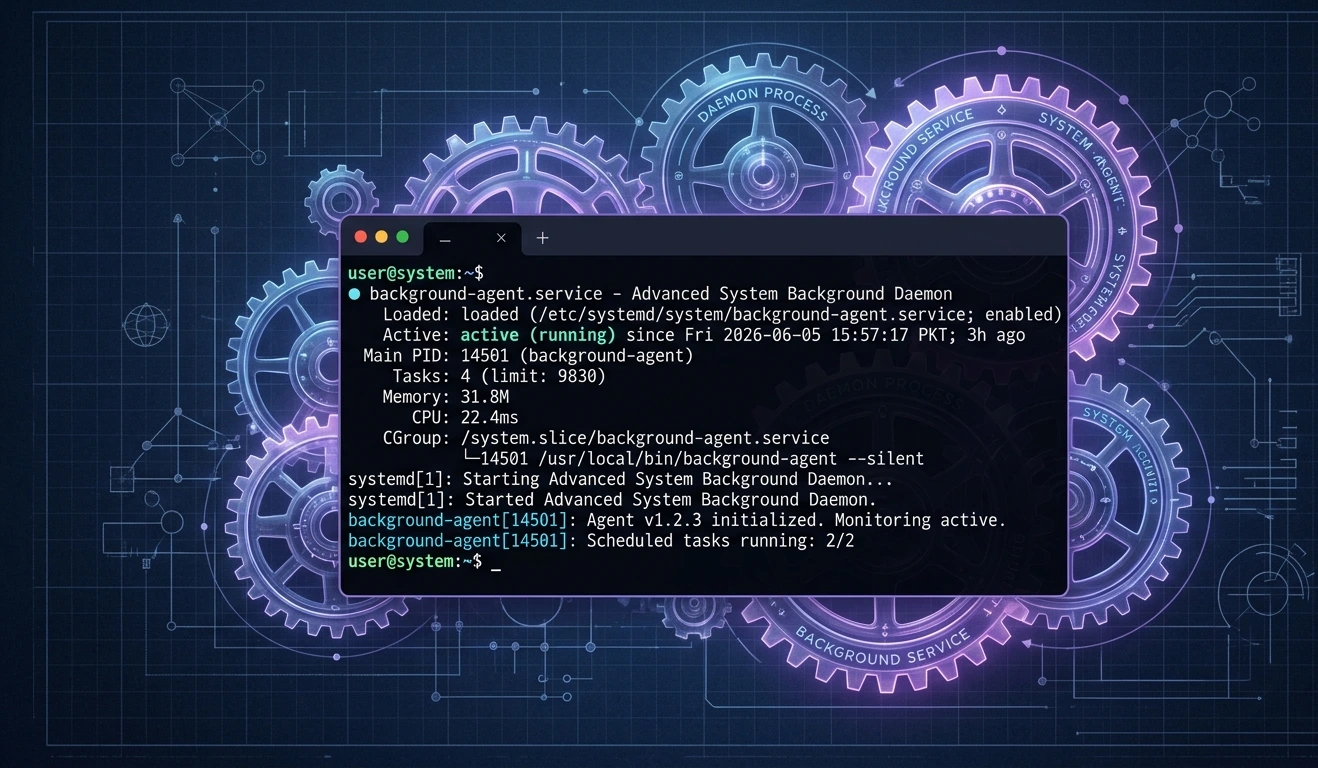
The article doesn't mention Claude Code's background daemon, which is new in 2026. The daemon handles:
Background agent sessions
Auto-updates
Plugin updates
Network errors from the daemon that look like Claude Code failures:
# Check if background daemon is running claude agents # Restart daemon if it's stale # (The daemon updates itself; if it's on an old version it may fail) claude update |
Known issues (from changelog):
Background service startup verification now waits out endpoint-security scanning of new binaries (EDR/antivirus) instead of failing after 5 seconds — relevant in corporate environments with endpoint security tools like CrowdStrike, SentinelOne, etc.
claude --bg could fail with "socket missing" when daemon was cold-starting on a loaded machine
Add a new error row to the Common Error Messages table: | Error Message | Meaning | Severity | Recommended Fix | |---|---|---|---| | socket missing / ENOENT on socket | Background daemon not running or cold-starting | Medium | Run claude update; wait 10s and retry | | claude: command not found (after install) | Binary not in PATH; installer may have failed silently | High | Verify with claude --version; reinstall using official method |
8. EDR / Endpoint Security Tools Causing Connection Delays
The article mentions corporate firewalls but not Endpoint Detection & Response (EDR) tools — a major source of network failures in enterprise environments that's distinct from firewall rules.
Tools like CrowdStrike Falcon, SentinelOne, Microsoft Defender for Endpoint, Carbon Black can:
Intercept and inspect Claude Code's outbound HTTPS requests
Delay or block connections to unknown API endpoints during initial "learning" period
Kill processes that make unusual network connections (aggressive policy)
From v2.1.163 changelog: EDR-protected Go workflows were causing bash command failures because $TMPDIR handling conflicted with EDR sandbox rules.
Add to Fix 5 (Corporate Firewall Issues) or as a new Fix 11:
# Signs your issue is EDR-related: # - Claude Code works once then fails for 10-30 minutes (EDR blocking new binary) # - Works on some machines but not others with the same firewall rules # - Error appears only for the first few minutes after install # Solutions: # 1. Ask your security team to whitelist claude-code binary in EDR policy # 2. Ask them to add api.anthropic.com to EDR network allowlist (separate from firewall) # 3. Wait — EDR "learn" modes often auto-approve after initial inspection period |
9. claude -p (Non-Interactive / Pipe Mode) Network Specifics
The article doesn't mention --print / -p mode at all. This is widely used in CI/CD and scripts, and has distinct failure modes:
From v2.1.165 fix: claude -p was hanging forever after its final result when a backgrounded command never exits.
For CI/CD sections — add:
# Non-interactive mode (piping input to Claude) echo "explain this error" | claude -p # Common CI network issue: ANTHROPIC_API_KEY not set as env var # Test with: claude -p "hello" 2>&1 # If you get "ANTHROPIC_API_KEY required" on Bedrock/Vertex in CI: # This was a bug fixed in v2.1.165 — update Claude Code |
10. The claude update Command (Missing Entirely)
The article never mentions claude update, which is the correct way to update Claude Code in 2026.
Add to Fix 10 (Update Claude Code):
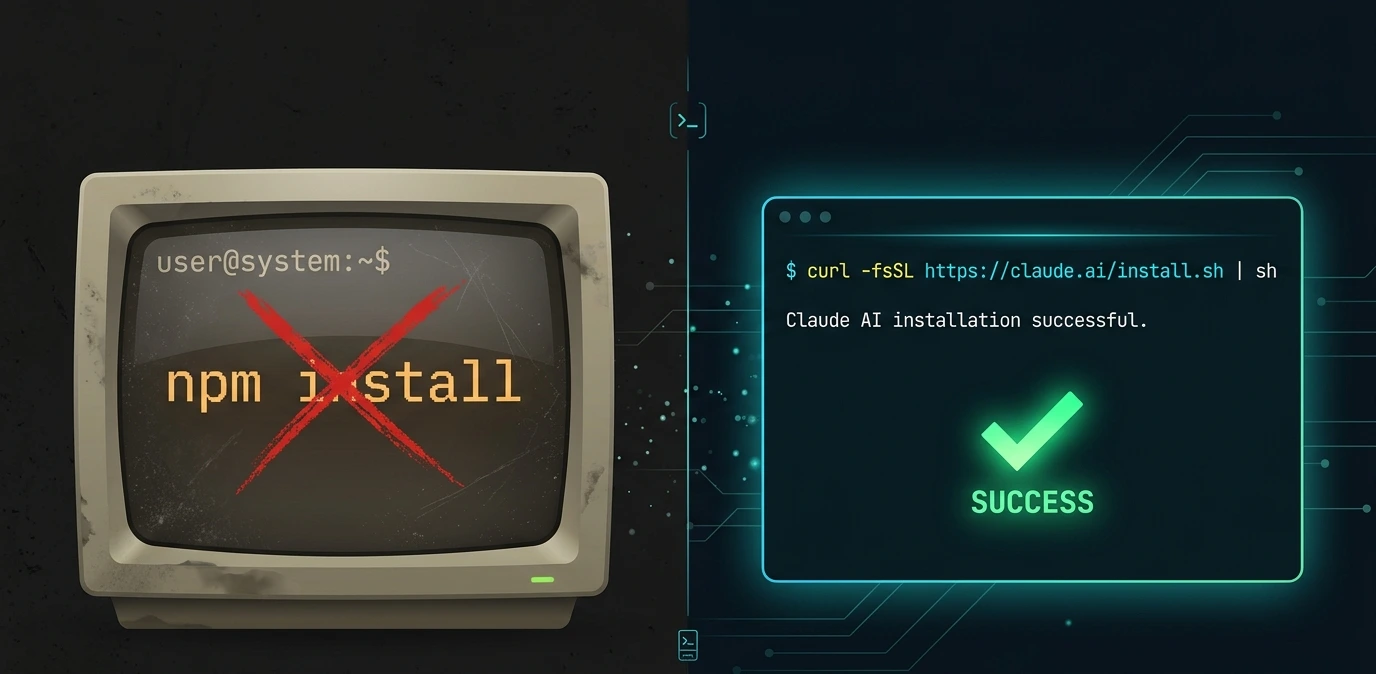
# Correct update method (2026) claude update # Check what version you're on claude --version # claude doctor shows result of last update attempt claude doctor |
Note: claude update respects the configured release channel (stable vs. beta). Using npm update instead bypasses channel configuration and may install the wrong version.
11. MCP Timeout Configuration (Common Source of Apparent Network Errors)
The article doesn't mention MCP timeouts, which are a frequent source of errors that look like network failures.

From v2.1.162 changelog: Fixed MCP per-server timeout config values below 1000ms being floored to a 1-second watchdog that aborted every tool call.
Missing content — add to Advanced Troubleshooting:
# Check MCP server timeout configuration claude mcp get <server-name> # MCP_TOOL_TIMEOUT environment variable controls default timeout export MCP_TOOL_TIMEOUT=30000 # 30 seconds # Per-server timeout in .claude/settings.json: # { # "mcpServers": { # "my-server": { # "timeout": 30000 # } # } # } |
12. Missing Error Messages in the Reference Table
The article's error table is missing several common errors seen in 2026:
Error Message | Meaning | Severity | Recommended Fix |
|---|---|---|---|
ANTHROPIC_API_KEY required (on Bedrock/Vertex) | Bug in older versions when CI=true | Medium | Update to v2.1.165+; use provider-specific auth |
no low surrogate in string | API 400 error from special characters (emoji) in MCP server names | Low | Update Claude Code; rename MCP server |
forceLoginOrgUUID blocking session | Managed settings policy conflict | Medium | Update to v2.1.162+; check with IT admin |
socket missing | Background daemon not running | Medium | Run claude update; cold-start may take ~10s |
EEXIST: file already exists (Windows) | Session directory conflict in OneDrive | Medium | Move project out of OneDrive sync folder |
EADDRINUSE | Port/socket conflict in custom TMPDIR | Low | Check CLAUDE_CODE_TMPDIR path length |
🟢 MINOR ADDITIONS & IMPROVEMENTS
13. Node.js Version Note Needs Updating
The article says "use Node 18+ LTS." As of 2026, Node 18 is end-of-life. The correct guidance is Node 20+ LTS (Node 22 LTS is current). However, this is now largely moot since npm installation is deprecated — the official installers bundle their own Node runtime.
Update to: "If using the deprecated npm installation method, use Node 20+ LTS. For the recommended installation methods (curl installer, Homebrew, WinGet), the correct Node version is bundled automatically."
14. claude doctor Now Shows Warning About npm Global Install
Add to FAQ or Best Practices:
If you installed via npm and see a startup notice saying "Claude Code can't auto-update," run claude doctor for the specific fix. The recommended fix is migrating to the official installer (curl -fsSL https://claude.ai/install.sh | bash).
15. IPv6 FAQ Answer Can Be More Actionable
The article's FAQ Q14 on IPv6 is accurate but vague. Add:
# Force IPv4 if IPv6 causes issues (Node.js flag) node --dns-result-order=ipv4first $(which claude) # Or set in environment export NODE_OPTIONS="--dns-result-order=ipv4first" |
16. Discord Community Resource Missing
The article's FAQ tells users to "contact support" but omits the Claude Developers Discord (anthropic.com/discord), which is the fastest path to community help for network issues. Many fixes for unusual corporate network setups have been crowd-sourced there.
Add to the bottom of the article or FAQ:
For issues not covered here, the Claude Developers Discord (anthropic.com/discord) is an active community where developers share environment-specific fixes, including unusual corporate network configurations.
📋 SUMMARY TABLE: What to Add vs. Fix
Issue | Type | Priority |
|---|---|---|
npm install deprecated → use curl/brew/winget | Fix existing content | 🔴 Critical |
Windows-specific section missing | Add new section | 🔴 Critical |
Bedrock/Vertex/Foundry auth not covered | Add new Fix 11 | 🔴 Critical |
claude update not mentioned | Add to Fix 10 | 🟡 Important |
EDR/endpoint security tools | Add to Fix 5 | 🟡 Important |
Background daemon errors | Add to error table | 🟡 Important |
Remote MCP proxy fix | Add to Fix 3 | 🟡 Important |
claude -p in CI/CD | Add to FAQ Q11 | 🟡 Important |
MCP timeout config | Add to Advanced section | 🟡 Important |
6 missing error messages | Add to error table | 🟡 Important |
Node.js version guidance | Update existing content | 🟢 Minor |
IPv6 more actionable | Update FAQ Q14 | 🟢 Minor |
Discord community link | Add to resources | 🟢 Minor |
npm auto-update warning | Add to Best Practices | 🟢 Minor |
Frequently asked questions
Here are some common questions about our company.
Claude Code network errors are usually caused by firewall restrictions, proxy misconfigurations, DNS problems, VPN conflicts, SSL certificate issues, or blocked API endpoints.
Use the official update command:
claude update
Then verify your version:
claude --version
On macOS/Linux:
curl -I https://api.anthropic.com
On Windows PowerShell:
Test-NetConnection -ComputerName api.anthropic.com -Port 443
Yes. Configure the required proxy variables:
export HTTPS_PROXY=http://proxy.company.com:8080
export HTTP_PROXY=http://proxy.company.com:8080
Older Claude Code versions contained a bug that could incorrectly show this error. Update Claude Code and use the correct Bedrock or Vertex AI authentication method.
Most organizations should allow:
api.anthropic.com
statsig.anthropic.com
claude.ai
*.anthropic.com
sentry.io
This error usually indicates that the Claude Code background service is not fully running. Run:
claude update
Then restart Claude Code.
Run:
claude mcp list
Then verify firewall rules, proxy settings, SSL certificates, and MCP server availability.
Yes. Tools like CrowdStrike, SentinelOne, Carbon Black, and Microsoft Defender for Endpoint may inspect or temporarily block Claude Code network traffic. Ask your security team to allowlist Claude Code if necessary.