If you've spent any time in the indie hacker corners of X or Reddit lately, you've noticed something wild: people with zero coding background are shipping real, working web apps in a weekend. No bootcamp. No CS degree. No "learn to code in 100 days" YouTube series.
That's not a fluke. In 2026, AI coding tools have gotten good enough that the bottleneck for building software isn't syntax anymore, it's your idea. 84% of developers now use AI tools that write over 40% of their code, and an entirely new category of "no code AI app builders" has grown up around that shift, built specifically for people who've never opened a terminal in their life.

Three names keep coming up in every conversation about this: Bolt.new, Cursor AI, and Windsurf. All three use AI to turn plain English into working software. But they are not the same tool wearing different skins, and picking the wrong one can mean weeks of frustration instead of a weekend MVP.
This guide breaks down Bolt.new vs Cursor AI vs Windsurf specifically through the lens of someone who can't code (or barely can) so by the end, you'll know exactly which one to open tonight.
A quick but important update: Windsurf isn't just "rebranded" cosmetically it changed owners. Cognition (the company behind the autonomous AI engineer Devin) acquired Windsurf's product, IP, and team for roughly $250 million in December 2025, and folded it into the Devin Desktop brand on June 2, 2026, via an over-the-air update. If you had Windsurf installed, it just quietly became a Devin Desktop one day with the same editor, same plans, same keybindings, new name and a few new agent-management features. (You may see older articles claim OpenAI bought Windsurf's parent company Codeium; that deal fell through in 2025 and is outdated; Cognition is the current owner.) Since most people are still searching "Windsurf," we'll use both names throughout.
A quick reality check before you pick a tool: if you dig through Reddit threads like r/ChatGPTCoding and r/developersIndia, or watch YouTubers who've actually tested all three side by side, one opinion comes up again and again: Cursor is for developers who want AI help in their existing workflow, Windsurf is for beginners who want a smooth, easy experience, and Bolt.new is for non-coders who want to build fast prototypes. That's roughly the consensus among people who use these tools daily, and it's the same conclusion this guide reaches so if you only remember one sentence from this article, that's the one.
Quick Comparison Table
Feature | Bolt.new | Cursor AI | Windsurf (Devin Desktop) |
|---|---|---|---|
Ease of Use | ★★★★★ Easiest — just describe your app | ★★★☆☆ Moderate — still a code editor | ★★★★☆ Beginner-friendly IDE |
Setup Time | None — runs entirely in browser | 5–10 min install + basic config | 5–10 min install + basic config |
Pricing | Free tier (1M tokens/mo); Pro from $25/mo | Free (Hobby) tier; Pro $20/mo; Business $40/user/mo | Free tier; Pro $20/mo; Max $200/mo; Teams $80/mo + $40/seat |
Ideal User | Total beginners, non-coders, founders | Developers and semi-technical builders | Beginners who want an autonomous agent |
Best Use Case | Fast prototypes, MVPs, hackathon apps | Full-stack apps, existing codebases | Multi-file builds with less babysitting |
Current Owner | StackBlitz | Anysphere (independent) | Cognition (acquired Dec 2025) |
Bolt.new: The Fastest Way from Idea to Live App
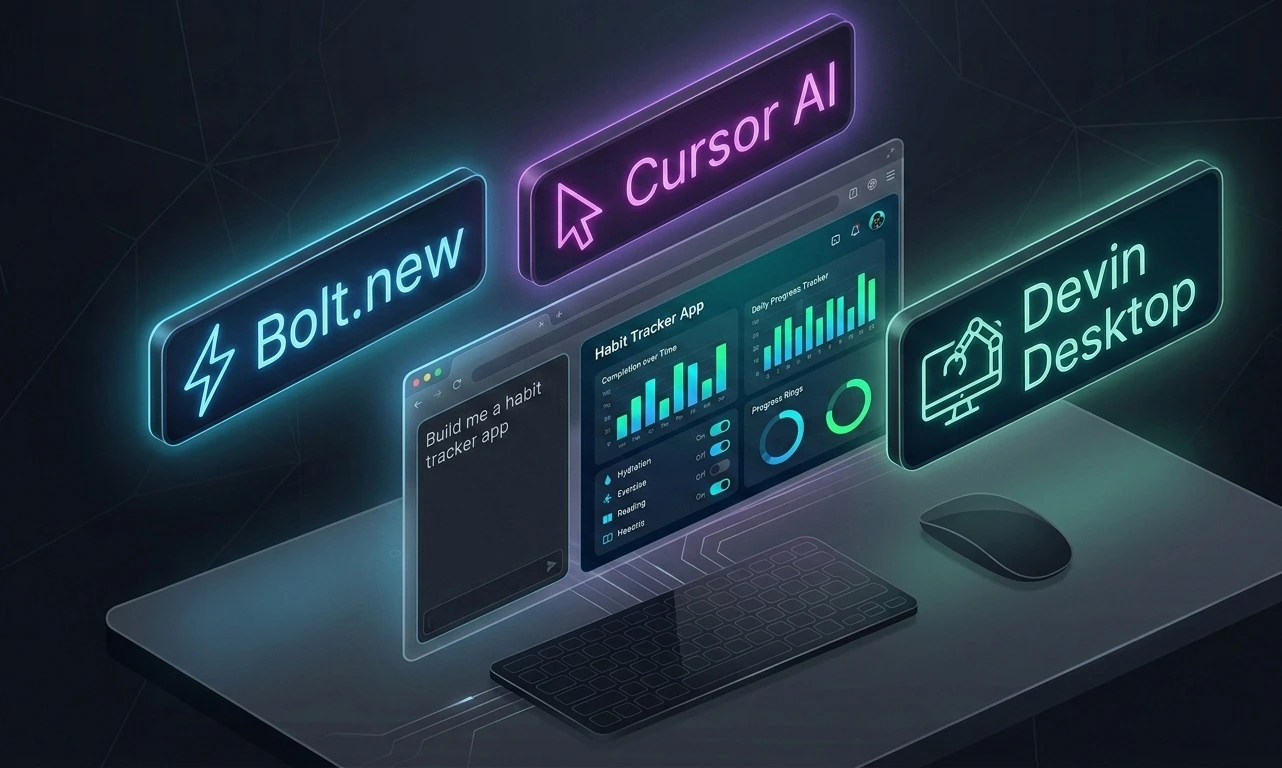
Bolt.new, built by StackBlitz, is probably the closest thing to "type your idea, get an app" that currently exists. There's nothing to install. You open your browser, type a prompt like "build me a habit tracker with login and a dashboard," and watch Bolt scaffold, install dependencies, and run a live preview all inside the browser tab, powered by a technology called WebContainers that essentially runs a real Node.js environment client-side.
Why Non-Coders Love It
Zero setup friction. No terminal, no environment variables, no "which Node version do I need." You just start typing.
Instant visual feedback. Your app appears live next to the chat, so you can point at something and say "make that button blue" instead of describing code changes.
One-click deployment. Bolt can publish your app to a live URL (.bolt.host or a custom domain on paid plans) in minutes, and it now supports Figma imports and GitHub export too.
Built-in backend. Supabase integration means even a non-coder can wire up a real database and authentication without touching SQL.
Pros
The fastest path from idea to deployed app, full stop
No coding knowledge required to get started
Generous free tier (300K tokens/day, 1M/month) for testing ideas before you commit
Great for validating a concept, building an MVP for investors, or entering a hackathon
Cons
Token costs can spike fast, especially when Bolt tries to "fix" its own bugs by rewriting whole files
Cloud-only your project lives in Bolt's sandbox, not a repo you fully control
Struggles with genuinely complex business logic
Not ideal for apps you plan to maintain and scale for years
Bottom line: if your goal is "get something working I can show people this week," Bolt.new is the answer. It's the definitive pick when people search Bolt.new vs Cursor AI looking for the non-coder option.
A word on pricing psychology: Bolt.new (like Lovable) runs on a credit/token system rather than a flat subscription. That means every prompt technically "costs" something, and heavy users report burning through tokens fast, especially when Bolt tries to fix its own bugs by rewriting entire files. If you're the type who likes to iterate freely without mentally counting the cost of each tweak, budget for this upfront rather than getting surprised by it mid-project.
Cursor AI: The Power Tool for People Willing to Learn a Little
Cursor is a fork of VS Code, rebuilt from the ground up for AI-first development by a company called Anysphere. That's the key difference to understand: Bolt.new is a builder, Cursor is a code editor. You're not typing into a chat box and watching a black box generate an app, you're inside a real development environment, and the AI works alongside you.
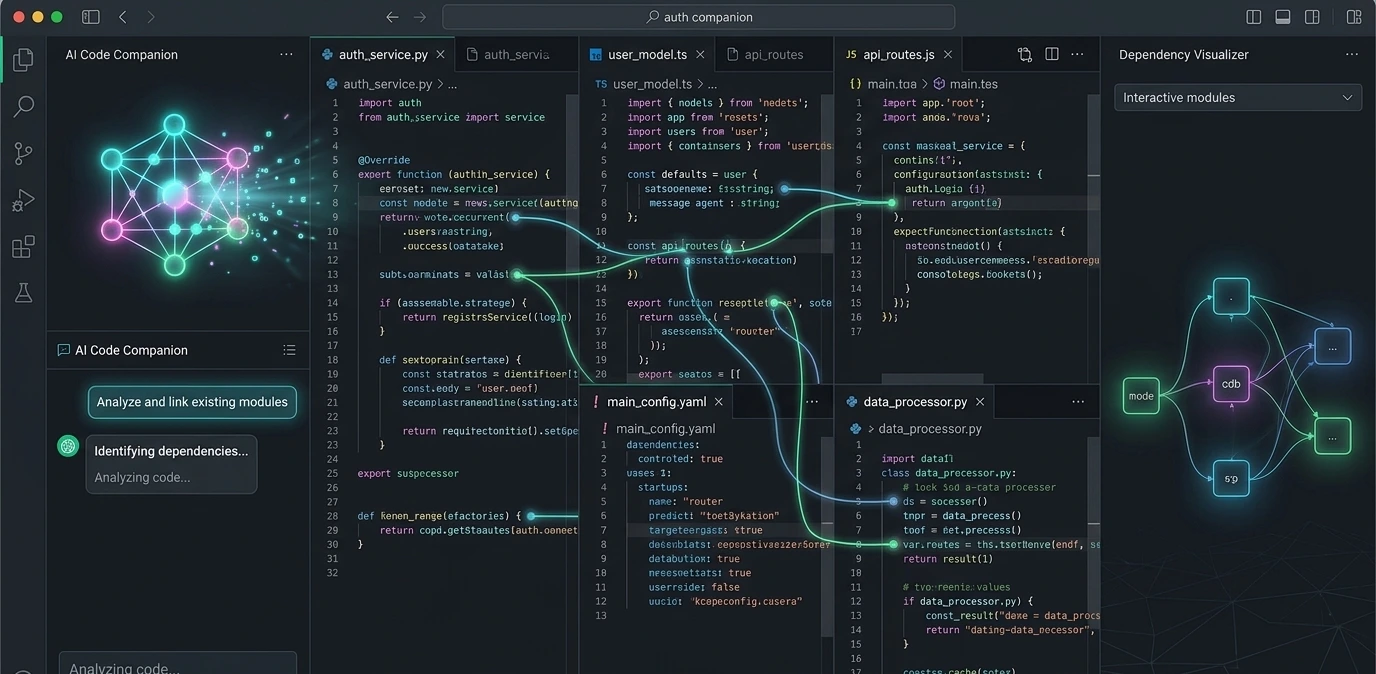
Cursor's superpower is codebase awareness. Its agent mode doesn't just write a function in isolation; it reads your entire project, tracks down the right files, makes coordinated edits across dozens of them, runs your tests, and keeps iterating until things pass. You can also pull in exactly the context you need using @ mentions (@file, @codebase, @docs, @web), and the @codebase command does semantic search across your whole project and finds relevant code by intent, not just filename.
Power users also lean on .cursorrules (or the newer .cursor/rules format), a plain-text file where you tell the AI your coding conventions, preferred libraries, and style guide, so every suggestion it makes actually fits your project instead of fighting it.
Pros
Best-in-class multi-file editing genuinely useful once your app has more than a handful of files
Tab autocomplete (next-edit prediction, not just line completion) is one of the fastest in the category
Real model choice: you can route tasks between Claude, GPT-4o, Gemini, and Cursor's own in-house model Composer 2 built specifically for cheaper, faster sub-agent work
You keep full control of your own repository from day one, not a hosted sandbox
Background agents let you queue a task and keep working elsewhere; Cursor's remote-access feature even lets you check on them from your phone
Massive plugin ecosystem inherited from VS Code
Cons
There's a real learning curve. You still need to understand what a repo, a terminal, and a file structure are.
It assumes you're comfortable reviewing diffs and occasionally fixing something the AI got wrong
Not built for no-code prototyping Cursor's own strength shows up after you have a codebase, not before
Pricing is credit-based, and heavy use of frontier models (Claude, GPT) can burn through your allowance quickly; Business tier runs $40/user/month
On very large projects, extended agent sessions can suffer from "context rot" , the AI's quality degrading as the conversation window fills up. Cursor doesn't have a built-in fix beyond starting fresh sessions for distinct tasks.
Bottom line: Cursor is the strongest Cursor AI alternative to Bolt.new for someone who wants to graduate from "vibe coding a prototype" to "actually owning and shipping a real product." It's less friendly on day one, but it scales with you.
Windsurf (Devin Desktop): The Agent That Does the Heavy Lifting
Windsurf built its early reputation on being the "smoother, friendlier" alternative to Cursor and even after Cognition's acquisition and June 2026 rebrand to Devin Desktop, that DNA is still there. Where Cursor asks you to review every diff, Windsurf's original agent, Cascade, tries to just handle the whole task for you: multi-file changes, running terminal commands, and remembering context about your project across sessions.
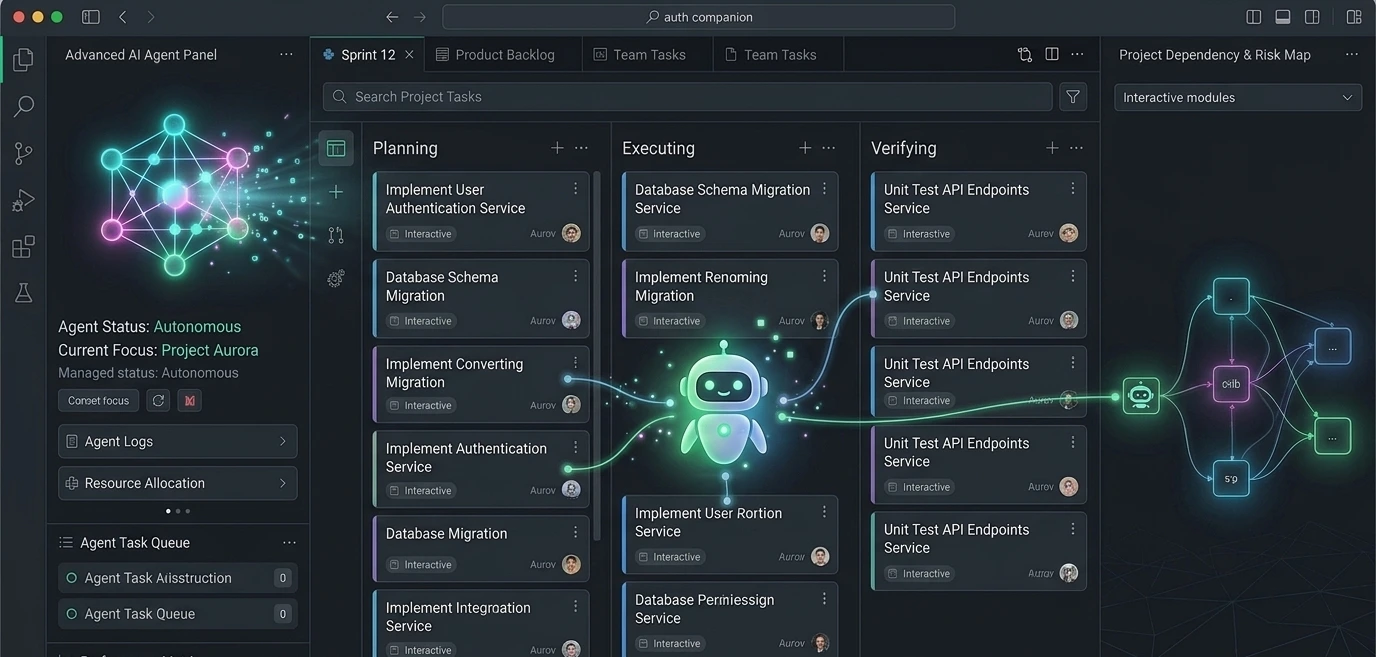
As of the rebrand, Cascade has actually been retired (it hit end-of-life July 1, 2026) and replaced by Devin Local, a rewritten-in-Rust successor that's reportedly around 30% more token-efficient and can spawn sub-agents to work on parts of a task in parallel. The app also now opens to an Agent Command Center, a Kanban-style board showing every local and cloud agent session (Running / Waiting for Review / Done) instead of dropping you straight into the code editor.
Think of Devin Local as a junior developer you trust with an assignment, versus Cursor's "pair programmer looking over your shoulder" feel. For a lot of non-coders, that hands-off approach is exactly what makes this editor easier to live with day to day.
Why It Works for Beginners
Cleaner, more guided interface than Cursor's — often described as the smoothest onboarding of the three code editors
Structured plan → execute → verify workflow (formerly "Flows") shows you the steps before it runs them, which builds trust for bigger tasks
Tighter default terminal integration — it reads build errors and test output directly, rather than you pasting them back into chat
Handles context automatically, so you spend less time configuring and more time describing what you want
Now supports the open Agent Client Protocol (ACP), an Apache-licensed standard that lets other AI agents (Codex, Gemini CLI, Claude Agent, and more) run inside the same editor — the strategic centerpiece of the rebrand
Pros
Autonomous agent reduces the amount of manual review needed
Lower learning curve than Cursor for people newer to code editors
Predicts multi-line edits well via its "Supercomplete"-style contextual autocomplete
ACP support means you're not locked into one agent brand going forward
Existing users kept their plan, settings, extensions, and keybindings through the rebrand — no forced migration
Cons
Still fundamentally a code editor, not a no-code builder — you'll see a real file tree and real code, which can be intimidating at first
Historically had fewer model choices than Cursor; model access has shifted around through two ownership changes, so double-check current options before committing
Occasional agent hallucinations or repeated failed fix attempts on complex tasks
The Windsurf → Devin Desktop rebrand means a lot of tutorials, YouTube reviews, and forum posts online are now out of date — if you're watching an older video, mentions of "Cascade" or "Windsurf" branding are describing the pre-June-2026 product
Same context rot issue as Cursor on very long agent sessions, though the structured plan/execute/verify flow mitigates it somewhat by breaking tasks into phases
Bottom line: for a Windsurf AI editor review verdict, this is the tool for someone who wants more control and a real codebase than Bolt.new offers, but finds Cursor's "you're basically a developer now" vibe intimidating. Just go in knowing you're using Devin Desktop now, not the old Windsurf.
Head-to-Head Verdict: Which One Should You Actually Use?
There's no single "best" answer here; it depends entirely on what you're trying to build and how comfortable you are getting your hands slightly dirty.

You have an idea and want to see it live today, with zero technical setup → Bolt.new. Nothing beats it for speed, and it's the clear winner for absolute beginners.
You want to build something you'll maintain, scale, and eventually hand to a developer or investor → Cursor AI. You'll own your code from day one, and it's the strongest choice once your project outgrows a single prompt.
You want an autonomous AI agent doing most of the work, with a gentler learning curve than Cursor → Windsurf (Devin Desktop). It sits nicely in the middle: more control than Bolt, less hand-holding required than Cursor.
If you're wondering which AI code editor is best for beginners specifically because you've never written a line of code, start with Bolt.new to validate your idea, then graduate to Devin Desktop or Cursor once you need real customization, a scalable backend, or investor-ready code.
An Honest Caveat: Windsurf/Devin Desktop and Cursor Still Assume You're "Technical-Ish"
Here's something a lot of comparison articles gloss over: neither Cursor nor Devin Desktop was actually built for people with zero technical background. Both are code editors. First you'll see a file tree, a terminal, and real code, and both assume you're comfortable with concepts like repositories, environments, and reviewing a diff.
They make that work faster with AI. They don't remove it. If that sounds intimidating, that's exactly why Bolt.new (and similar "no code AI app builders" like Lovable) exist as a separate category; they hide all of that under a chat box and a live preview. Know which category you're actually shopping in before you commit a weekend to learning one.
A Fourth Name Worth Knowing: Claude Code
If you keep researching this topic you'll run into a fourth tool constantly compared alongside these three: Claude Code, Anthropic's terminal-only agentic coding tool. It has no GUI at all; you type instructions into the terminal and it plans, writes, tests, and commits code autonomously. It's not aimed at non-coders (there's no visual interface to lean on), but it's worth knowing the name exists if you ever outgrow Bolt.new and Cursor/Devin Desktop start feeling too "editor-shaped" for backend-heavy or remote-server work.
Don't Skip the Review Step
One thing that comes up constantly in developer communities: AI-generated code from any of these tools needs a human check before it goes live. Independent research has found AI coding tools are more prone to producing insecure input handling, missing error states (they tend to only build the "happy path"), and weak accessibility. That's not a reason to avoid these tools, it's a reason to actually click through your app, try to break it, and fix the obvious gaps before you show it to a customer or investor.
Frequently Asked Questions
Start with a prompt-based builder like Bolt.new. Describe your app in plain English, watch it generate in the browser, tweak it by describing changes ("make the sign-up button green," "add a dashboard page"), and use the built-in deploy option to publish it to a live URL with no terminal or local setup required.
Yes, Bolt.new is the closest thing to a true no-code alternative, since it doesn't require you to understand a codebase at all. Windsurf, now Devin Desktop, is a middle ground: still a real code editor, but with a gentler learning curve and an agent that handles more of the heavy lifting than Cursor does.
Not gone renamed. Cognition acquired it and folded it into the Devin Desktop brand on June 2, 2026. Functionally it's the same editor with a new name, a faster local agent (Devin Local instead of Cascade), and an agent-management layer on top.
Absolutely, and many builders do exactly that. A common path: validate an idea in Bolt.new, then move the concept (or export the code where possible) into Devin Desktop or Cursor once you need more control, a custom backend, or code you can hand off to a developer.
Start Building — You Don't Need to Be a Programmer Anymore
The old excuse "I have a great app idea but I can't code" genuinely doesn't hold up anymore in 2026. Between Bolt.new's instant prototyping, Devin Desktop's guided agent workflow, and Cursor's full development power, there's a no-code AI app builder for every stage of your journey, from "just testing an idea" to "ready to launch a real product."
Pick the tool that matches where you are right now, not where you think you need to be. Most successful indie hackers start messy in Bolt.new, then move up to Devin Desktop or Cursor once the idea proves itself.
Ready to turn your side hustle idea into a real app this week? Explore more AI tool breakdowns, monetization playbooks, and step-by-step build guides over on hustletoai.com — and start building the thing you've been putting off.