Introduction
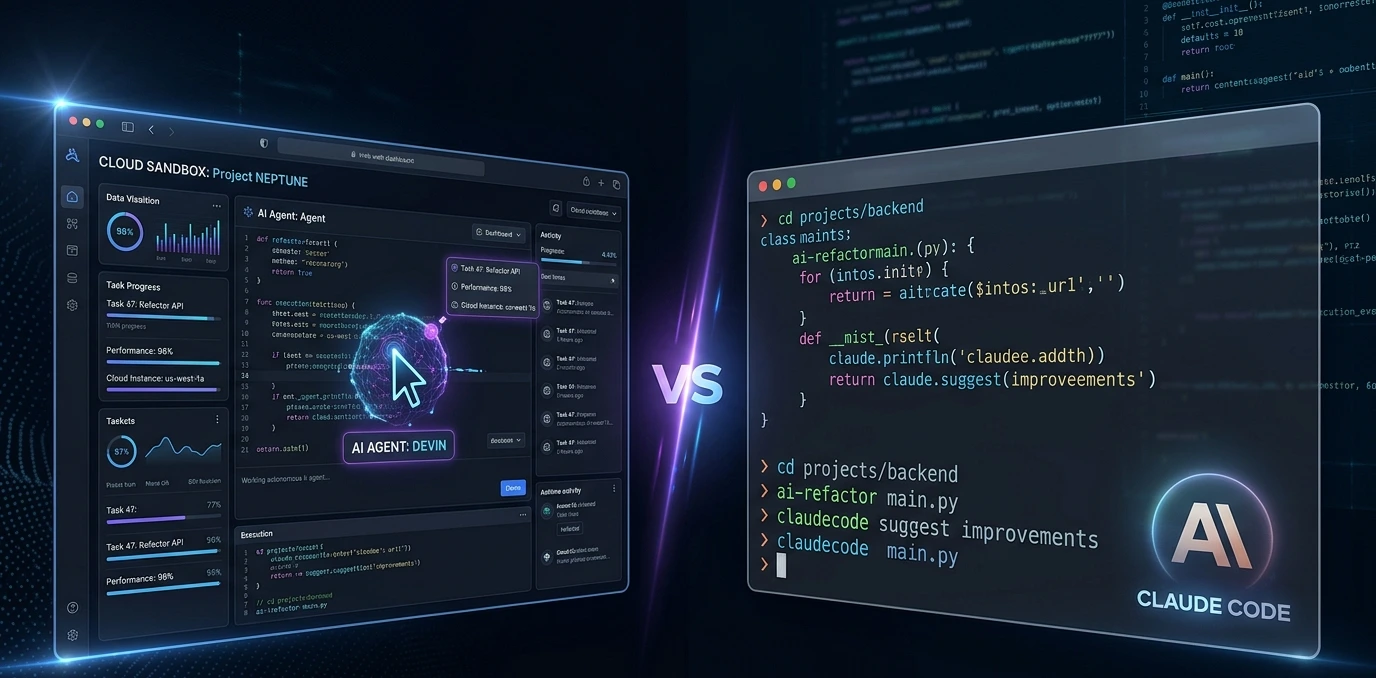
If you've been following the AI agent space in 2026, you've probably asked this question at some point: Devin AI vs Claude Code. Which one is actually worth my time and money?
The landscape has shifted dramatically since 2024. Devin killed its $500/month plan, Claude Code hit a 1M-token context window and scored 80.8% on SWE-bench Verified, and the entire category of autonomous coding agents matured from hype to something developers actually ship with.
Both tools promise faster software development. Both target developers who want to automate the boring, repetitive parts of their work. But they're built on fundamentally different philosophies, and choosing the wrong one for your workflow can waste real time and real money.
This guide breaks it all down with updated 2026 data — features, real pricing, SWE-bench benchmarks, use cases, and a clear final verdict.Claude Code White Screen Fix (2026)
What Is Devin AI?
Cognition AI launched Devin as what they called the world's first fully autonomous AI software engineer. The core idea: assign it a task, walk away, and come back to a pull request.
Devin operates inside a dedicated cloud sandbox environment; each task gets its own VM with a shell, a VS Code-style editor, and a built-in Chrome browser. It reads documentation in the browser, runs commands in the shell, writes code in the editor, and submits pull requests when done. You interact through a web dashboard or Slack.
Devin is designed for fire-and-forget autonomy. You don't sit next to it, you assign work and check back later.
Key Features of Devin AI
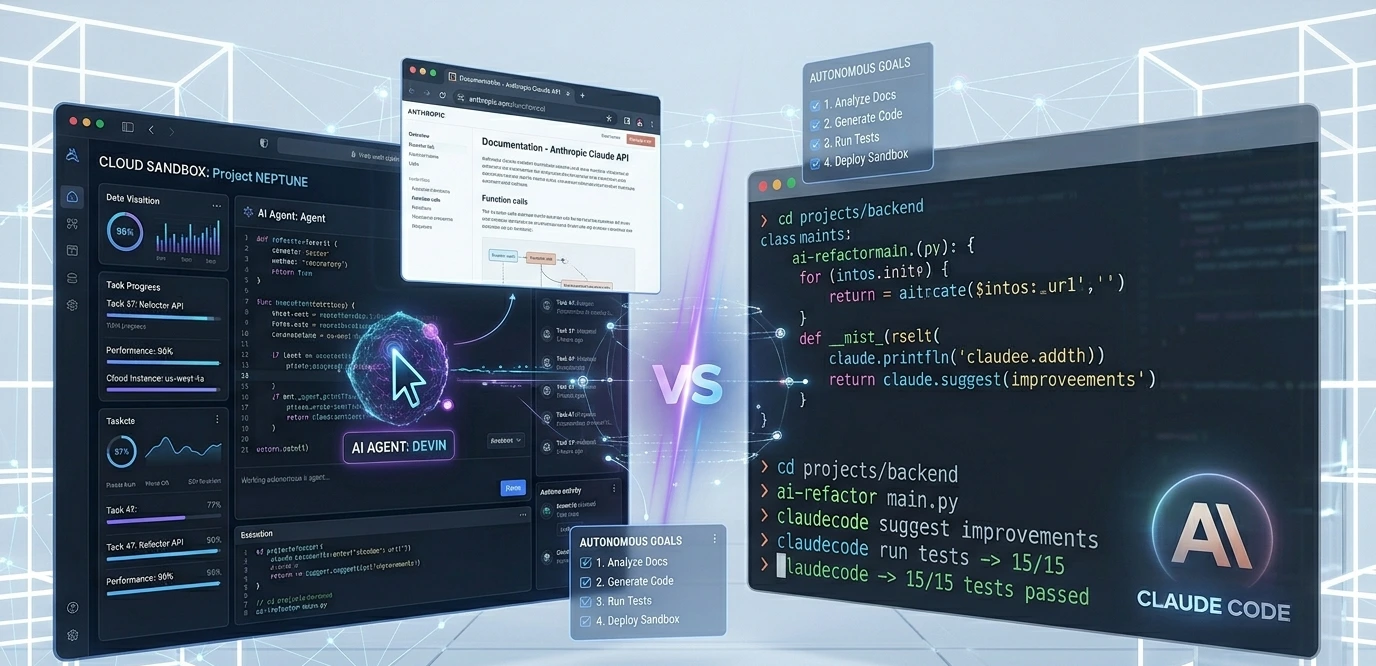
Cloud sandbox VM with terminal, browser, and editor
Fully autonomous, multi-step task execution
Built-in Chrome browser for live documentation research
Persistent memory across sessions
GitHub integration — PR creation and repo management
Slack-based interaction for async team workflows
Self-debugging and error recovery
📌 Pricing Note (2026) Devin dropped its $500/month Starter plan. It now operates through Cognition AI's ACU (Agent Compute Unit) model. Each ACU costs approximately $2.25 and covers roughly 15 minutes of agent work. Enterprise plans available with volume pricing. This makes Devin significantly more expensive for sustained daily use than most alternatives. |
What Is Claude Code?
Anthropic built Claude Code as a terminal-based AI coding agent that runs directly inside your development environment. It's not a separate cloud sandbox, it's a tool you install and run in your actual project directory.
Claude Code reads your real files, edits your real code, runs your actual test suite, and commits to your actual Git repository. You stay in the loop throughout. It operates on what developers describe as an Explore → Plan → Code → Commit workflow close to how a senior engineer actually thinks through a problem.

The model powering it matters: Claude Opus 4 scored 80.8% on SWE-bench Verified, making it one of the top-performing coding agents by benchmark in 2026. The newer Opus 4.7 pushed that to 87.6%.
Key Features of Claude Code
Runs natively in your terminal — no separate sandbox
Direct filesystem access — reads and edits your real files
Large codebase understanding with 1M-token context window
Shell command execution and test runner integration
Git workflow compatibility — commits, branches, diffs
MCP (Model Context Protocol) server integration for extensibility
CLAUDE.md file for persistent project memory
Custom slash commands for repeatable workflows
📌 Pricing Note (2026) Claude Code is available via the Claude Pro plan ($20/month, uses Sonnet) and the Claude Max plan ($200/month, unlocks Opus 4). For complex, judgment-heavy work, the Max tier regularly pays for itself in a single afternoon of saved debugging time. API-based access is also available for teams. |
Why This Comparison Matters in 2026
The AI coding tools market grew from $4.9 billion in 2024 to $7.65 billion in 2025 and is forecast to hit $9.46 billion in 2026. That's a 23.7% compound annual growth rate — and the tools are maturing to match.
According to the 2025 Stack Overflow Developer Survey, 84% of developers now use or plan to use AI tools in their workflow. But 52% still limit themselves to simpler autocomplete tools. The gap between what's available and what most developers actually use is enormous.
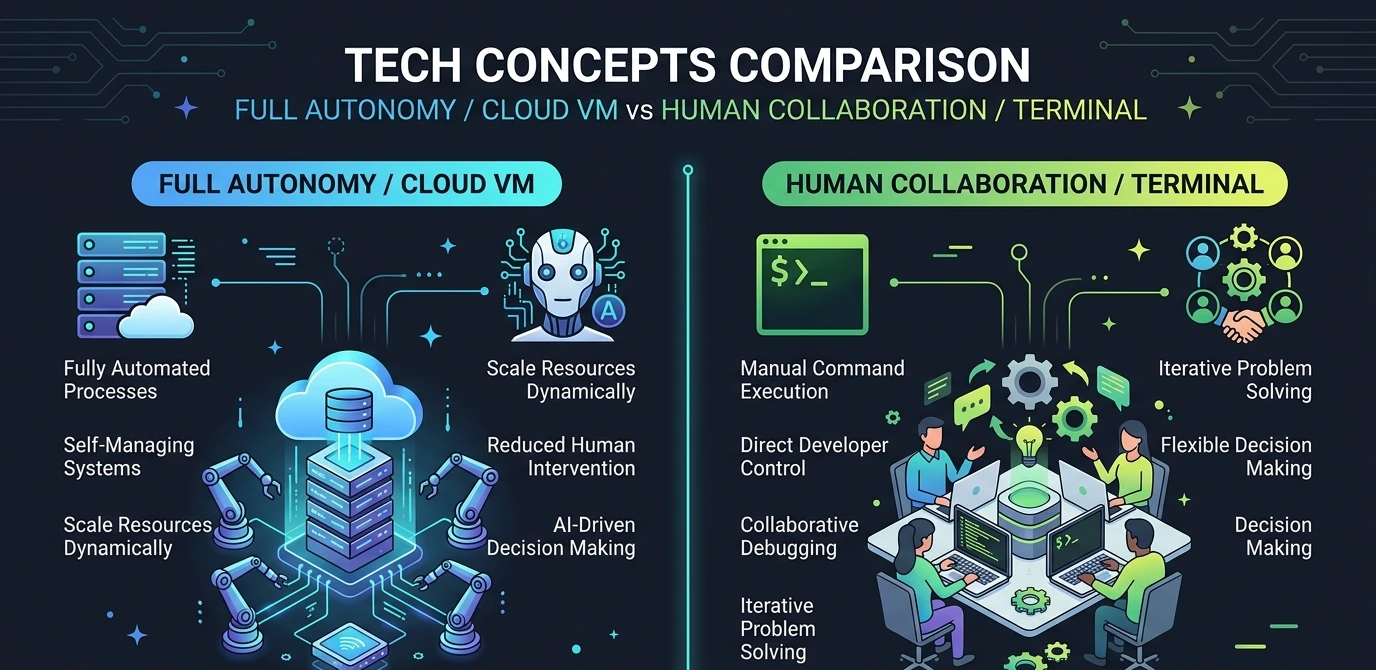
Devin AI and Claude Code represent the two dominant philosophies for crossing that gap: full autonomy vs. human-in-the-loop collaboration. Understanding which one fits your situation is the practical question every developer faces right now.
Full Feature Comparison: Devin AI vs Claude Code
Feature | Devin AI | Claude Code |
Environment | Cloud Sandbox VM | Your local terminal |
Autonomy Level | Fully autonomous | Human-in-the-loop |
Browser Access | Built-in Chrome | Via MCP tools |
Codebase Access | Repo cloning | Direct filesystem |
Long-Horizon Tasks | Excellent | Moderate |
Long-Horizon Tasks | Good | Excellent (80.8% SWE-bench) |
Session Memory | Persistent | Via CLAUDE.md |
MCP / Extensions | Limited | Robust ecosystem |
Setup Speed | Moderate (cloud) | Fast (terminal install) |
Pricing Entry Point | Enterprise-leaning | $20/mo (Pro plan) |
Best For | Delegated async tasks | Collaborative coding |
Step-by-Step: How Each Tool Handles a Real Task
Task: Add rate limiting to an Express.js API and write automated tests for it.
Using Devin AI
1. Open Devin's dashboard and describe the task in plain language with constraints and expected output.
2. Devin creates an execution plan — you can review it before it starts.
3. It clones the repository into its cloud sandbox.
4. It browses npm documentation to evaluate rate-limiting packages.
5. It installs express-rate-limit, writes the middleware, and connects it to the app.
6. It runs the existing test suite to check for regressions.
7. It writes new test cases using the existing test framework.
8. It creates a pull request with a description of the changes.
Best case: 20–40 minutes of hands-off work delivered as a PR. Worst case: it misunderstands a project-specific pattern and the PR needs significant rework before merge.
Using Claude Code
1. Open your terminal in the actual project directory, run claude.
2. Type: "Look at how our middleware is structured, then implement rate limiting using express-rate-limit. Write tests after."
3. Claude Code reads and understands your project files and existing patterns.
4. It proposes the implementation — you see it before anything is applied.
5. You approve (or adjust), and it edits the real files.
6. It runs your actual test suite and shows you the live output.
7. It writes tests, shows them to you, and saves on confirmation.
8. You review, commit, and push.
Total time: 10–20 minutes. Because Claude Code reads your actual codebase, it adapts to your conventions and catches edge cases specific to your project.
Pros and Cons
✅ Devin AI — Pros | ✅ Claude Code — Pros |
✓ Genuine fire-and-forget autonomy ✓ Strong for well-defined, repetitive tasks ✓ Browser access for live documentation research ✓ PR creation reduces team overhead ✓ Persistent memory across sessions | ✓ 80.8% SWE-bench Verified (Opus 4) ✓ Deep integration with your actual workflow ✓ 1M-token context handles large codebases ✓ Human-in-the-loop catches mistakes early ✓ Robust MCP ecosystem for extensibility |
❌ Devin AI — Cons | ❌ Claude Code — Cons |
✗ Expensive per-task (ACU pricing model) ✗ Errors can compound before you catch them ✗ Struggles with unusual internal codebases ✗ Overkill for most daily coding tasks ✗ Requires strong code review process | ✗ Requires active developer involvement ✗ Not fully fire-and-forget autonomous ✗ Browser access needs MCP setup ✗ Opus 4 requires $200/month Max plan |
2026 Benchmarks: What the Data Says
Raw benchmark scores don't tell the whole story, but they're a useful starting point for comparing coding performance.
Claude Code (Opus 4): 80.8% on SWE-bench Verified
Claude Code (Opus 4.7): 87.6% on SWE-bench Verified
OpenAI Codex (GPT-5.5): 82.7% on Terminal-Bench 2.0
Devin AI: SWE-bench scores not publicly disclosed for 2026
The absence of public 2026 benchmark data from Cognition AI is notable. Claude Code's transparency on performance metrics — and its consistently strong real-world results — is part of why it's the default choice for many senior developers when task quality matters.
Common Mistakes Developers Make
1. Treating Devin Like a Senior Engineer
Devin is powerful, but it has no context about your team's conventions, business logic quirks, or existing technical debt unless you explicitly provide it. Write task descriptions like you'd write a detailed ticket for a junior developer including constraints, the expected output, and what "done" looks like. Without that, autonomous execution drifts.
2. Using Claude Code Like a Chatbot
Claude Code's biggest strength is that it operates inside your real project. Using it as a generic coding Q&A tool misses the point entirely.VS Code Claude Error Fix: Run it where your code actually lives.
3. Not Setting Up CLAUDE.md
The CLAUDE.md file is how you give Claude Code persistent context project structure, key commands, coding conventions, architecture notes. Skipping it means starting from scratch every session. Set it up once, and every session becomes dramatically more productive.
4. Merging Devin's PRs Without Thorough Review
Because Devin operates autonomously, it's tempting to trust its output and merge. Don't especially for anything touching authentication, data handling, or external APIs. Treat Devin's PRs like contributions from a contractor: capable, but requiring full review.
5. Expecting Either Tool to Replace Architectural Thinking
Both tools are exceptional at implementation. Neither should be making high-level architectural decisions for you. Use them to execute on well-defined problems, not to figure out what to build.
Pro Tips
For Devin AI
Review Devin's execution plan before it starts; most interfaces allow intervention at the planning stage.
Use Devin for isolated, greenfield tasks or migrations. Avoid deeply entangled internal-framework work.
Pair Devin with a strong code review process treats its PRs like external contractor contributions.
For tasks with complex constraints, break them into smaller, well-defined sub-tasks rather than one large prompt.
For Claude Code
Maintain a strong CLAUDE.md with architecture notes, test commands, and coding conventions.
Use specific, concrete prompts: "Refactor getUserById to use async/await and handle 404" beats vague instructions.
Ask Claude Code to explain its reasoning before applying complex changes — it catches misunderstandings early.
Use slash commands to build repeatable workflows for your most common tasks.
For the Max plan ($200/mo), use Opus 4 on hard problems and Sonnet on routine tasks to manage costs.
Real Use Case: A Four-Person SaaS Team

A four-person startup building a SaaS analytics product uses both tools and the division of labor is instructive.
They assign Devin AI to boilerplate-heavy, well-defined tasks: adding new API endpoints that follow an established pattern, writing database migrations, setting up CI configuration for new services. They estimate it saves 3–5 hours per sprint on work that's valuable but tedious.
Their senior developer uses Claude Code for the harder problems debugging a complex data pipeline, refactoring a messy service, or quickly understanding an unfamiliar part of the codebase. It's open in the terminal all day, constantly part of the loop.
💡 Key Takeaway They don't treat it as either/or. Devin handles async background work. Claude Code handles collaborative, in-the-moment development. Together they cover different layers of the workflow — and neither tool does both jobs as well as each does its own. |
Solo Developer vs Team: Which Tool Fits?
For Solo Developers
Claude Code is almost always the better choice. It's more affordable, integrates into your existing workflow without extra infrastructure, and gives you control over every step. The human-in-the-loop model means mistakes get caught before they compound.
For Engineering Teams
It depends on your workflow structure. Devin works well for teams with repetitive engineering processes and strong code review practices. Claude Code works better for teams doing complex, architecture-heavy work where judgment matters more than autonomy.
Many teams particularly those with 4–20 engineers end up using both: Devin for background automation, Claude Code for active development.
FAQ: Devin AI vs Claude Code
For most solo developers, no. Devin's ACU-based pricing adds up quickly for sustained daily use, and its autonomous model is genuinely better suited to teams with well-defined, recurring engineering tasks. Claude Code offers significantly better ROI for individual developers.
Very well this is one of its genuine strengths. The 1M-token context window allows Claude Code to hold large amounts of code in context, and its codebase search capabilities help it find relevant files without you specifying them. It's regularly used on production codebases with hundreds of thousands of lines.
Yes, on well-scoped tasks. It works best on tasks with clear inputs, expected outputs, and established patterns. On tasks requiring deep understanding of custom internal systems or unusual architectural decisions, it benefits significantly from detailed upfront instructions and occasional check-ins.
Claude Code, consistently. It runs in your actual environment, reads real error logs, executes commands locally, and can iterate on fixes within seconds. Devin can debug, but the cloud sandbox adds friction — particularly for environment-specific issues.
Yes, and many teams do. The common pattern: Devin handles async background tasks (migrations, boilerplate, standardized features) while Claude Code assists developers during active coding sessions. They're genuinely complementary.
Different tools for different moments. Cursor is an IDE-level daily driver — it's where you live all day, with fast autocomplete and visual multi-file editing. Claude Code is a terminal-based agent for deeper, more complex tasks. Many developers use both: Cursor for the day-to-day flow, Claude Code for the hard problems.
Devin has an edge for greenfield work — give it a spec and it can scaffold an entire project from scratch. Claude Code is better once there's an existing codebase it can read, understand, and work within.
Final Verdict
Choose Devin AI if: → You have well-defined, repetitive engineering tasks to delegate → You're on a team that can integrate its PR workflow into your review process → You want tasks to run in the background while you focus elsewhere → Budget per-task is manageable at the ACU pricing scale → You're comfortable with a fire-and-forget autonomous workflow |
Choose Claude Code if: → You want AI integrated seamlessly into your existing terminal workflow → You're working on complex codebases that require deep understanding → You prefer human-in-the-loop execution that catches mistakes early → You're a solo developer or small team optimizing for ROI → You need the best benchmark performance (80.8%+ SWE-bench Verified) → You want extensibility through MCP and custom tooling |
The honest take: for the majority of developers in 2026, Claude Code is the more practical, more accessible, and more performant tool for day-to-day work. Its SWE-bench scores are public, its pricing is transparent, and it fits into how developers already work.
Devin AI is genuinely impressive for autonomous task execution, but it's solving a more specialized problem: background engineering delegation that not every team has at the scale that justifies its cost.
If you're serious about AI coding agents in 2026, start with Claude Code. If you find yourself wishing you could just assign whole tickets and walk away, explore Devin for those specific workflows.
Suggested Internal Links
How to Set Up Claude Code for Your Development Workflow → /how-to-set-up-claude-code
Best AI Coding Agents in 2026: Full Ranked Comparison → /best-ai-coding-agents-2026
Claude Code vs Cursor: An Engineer's Side-by-Side Comparison → /claude-code-vs-cursor
What Are AI Agents and How Do They Work? → /what-are-ai-agents
Getting Started with Coding Automation Using AI Tools → /getting-started-coding-automation
Schema FAQ (JSON-LD for Structured Data)
Paste the following into your page's <head> section: { "@context": "https://schema.org", "@type": "FAQPage", "mainEntity": [ { "@type": "Question", "name": "What is the difference between Devin AI and Claude Code?", "acceptedAnswer": { "@type": "Answer", "text": "Devin AI is a fully autonomous AI agent operating in a cloud sandbox that completes tasks independently and creates pull requests. Claude Code is a terminal-based AI coding agent by Anthropic that integrates directly into your development environment with human-in-the-loop control." } }, { "@type": "Question", "name": "Is Claude Code better than Devin AI?", "acceptedAnswer": { "@type": "Answer", "text": "For most individual developers, yes. Claude Code scores 80.8% on SWE-bench Verified, is more affordable ($20-$200/month vs ACU pricing), and integrates directly into existing workflows. Devin AI is better for teams with repetitive, well-defined engineering tasks to delegate." } }, { "@type": "Question", "name": "How much does Devin AI cost in 2026?", "acceptedAnswer": { "@type": "Answer", "text": "Devin AI uses an ACU (Agent Compute Unit) pricing model, costing approximately $2.25 per ACU (roughly 15 minutes of agent work). Enterprise plans are available. It dropped its $500/month flat plan in 2025." } }, { "@type": "Question", "name": "What is Claude Code's SWE-bench score in 2026?", "acceptedAnswer": { "@type": "Answer", "text": "Claude Code powered by Claude Opus 4 scores 80.8% on SWE-bench Verified. The newer Opus 4.7 model achieves 87.6%, making it one of the top-performing AI coding agents by benchmark in 2026." } }, { "@type": "Question", "name": "Can Devin AI and Claude Code be used together?", "acceptedAnswer": { "@type": "Answer", "text": "Yes. Many engineering teams use Devin AI for autonomous background tasks (migrations, boilerplate, PR generation) and Claude Code for interactive, complex coding sessions. They're complementary tools covering different parts of the development workflow." } } ]} |
Featured Snippet Answer
Q: What is the difference between Devin AI and Claude Code? Devin AI is a fully autonomous AI software agent by Cognition AI that operates in a cloud sandbox, plans multi-step tasks, and delivers pull requests without developer supervision. Claude Code is Anthropic's terminal-based AI coding agent that works inside your actual development environment with the developer in control throughout. Devin AI scores on autonomy and async delegation; Claude Code scores on benchmark performance (80.8% SWE-bench Verified), codebase understanding, and workflow integration. For most developers in 2026, Claude Code offers better ROI. For teams needing background engineering automation, Devin AI is a strong complement. |